Scripts per page
Pages load only the scripts their elements use, and Mosaic adds no jQuery. No popover, no script.

Mosaic is a visual WordPress builder. Your pages ship with the structure you build, the HTML tags you pick, and the class names you type, so anyone can check it in the page source.
No stacks of builder divs around your content, so pages stay light and easy to read in the source.
Less markup to clean up, so fewer caching and cleanup plugins get stacked on top for mobile scores.
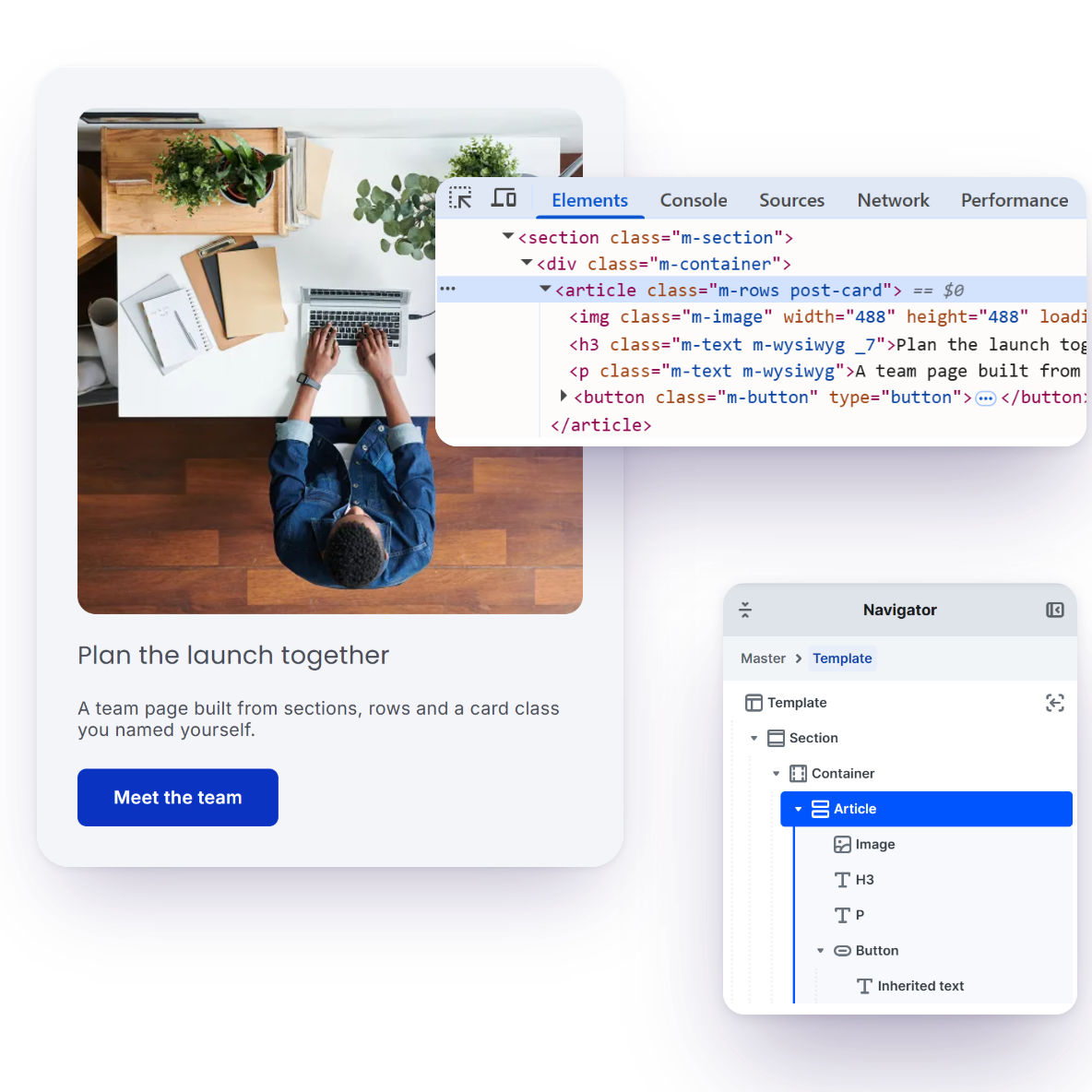
Every setting below is something you set in the visual editor, and each one shows up in the live page's HTML and CSS with exactly the tags and class names you chose.
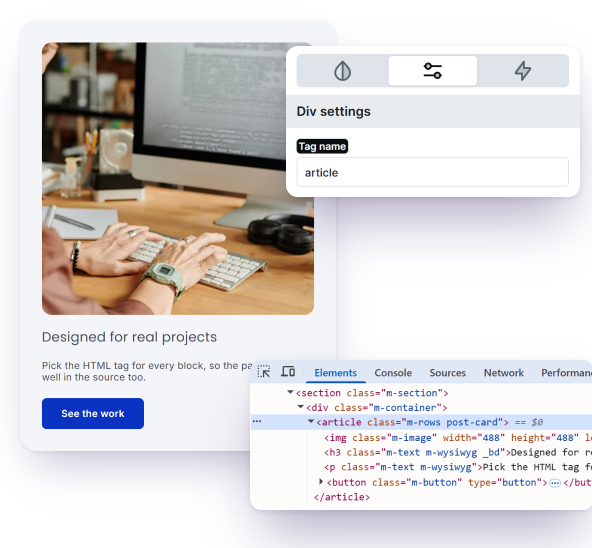
Set any container to the tag its content really is, and that same tag is what browsers and search engines read on your page.
Article, nav, main, ul or a tag you type
Set on Div, Section and Container elements
Read by screen readers and search engines
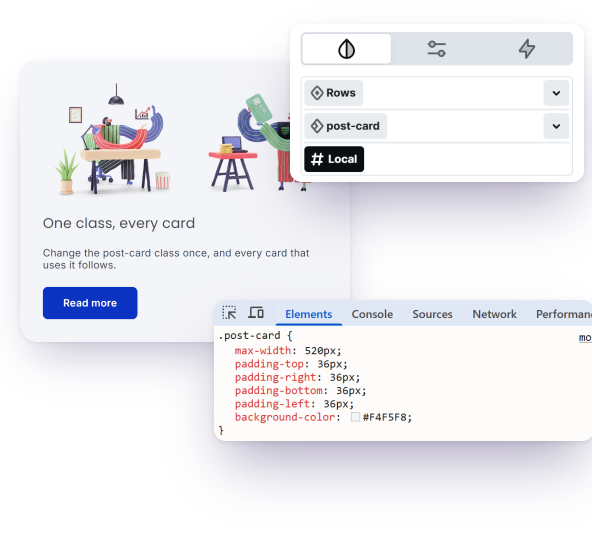
The class you type in the editor is the exact class on the page, so you can trace any style back in seconds.
Reusable classes with the names you gave them
Short generated classes only where an element needs one
No wrapper div around components placed on a page
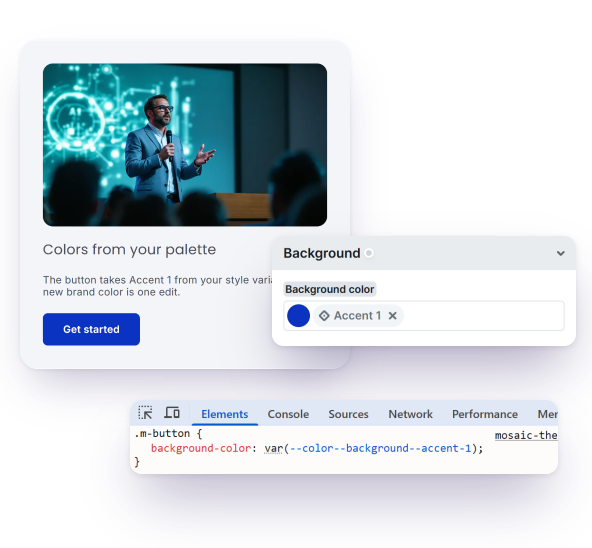
Colors, spacing, and fonts render as CSS custom properties, so a change in one place reaches every page.
Readable custom property names
Change a value once and every class that uses it follows
A rebrand without hunting through a long stylesheet
The speed settings sit on the elements and in Global settings, so you decide what each page loads while you build it, not after launch with extra plugins.
Pages load only the scripts their elements use, and Mosaic adds no jQuery. No popover, no script.
Set each image to lazy or eager loading, and give the hero a high fetch priority so it loads earlier.
Save Google Fonts on your own server, so every page loads them from your site, not from Google.
With Lazy load on, YouTube and Vimeo show a preview first, then load on a click or when in view.
David McCan of WebTNG built a template with ACF data in Mosaic and ran Lighthouse on mobile for his March 2026 review, with no tuning beyond the default theme setup.
How fast the page loads and becomes usable on a phone, scored out of 100 on a mobile connection.
How well the page works with keyboards and screen readers, so more of your visitors can use it.
Secure, current code, and no errors logged by the browser while the page loads and runs on a phone.
Basic search checks. He noted it would likely hit 100 with an SEO plugin for meta descriptions.
Real feedback from people who build their sites with Mosaic, shared in their own words, about what changed once their pages started shipping cleaner code.
After I started with Mosaic Builder, I was very happy with the very clean UI and then blown away by the UX. It feels totally different from page builders like Elementor or Divi and sits outside of the bloated code ecosystem. Mosaic is super fast, super clean, and will be the builder for my next projects.

Mosaic helped me to have control over my classes, over my design system. If you want a fast, light, and flexible site builder, Mosaic is the right choice.

The delivered HTML and CSS are small and honest. Look at the HTML and CSS it delivers before you look at the editor. That is what your visitors get.
Mosaic stands out as one of the most efficient WordPress builders I’ve used. Everything feels streamlined, from the interface to the way layouts and styles are handled. It lets me work faster without sacrificing control or quality. Solid performance, thoughtful design, and a tool I now rely on for every project.

Mosaic brings the experience of a modern design system into WordPress. By using global variables and reusable classes, it creates a much cleaner and more structured workflow. After working this way, most traditional page builders start to feel disorganized and harder to manage.

Mosaic feels like a modern builder designed for the future of WordPress. Clean structure, great performance, and a very thoughtful workflow.

Pick the plan that fits the sites you run, then open the source of the very first page you publish.
During the early bird period, the annual Personal and Creator plans cost nothing in the first year, and you can cancel at any time.
The Agency plan's early bird lifetime price of $199 covers unlimited sites and includes lifetime updates and support from the team.
If a subscription ends, your site keeps working on the front end for all your visitors. Updates, the design library and support stop.
A copy on localhost or on your host's staging domain is recognized automatically and doesn't use up a site on your plan.
What people ask before they trust a builder with a fast site, answered with what Mosaic does today and what it still leaves to your hosting and your plugins.
It can, and it depends on what the builder ships. The 2025 Web Almanac found that 45% of WordPress sites pass Core Web Vitals on mobile, and it names builders as a major contributor to the differences between sites. To check any builder, run PageSpeed Insights on mobile, then open the source and look at what surrounds a heading.
We use cookies to improve your experience, analyze traffic, and personalize content. By clicking "Accept all" you agree to storing them on your device. Read our privacy policy.