The basics are built before you quote
Every theme comes with type sizes, spacing, and colors set up, plus ready-made pages and blocks.
So when you price the job, you're not adding the hours to set that up again, or quietly eating them yourself.
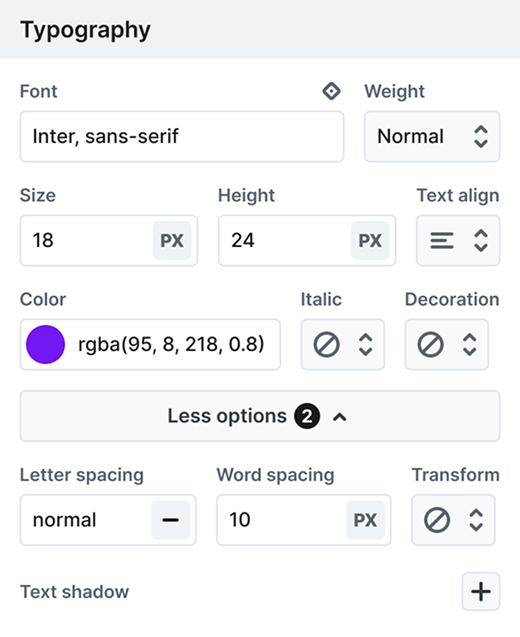
Client budgets aren't getting bigger. The spacing, colors, and page layouts are already built when you start, so your hours go into the design itself.
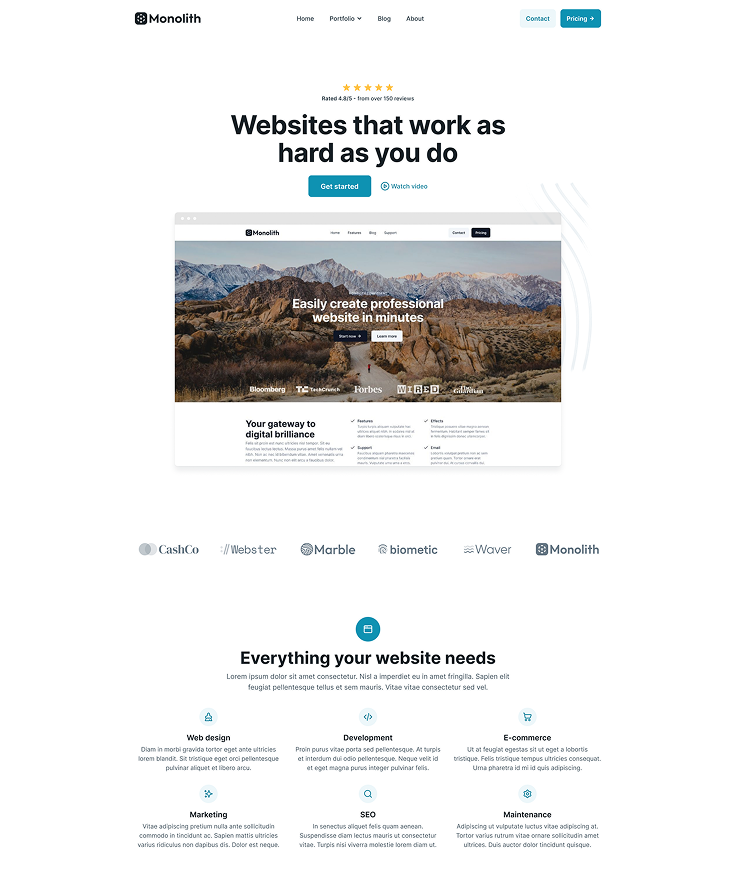
Pick the page kit closest to your client's line of work and start from finished pages.
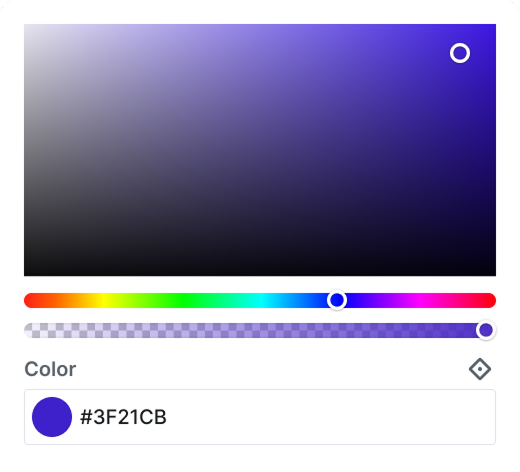
Change the brand color once and every element using it follows, on every page.
The free first year is early bird pricing, and it runs until the end of 2026, then standard rates apply.
You quote it, design it, build it, keep the live site safe, and hand it over, then do it all again for the next client. Here's where Mosaic takes work off your plate at each step.
Every theme comes with type sizes, spacing, and colors set up, plus ready-made pages and blocks.
So when you price the job, you're not adding the hours to set that up again, or quietly eating them yourself.


A four-step setup Wizard takes you from colors and fonts to templates, so day one ends on a working site.
Save your designs as components and reuse them, so page three is assembly, not a fresh start.

Duplicate the live theme and redesign it in Test mode. Only you see it, everyone else sees the current site.
Working alone, nobody catches a broken layout before visitors do. The live site changes when you switch it.


Set your buttons, headings and cards up as shared classes, and each style then lives in one place.
So when a client changes their mind in week three, it's one edit, not an afternoon on every page.


Your client logs in with the normal WordPress user roles their site already has, with no seats to buy.
Stop paying and your handed-over sites keep working. You just lose updates, the library and support.

Export the theme as a .zip with its classes, components and settings, then import it on your next client's site.
Creator covers ten active client sites on one license, so a new client means a new site, not a new bill.

What designers, developers and site builders say about building in Mosaic: a faster start on every project, a cleaner structure, and one edit that lands everywhere.
“The design library saves a huge amount of time when starting a project. Instead of building everything from scratch, I can start with well-designed sections and adapt them to my needs.”

“The Mosaic interface is organized and logical. In many page builders you constantly switch between tabs searching for CSS properties and settings, but in Mosaic the parameters are exactly where I expect them to be. Its library of blocks and pages, well designed class system, components, and interaction engine allow me to build complex and beautiful pages in hours instead of days.”
“After I started with Mosaic Builder, I was very happy with the very clean UI and then blown away by the UX. … Mosaic is super fast, super clean, and will be the builder for my next projects.”

“Mosaic stands out as one of the most efficient WordPress builders I’ve used. Everything feels streamlined, from the interface to the way layouts and styles are handled. It lets me work faster without sacrificing control or quality. Solid performance, thoughtful design, and a tool I now rely on for every project.”

“What I appreciate most is that Mosaic teaches good practices without forcing them. After using it for a while, my workflow became much more structured and consistent.”

“When I first tried Mosaic Builder, the first thing that shocked me was how smooth the builder is. Clicking between items, components, layouts, and elements feels incredibly fluid, everything responds instantly without any lag. The UI/UX is very well thought out. The interface is clean, organized, and free of clutter. Interactions and animations are another highlight.”

The whole design library comes with it, so no client project starts from an empty page.

There's a real learning curve, because Mosaic works like a design system rather than a blank canvas. The free first year means you learn it on your own projects first, not on a deadline someone's already paying for.
Four guided steps set up your first site as you learn the basics.
Every feature, every setting and core concept, all written down.
Tutorials on real effects and layouts, plus a YouTube channel.
Email a real person on the team whenever you get properly stuck.
Three WordPress creators tried Mosaic on their own YouTube channels. Pick one, watch how the workflow feels, and decide for yourself whether it fits the way you build client sites.
Paul, WPTuts

One license covers ten client sites, and after the first year it's $149 a year to keep it going.
The free first year is early bird pricing, and it's only on offer until the end of 2026. After that, it renews yearly, and you can cancel the renewal any time.
Use any theme and any page kit on any of your sites, with the class system, components, interactions and every other Pro feature fully included.
When you're stuck, you email the people who build Mosaic and typically hear back within one business day. You're not on your own.
Every paid purchase comes with a 14-day, no-questions-asked refund. And if you outgrow ten client sites, moving up a plan costs only the difference.
The things you'll want settled before you move client work onto Mosaic: what it costs, how the license works, what your clients get from it, and what it still can't do today.
Yes. Creator is sized for one person running several client sites at once, and it comes with 1-on-1 support from the people who build Mosaic for when you get stuck. Test mode, theme export, and everything else on this page work the same on every one of those sites, from one client to the next.
Our team reads every message. Tell us what you are trying to build, and someone who knows Mosaic answers you directly.
We use cookies to improve your experience, analyze traffic, and personalize content. By clicking "Accept all" you agree to storing them on your device. Read our privacy policy.