


Build the website you can't wait to show off

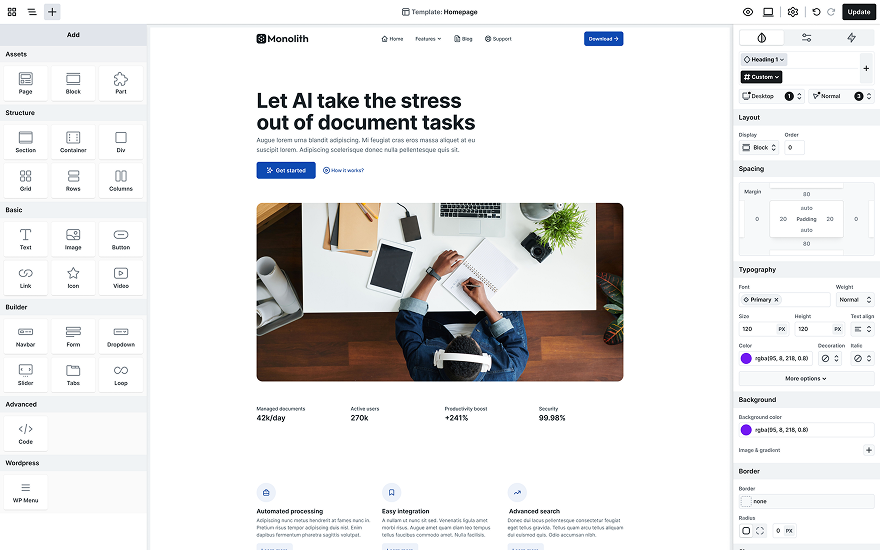
Mosaic is a visual WordPress theme builder for playing with every layout, style and animation, from your first page to the effects you've only admired so far.

Your site stays online
even if you stop paying

Build it your way, part by part

Take finished designs apart, lay out what you sketch, add motion that feels right and set your style once for every page. Here's how each part of the build works.

Finished pages
Design library
Navigator
Grids
Tablet and phone tweaks
Sticky headers
Mega menus
Slide-out menus
Scroll triggers
Hover effects
Timeline
Parallax
3D flip cards
Shape dividers
Global styles
Components

Take finished designs apart

Drop in a finished page or section, click any part to see how it's built, then change it until it's yours.

  • Themes with finished pages to explore

  • Pages, blocks and parts in the design library

  • Tutorials for real effects and layouts

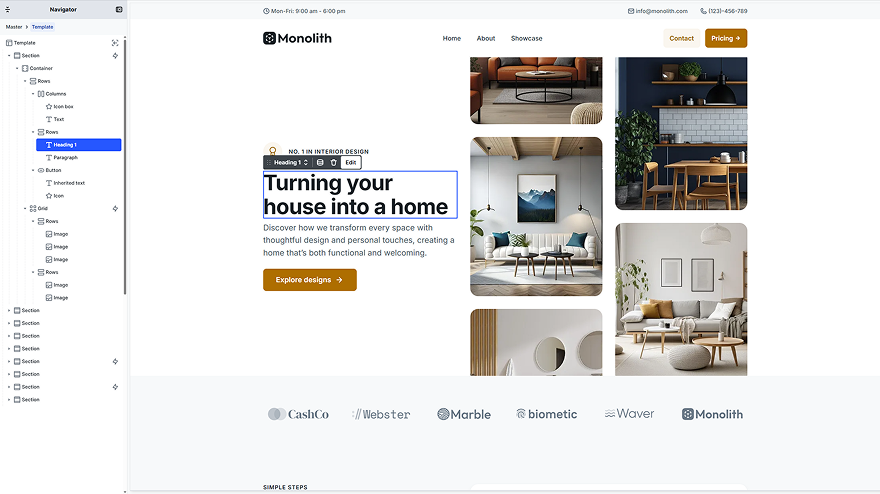
  • Every layer of the page in one tree

Lay out what you sketch

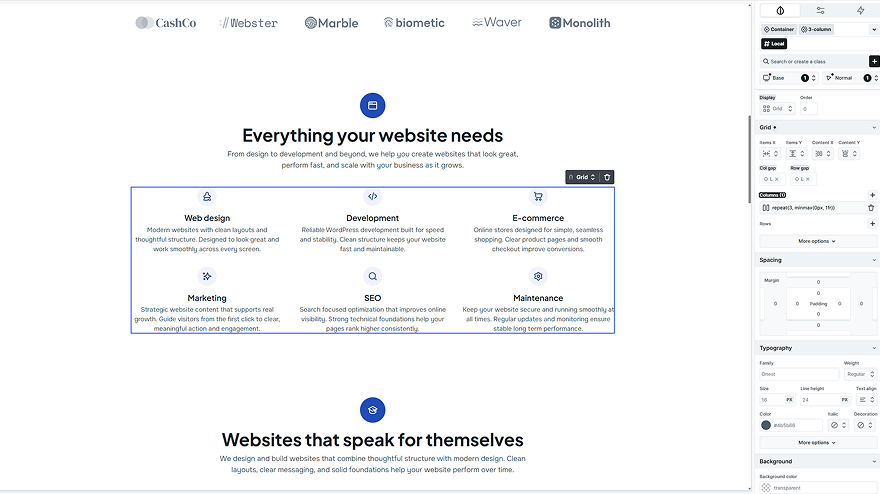
Put rows, columns and grids where you picture them, and choose how each part rearranges on tablet and phone.

  • Rows, columns and grids you size yourself

  • Separate tweaks for tablet and phone

  • Headers that stay put as visitors scroll

  • Mega menus and slide-out menus

Add motion that feels right

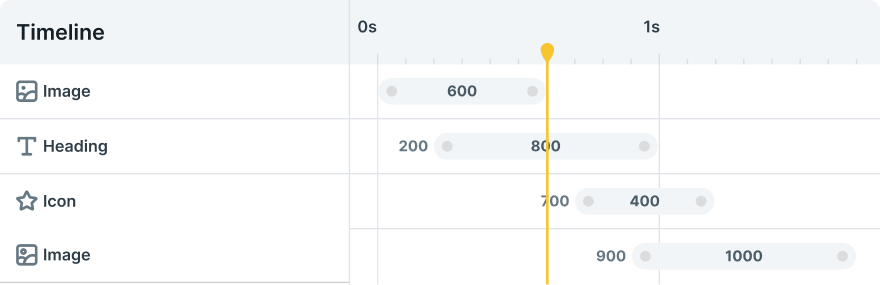
Make things fade, slide or flip, choose what starts them and tune every step on a timeline until the timing clicks.

  • Start on scroll, hover, click or page load

  • Duration, delay and easing for every step

  • Parallax scrolling and 3D flip cards

  • Animated shape dividers between sections

Set your style once

Save colors, fonts and spacing as styles, turn sections you love into components and reuse them on every page.

  • Change a color once and it updates everywhere

  • Edit a component once and every copy follows

  • Change your header once and every page follows

  • Google Fonts served from your own site

Room to grow, whatever you build

As your projects get more ambitious, the next tools are already waiting for you in the same editor you've been building in.

Layouts that fill themselves in

Design a portfolio grid or a listings page once, and every new entry you publish drops into it on its own, with extra details from a free plugin such as ACF.

Forms that really send

A contact or sign-up form with spam protection built in that sends each message to your inbox, or each new sign-up straight to MailerLite or Mailchimp.

Popups worth clicking

Open a box with a message, a form or a video when someone clicks a button, scrolls far enough down the page or looks about to leave, styled in your design.

Room for your own code

If you ever want to try something beyond the visual tools, paste your own HTML, CSS or JavaScript into the Code element, right next to everything you built.

Real takes from real users

What people noticed about how smooth the editor feels, how polished the animations look, what a finished design teaches and how styles carry across a site.

I was always sceptical of a new page builder coming out. I was in the comfort zone of using Breakdance for a very long time until Mosaic came in. The library is just amazing, a buffet of designs to choose from. The UI/UX is amazing as well: smooth, non-bloated, and super fast. Perfect for everyone from developers to beginners. I truly enjoy Mosaic. It’s the best investment I’ve ever made.

Azrul Naqeeb Zulkafli

Designer & entrepreneur

My colors and fonts are set once and my favorite sections are components, so every new side project starts from my own little design system.

Lena Hart

Freelance web designer

When I first tried Mosaic Builder, the first thing that shocked me was how smooth the builder is. Clicking between items, components, layouts, and elements feels incredibly fluid, everything responds instantly without any lag. The UI/UX is very well thought out. The interface is clean, organized, and free of clutter. Interactions and animations are another highlight.

Jornes Sim

Designer

What I appreciate most is that Mosaic teaches good practices without forcing them. After using it for a while, my workflow became much more structured and consistent.

Lukas Schneider

Design Student

The design library saves a huge amount of time when starting a project. Instead of building everything from scratch, I can start with well-designed sections and adapt them to my needs.

Daniel Hartmann

Freelance web designer

I build websites in my spare time, mostly to try out ideas I spot on other sites. In Mosaic I finally rebuilt a scroll animation I had admired for ages, step by step on the timeline, without adding a single extra plugin. Now every side project I start gets at least one effect I'm proud of, and I keep going back to fine-tune the timing of every single step just for the fun of it.

Ben Okafor

Hobby web builder

Still here for your next project

Your builder should last through every side project to come, so it matters who makes it. Mosaic comes from the team behind Smart Slider 3, and updates keep coming.

2012
The year Nextend began

Nextend, who make Mosaic, have built plugins for more than a decade.

800,000+
Sites running Smart Slider

Our slider plugin powers more than 800,000 websites around the world.

10
Releases since March

Mosaic 1.0 came out in March 2026, and nine updates have followed.

1 day
Typical email reply

Email questions are typically answered within one business day.

See the fun parts built

Flips, glides, hover tricks and plenty more: the effects that make a site fun to scroll are within reach in Mosaic. Watch the Mosaic team build a few, start to finish.

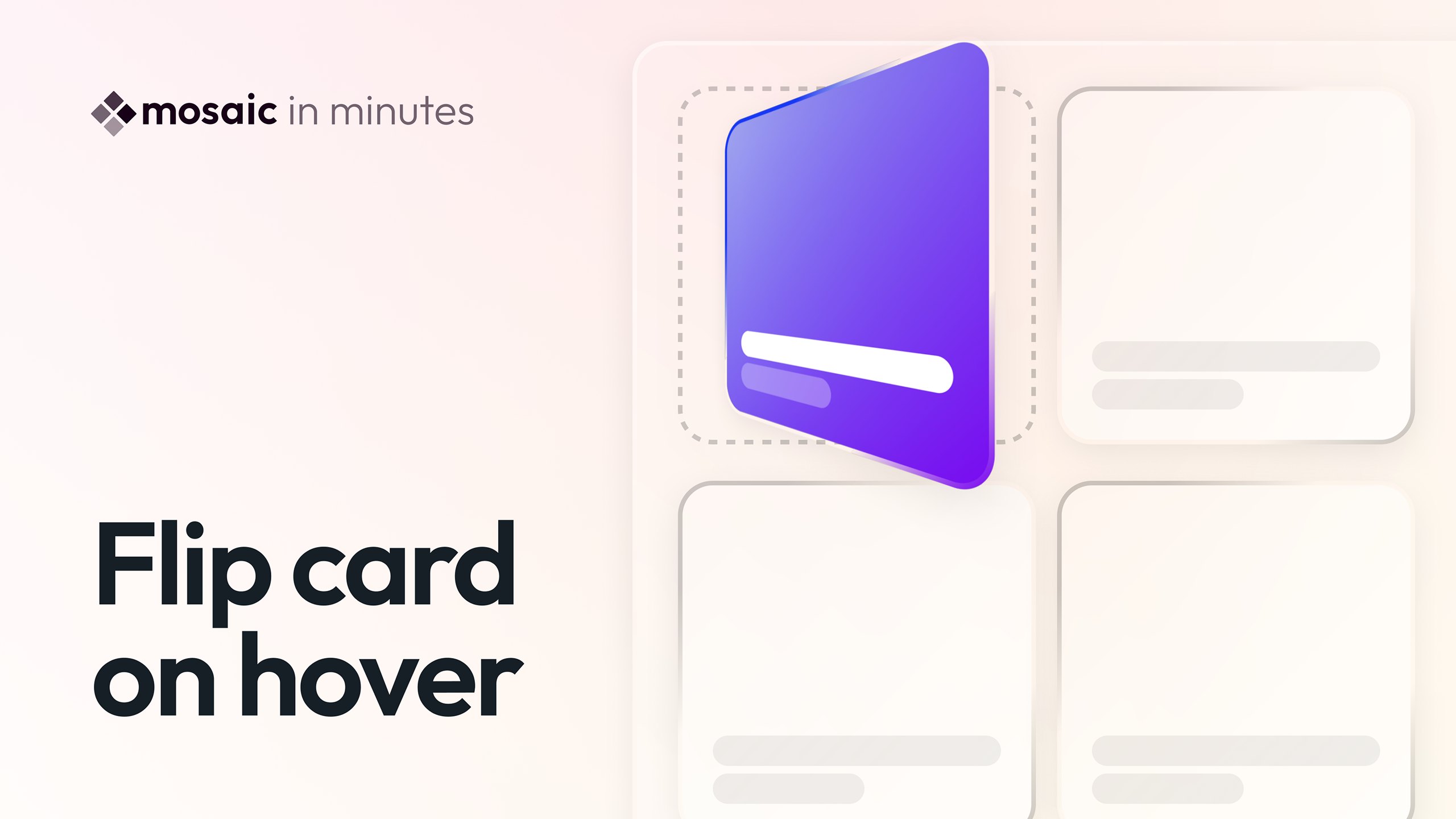
A card that flips in 3D

A front and a back side, rotated into place, then flipped over on hover with a smooth reverse.

Mosaic Builder
•
6 min
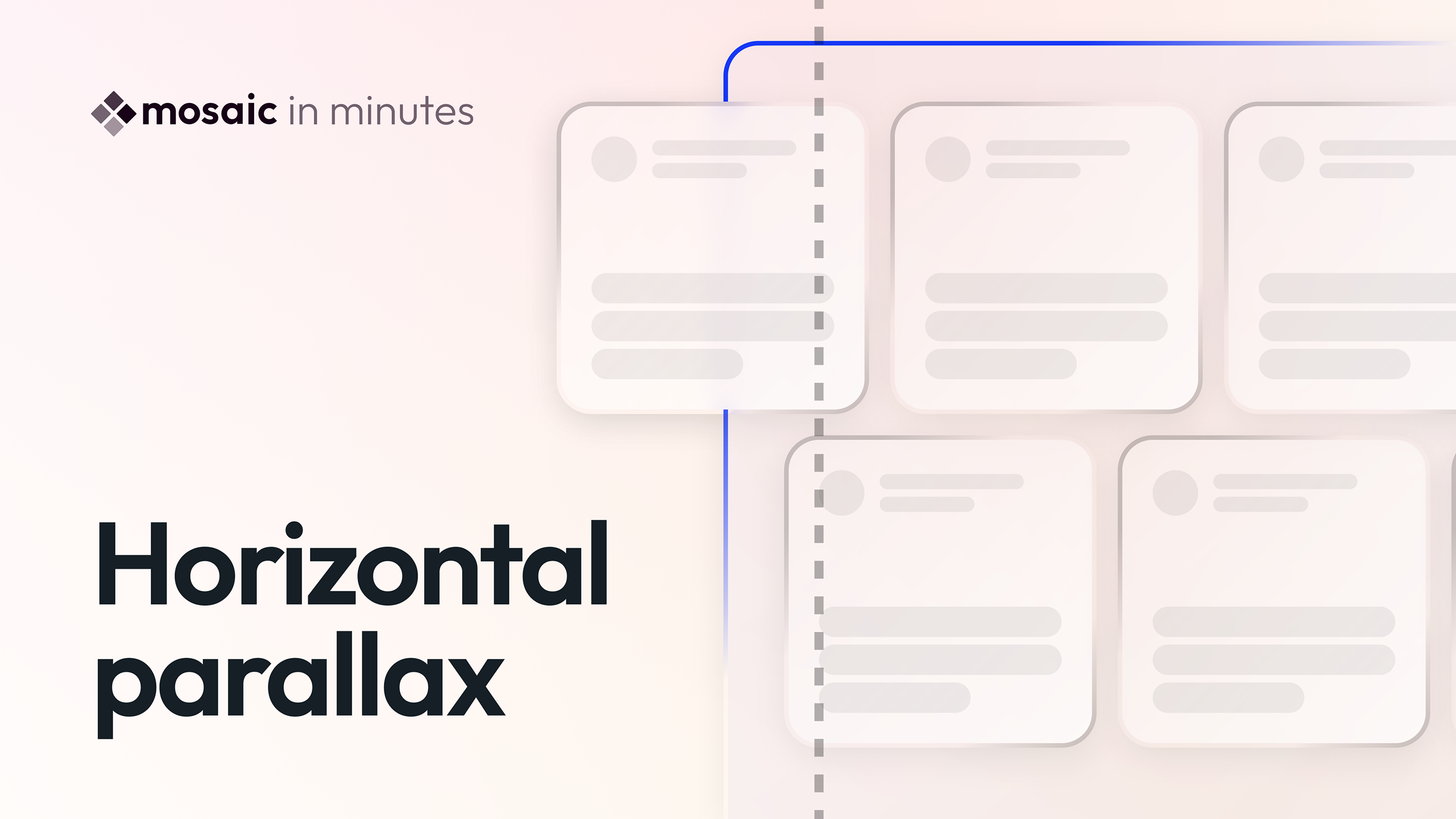
Rows that glide sideways as you scroll

Rows stacked in a grid, then sent in opposite directions with a single while-scrolling interaction.

Mosaic Builder
•
4 min
A video that plays on hover

An overlay slides away, the Vimeo video plays, then pauses when the mouse moves off.

Mosaic Builder
•
4 min

Common questions, clear answers

Answers to what people ask before they start building: code, moving from another builder, hosting, practice sites, getting stuck and the cost as you build more.

Getting started
Learning
Your site
Cost
Do I need to know how to code?

No. You build by clicking and dragging, but Mosaic follows how websites are really made, so expect some getting used to if you come from simpler builders. What you learn carries over to any web project.

Your cookie preferences

We use cookies to improve your experience, analyze traffic, and personalize content. By clicking "Accept all" you agree to storing them on your device. Read our privacy policy.