Keep changing your own site without breaking it

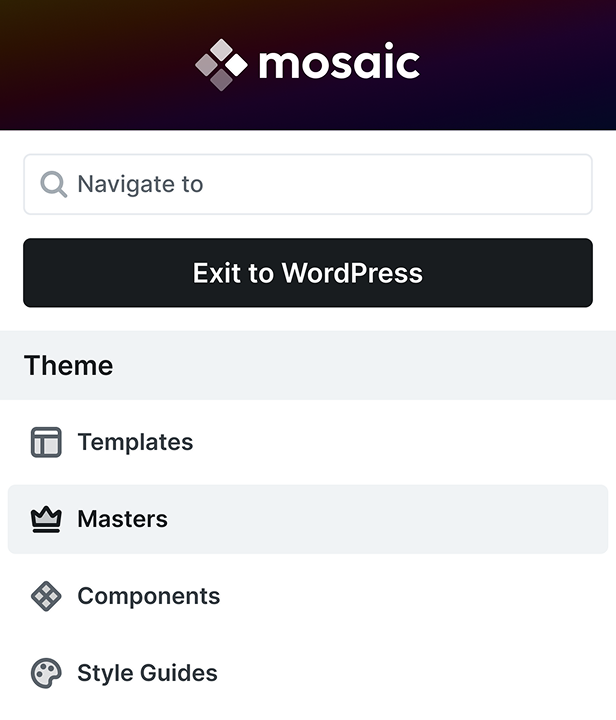
Mosaic is a WordPress theme builder that keeps your header, footer, fonts, colors and page layouts in one place, so the whole site stays consistent as it grows.

Get the Personal plan for free
Set once, used everywhere

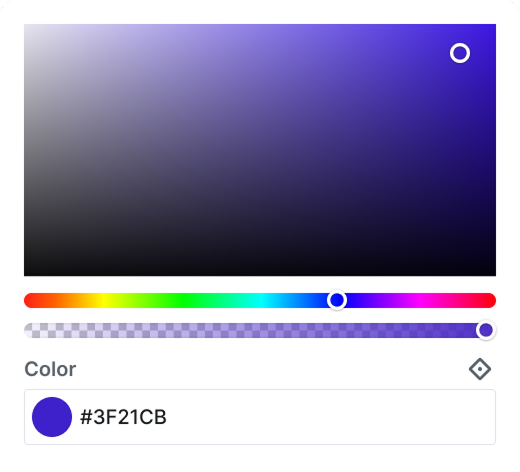
Set fonts, colors, and headings once, and every page and every post follows them.

Try changes in private

Test mode keeps your edits private, and updates never overwrite your work.

On the Personal plan
  • 1 active site
  • All Pro features included
  • One year of updates
  • One year of support

Free for your first year on early bird pricing until the end of 2026. Then $39 a year, cancel any time.

One site over time

Follow one site from the day you set it up through its first months. At every step, pages, posts, and screen sizes keep the same styles, with fewer extra plugins to look after.

Day 1
Setting up
Set up the whole site in one place

Mosaic is the theme and the builder in one, so header, footer, fonts, colors and templates live in one place.

One set of settings to learn, instead of theme and builder options that each set their own fonts.
Week 1
Your look
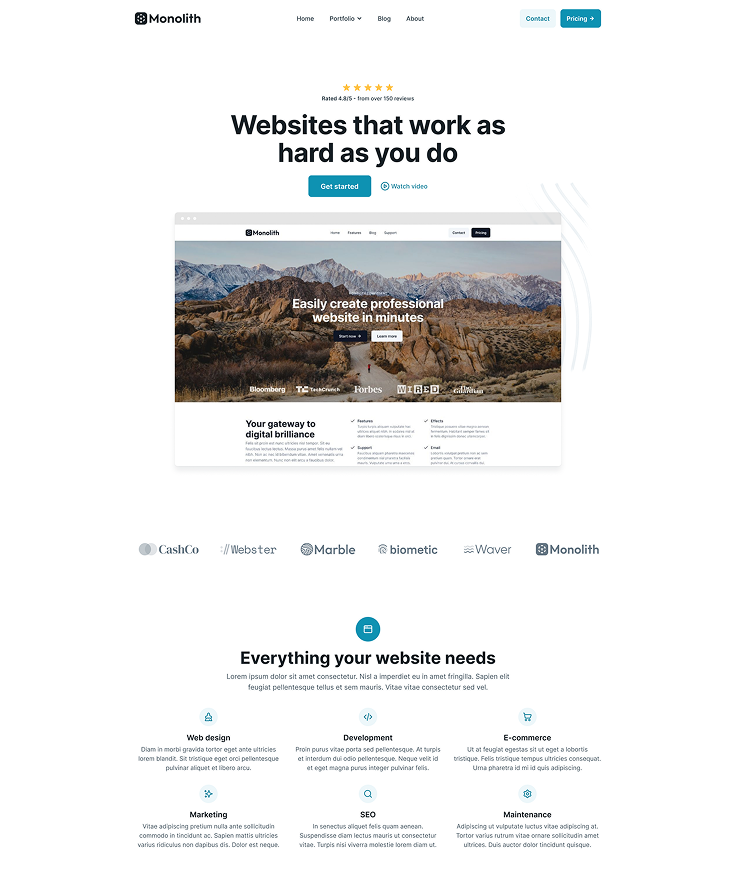
Give every page the same look

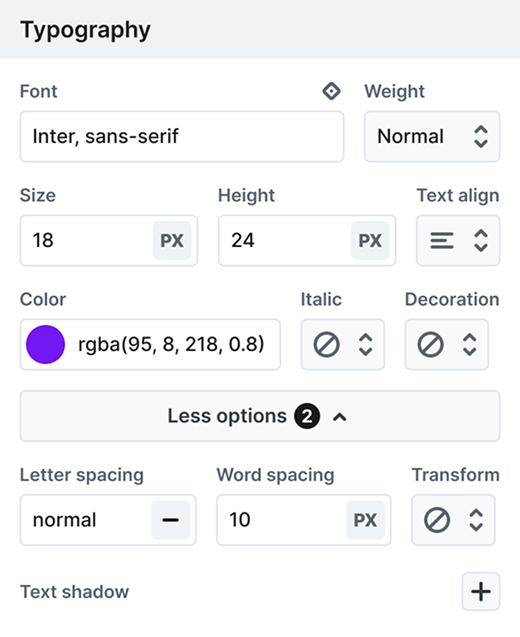
Colors, fonts, spacing and heading styles are set once, so a single change updates every page and post that uses them.

The header and footer live in one shared Master, and tablet and mobile follow your desktop styles unless you change them.

Month 1
New pages
Add pages that already match

Templates are assigned by page type, so every new page, post or category archive gets the right layout from the start.

Save a section as a component and reuse it anywhere with its own text, then edit its design once to update every copy.

Month 3
Blog posts
Publish posts that fit right in

Write in the block editor or the Classic Editor, and your posts get the site's own headings, paragraphs and link styles.

Every post gets its layout from the post template, and a later font or color change reaches all your older posts too.

Month 6
New features
Add features without more plugins

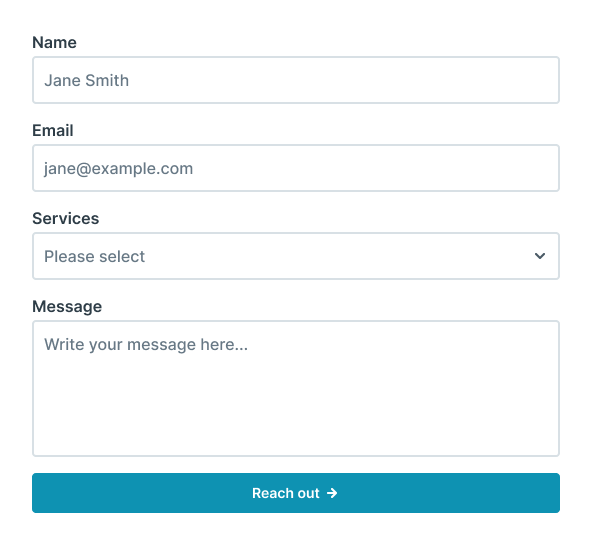
Contact forms are built in: they email you, send to Mailchimp or MailerLite, and save every submission.

Animations, icons and menus are built in too, so there are fewer plugins to update and fewer that can clash.

In their own words

People who look after a site of their own, on what changed once they moved it to Mosaic: how much easier it became to work on, and how much better the finished site turned out.

“Our brand color was in the buttons, the links, a couple of headings, and a border I'd forgotten about, so every change left one of them behind. Now the color is set in one place, and I change it there, and the border I'd forgotten about changes with everything else.”

Emma Clarke

Bakery owner

“Mosaic brings the experience of a modern design system into WordPress. By using global variables and reusable classes, it creates a much cleaner and more structured workflow.”

Rajesh Arya

Founder, Lexjuris Legal Consultants

“What I appreciate most is that Mosaic teaches good practices without forcing them. After using it for a while, my workflow became much more structured and consistent.”

Lukas Schneider

Design Student

“The clinic site was on another builder, and the only place I could work on it was the live site, so mostly I didn't. I rebuilt it in Test mode on the same WordPress install while patients kept seeing the old one, and switched over on a Sunday.”

Katie Brennan

Physiotherapist

“The Mosaic interface is organized and logical. In many page builders you constantly switch between tabs searching for CSS properties and settings, but in Mosaic the parameters are exactly where I expect them to be.”

Adil Maldybaev

Community member

“I'm not a developer, but I'm the one who ends up fixing things. There was a learning curve, I won't pretend otherwise. Having the first year free meant I could learn it on my own site, a bit each week, with the docs open in another tab.”

Peter Lang

Marketer

Included on every plan

The whole design library comes with it, so no client project starts from an empty page.

Page kits
25
Pages
219
Blocks
1056
Parts
179

A year to learn it

There's a real learning curve, because Mosaic works like a design system rather than a blank canvas. The free first year lets you learn it on your own site first.

The Wizard

Four guided steps set up your site, so you learn the basics on it.

Written docs

Every feature and setting, written down for when you've forgotten.

Video tutorials

Tutorials on real effects and layouts, plus a YouTube channel.

1-on-1 support

Email a real person, and usually hear back within a business day.

Watch someone else build it

Three WordPress creators tried Mosaic on their own YouTube channels. If there's nobody around to ask whether a tool is any good, watching one of them build is the next best thing.

Paul - WPTuts
David - WebTNG
Jeffrey - Lytbox
“With a combination of the wireframe templates and the basic starting point framework, you can add exactly what you need and quickly build out fully featured pages.”

Paul, WPTuts

Free for the first year

One site with every Pro feature included, and after the first year it's $39 a year to keep it going.

Get the Personal plan for free
Early bird, until the end of 2026

The free first year is early bird pricing, and it's only on offer until the end of 2026. After that it renews yearly, and you can cancel the renewal at any time.

Every theme and the whole library

Use any theme and any page kit on any of your sites, with the class system, components, interactions and every other Pro feature fully included.

If you ever stop paying

Your site keeps working if you cancel, and the front end stays exactly as visitors know it. Only updates, the design library and support stop.

Fourteen days to change your mind

Every paid purchase comes with a 14-day, no-questions-asked refund. And if you outgrow ten client sites, moving up a plan costs only the difference.

Common questions, clear answers

Straightforward answers to what you'll want settled first: which theme to pick, speed, your other plugins, moving to a new host, privacy and GDPR, and what Mosaic can't do yet.

Is Mosaic worth it if I only have one site?

Yes, that's who the Personal plan is for. You get all the Pro features for one site: the design library, style variables, components, Masters, automatic templates, built-in forms, and Test mode.

Still have a question?

Our team reads every message. Tell us what you are trying to build, and someone who knows Mosaic answers you directly.

Ask the team
Your cookie preferences

We use cookies to improve your experience, analyze traffic, and personalize content. By clicking "Accept all" you agree to storing them on your device. Read our privacy policy.