

Advanced animations are now within reach

Mosaic is a visual WordPress theme builder with motion inside it. Mix triggers and actions so any element reacts to visitors or the page, on a timeline you can play first.

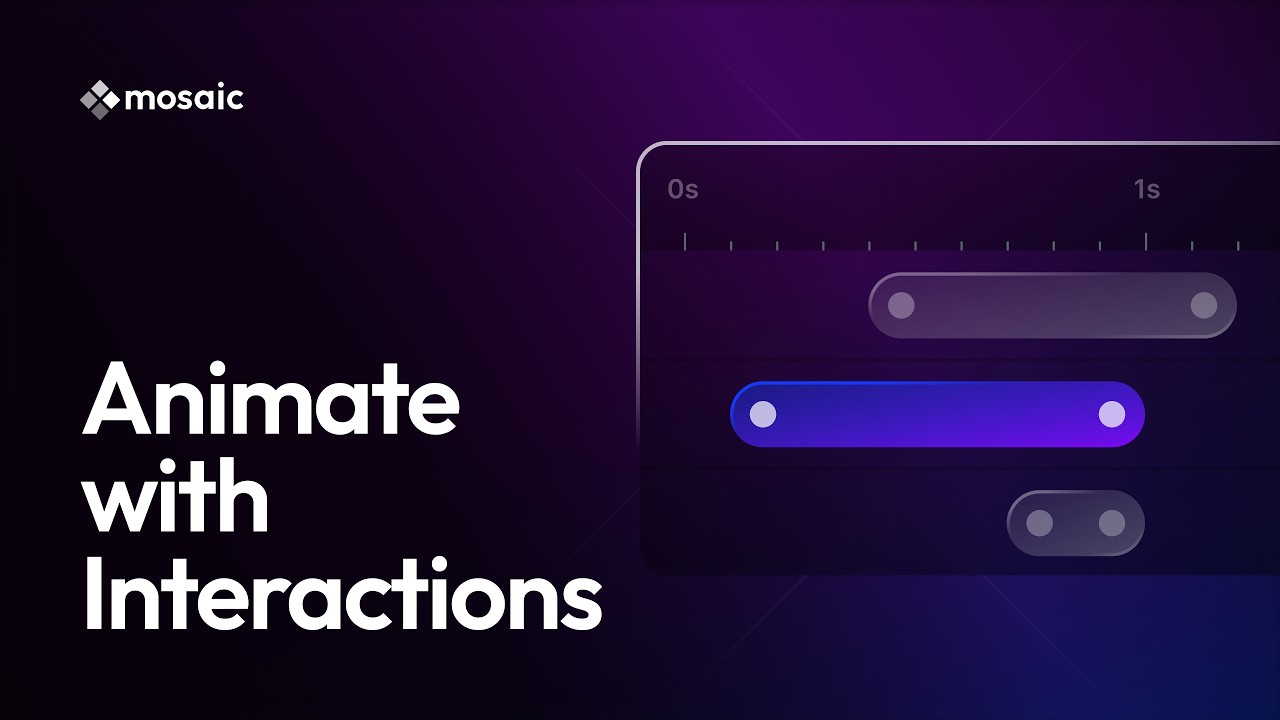
Mosaic in Depth video thumbnail titled Animate with Interactions, with a play button over an editor timeline where tweens are laid out from 0s to 1s, showing how WordPress animations are set up in Mosaic
Interactions in Mosaic, start to finish

Four interactions built step by step in the editor, from Scroll into view and While scrolling to Mouse move, with one of them limited to certain screen sizes.

Ready-made in the themes

Gibraltar and Monolith each have an Animated category in their Blocks library, with the interactions already set up. Here are twelve of them, mixed across the two.

How interactions work

You pick triggers and animations from lists in the Interaction tab, and the timeline under the canvas shows exactly what moves, for how long, and in which order.

Trigger: what starts it

The moment that sets the interaction off, from a visitor's scroll, hover or click to a slider moving to its next slide.

Includes
  • Scroll into view, While scrolling, Scroll depth
  • Hover, Click, Mouse move and Page load
  • Slide, Tab, Accordion and Dropdown change
  • Modal and Popover visibility, Exit intent
Target: what moves

The element that started it, any other element on the page, or every element that carries a class you choose to point it at.

Includes
  • The element itself, when the target is empty
  • Any other element on the page
  • Every element with a class
  • Only its children, parents or siblings

Timeline: how it moves

Tweens on the timeline set what changes, for how long and with which easing, across one target or several at the same time.

Includes
  • Translate, Scale and Rotate, in 3D too
  • Opacity, Filter, Box shadow and Size
  • Text color, Background color and Display
  • Variables and Variable modes

Actions: what else happens

Actions run alongside the animation, from opening a link or a modal to playing a video or scrolling the page to a section.

Includes
  • Open link, Scroll to and Set cookie
  • Play or pause a video
  • Open or close a modal or popover
  • Resume, suspend or reset another interaction

Hover, click, scroll and move your cursor right here

Each card runs one of the interaction types Mosaic ships. Use it the way a visitor would, and the grey line under it shows how it's set up in the editor.

Hover here

Cool, isn't it?

Hover in, hover out

Point at the card and it lifts up off the page, then settles back into place the moment you move away.

Change mode
Change again
Light
Dark
Click, then again

Odd and even clicks run different tweens, so one switch turns the card dark and the next one turns it back.

Move me

With your cursor

Follows the cursor

Move across the card and it tilts in 3D, each layer sitting at its own depth, with smoothing keeping it calm.

Tied to the scroll

Scroll the page and the bar fills while the strip slides along, then both run backwards as you scroll up again.

Plays as it arrives

The bars grow one after another as the card comes into view, and they reset once it leaves the screen again.

Sample slide one
Slide change

Each time the slider moves on, the caption of the new slide rises into place before anyone starts to read it.

As precise as you want, down to the millisecond and the pixel

Every part of an interaction takes an exact value you type in, so what plays on the page is the motion you designed, not a preset's best guess at it.

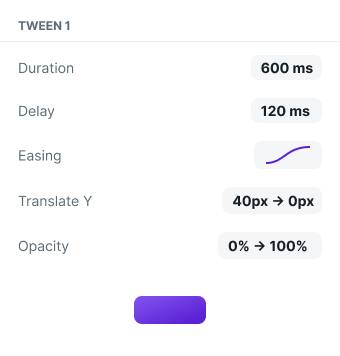
Tween 1 settings for a WordPress animation in Mosaic: Duration 600 ms, Delay 120 ms, an easing curve, Translate Y from 40px to 0px and Opacity from 0% to 100%, with a purple button previewing the fade up

Timing and values

Each tween gets its own duration, delay and easing, and it starts and ends on exactly the values you type.

Milliseconds, not presets

Duration and delay take exact milliseconds, and keyframes drag and resize right on the timeline.

Easing on every step

Pick how each tween speeds up and slows down, so one element can glide in while the next one snaps.

Exact start and end

An Initial value fixes step zero, then From and To pairs chain as many steps as the effect needs.

Several properties at once

Move and fade in the same step by adding Translate and Opacity to one tween, each with its own values.

Scroll and cursor

Scroll and mouse animations follow the visitor the whole way, and you decide where they start, end and how they feel.

Start and end points

Decide the exact stretch of the page a scroll animation plays across, and fine-tune both ends.

Depth in %, px or vh

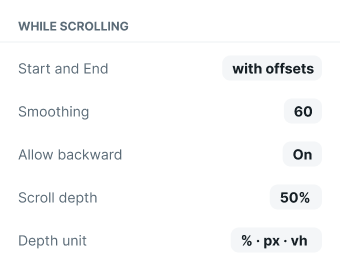
Scroll depth fires at a share of the page, a pixel distance or a number of viewport heights.

Smoothing you can dial

Soften scroll and mouse movement so elements glide after the visitor instead of jumping.

Each axis on its own

Mouse move has a playhead for X and one for Y, and While scrolling can run backward or hold.

While scrolling settings for a WordPress scroll animation in Mosaic: Start and End with offsets, Smoothing 60, Allow backward on, Scroll depth 50% and a choice of %, px or vh as the depth unit
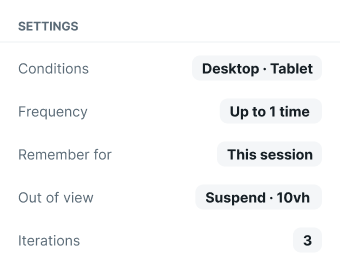
Interaction settings for a WordPress animation in Mosaic: Conditions set to Desktop and Tablet, Frequency up to 1 time, Remember for this session, Out of view set to Suspend at 10vh and 3 iterations

When, where and how often

Rules decide which screens see an interaction, how many times it plays and what it does once it scrolls out of sight.

Screen size conditions

Keep a big effect on desktop only, and give phones a lighter interaction of their own instead.

Frequency rules

Up to a set number of times or once every few hours, counted per page load, session or forever.

Out of view

Suspend or reset an animation when it scrolls away, with an offset in vh for how far away counts.

Loops and iterations

Loop it endlessly or set an exact number of iterations, with a start delay before the first one plays.

Watch real effects get built

Short Mosaic in Minutes tutorials build one effect each, from a scroll timeline and sliding rows to a reading bar, a 3D flip, video controls and moving dividers.

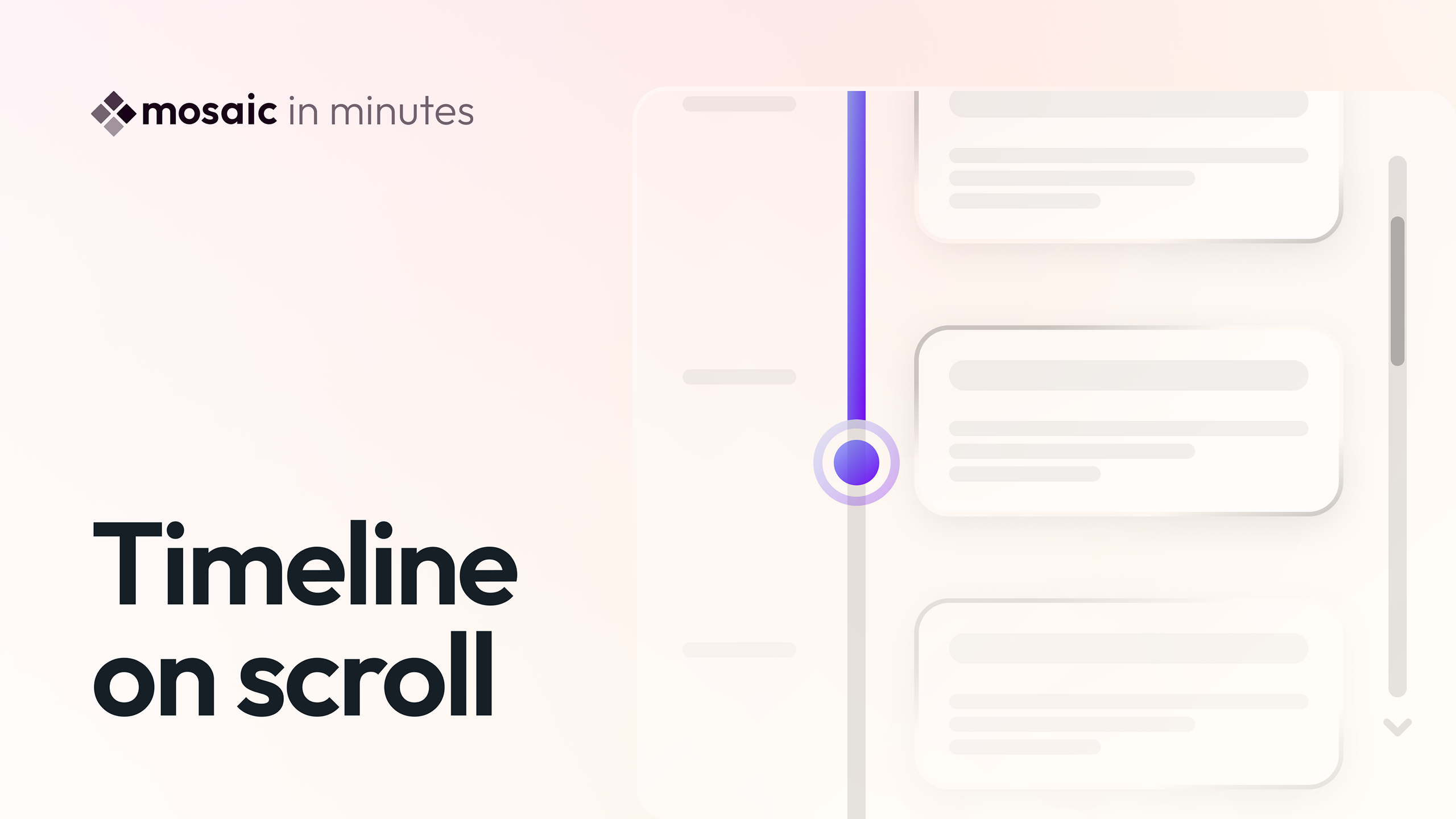
Mosaic in Minutes video thumbnail, Timeline on scroll: a WordPress scroll animation where a progress line fills down a vertical timeline as cards come into view
A timeline tied to scroll
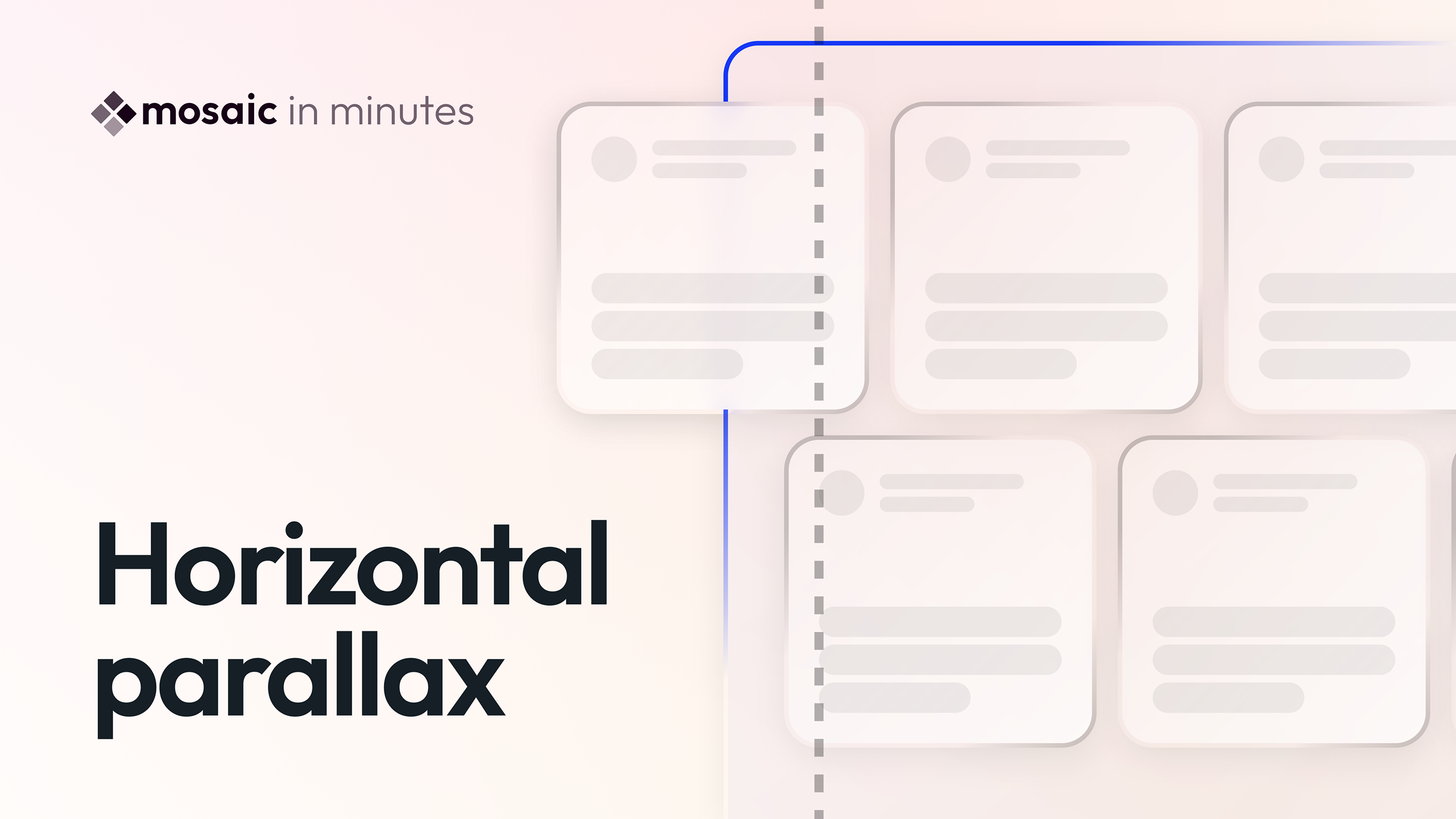
Mosaic in Minutes video thumbnail, Horizontal parallax: rows of cards sliding sideways at different speeds as the page scrolls
Rows that glide sideways
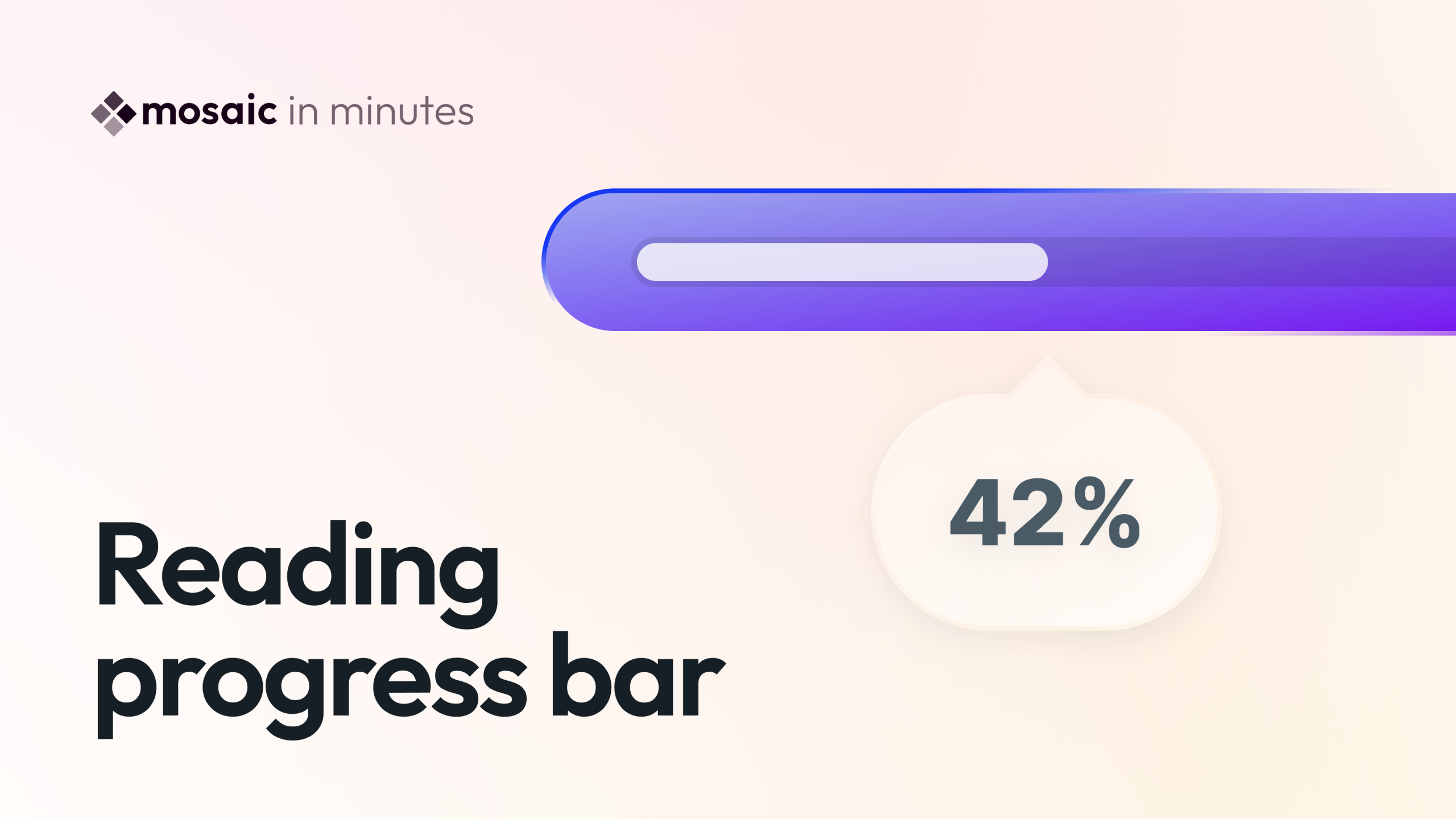
Mosaic in Minutes video thumbnail, Reading progress bar: a purple bar across the top of the page filling up, with a 42% reading progress label
A bar that fills as you read
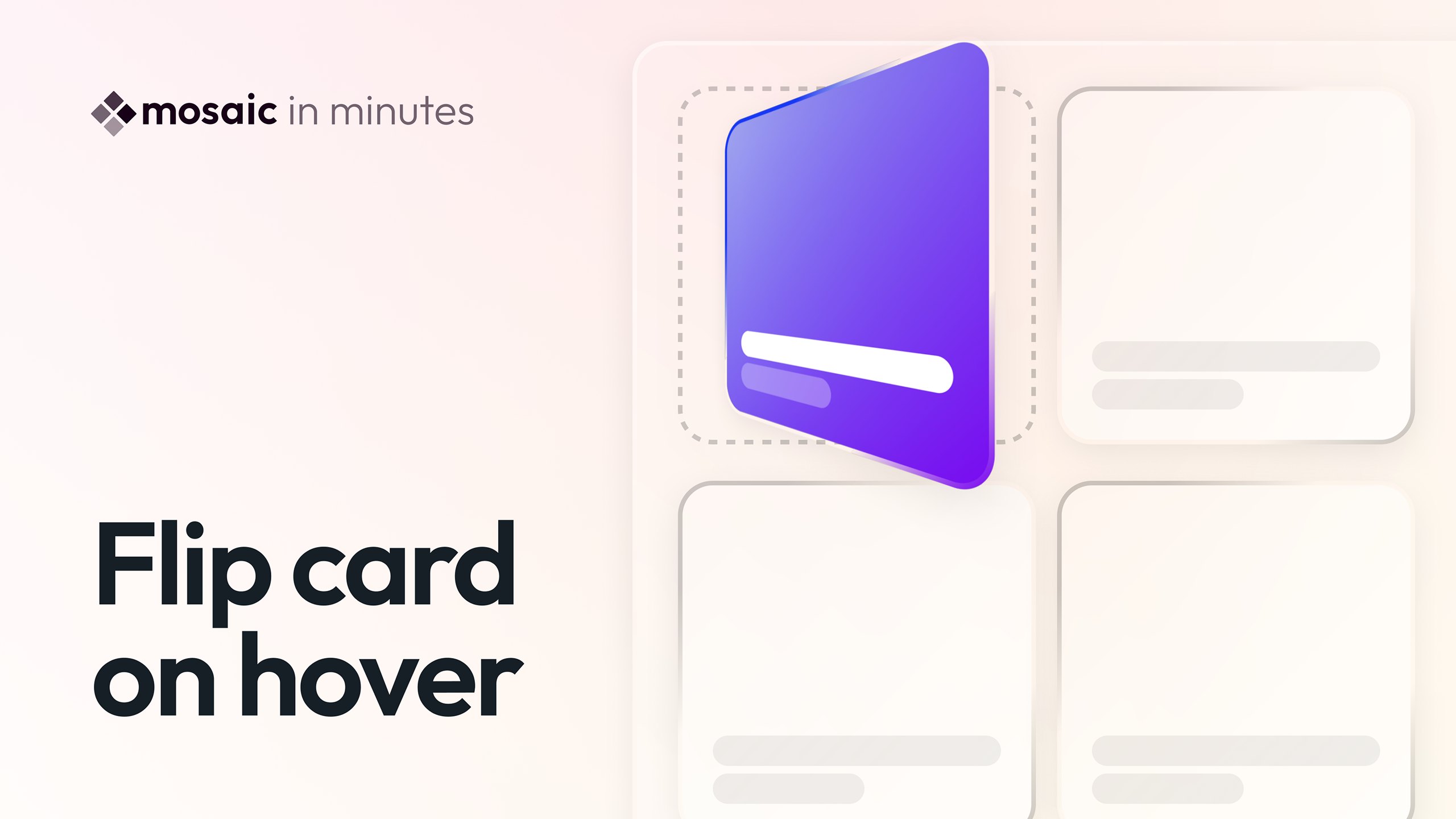
Mosaic in Minutes video thumbnail, Flip card on hover: a purple card turning in 3D to show its back side when the cursor is over it
A 3D flip box on hover
Mosaic in Minutes video thumbnail, Play video on click: a cursor clicking a custom purple play button in front of a video player
Your own play button
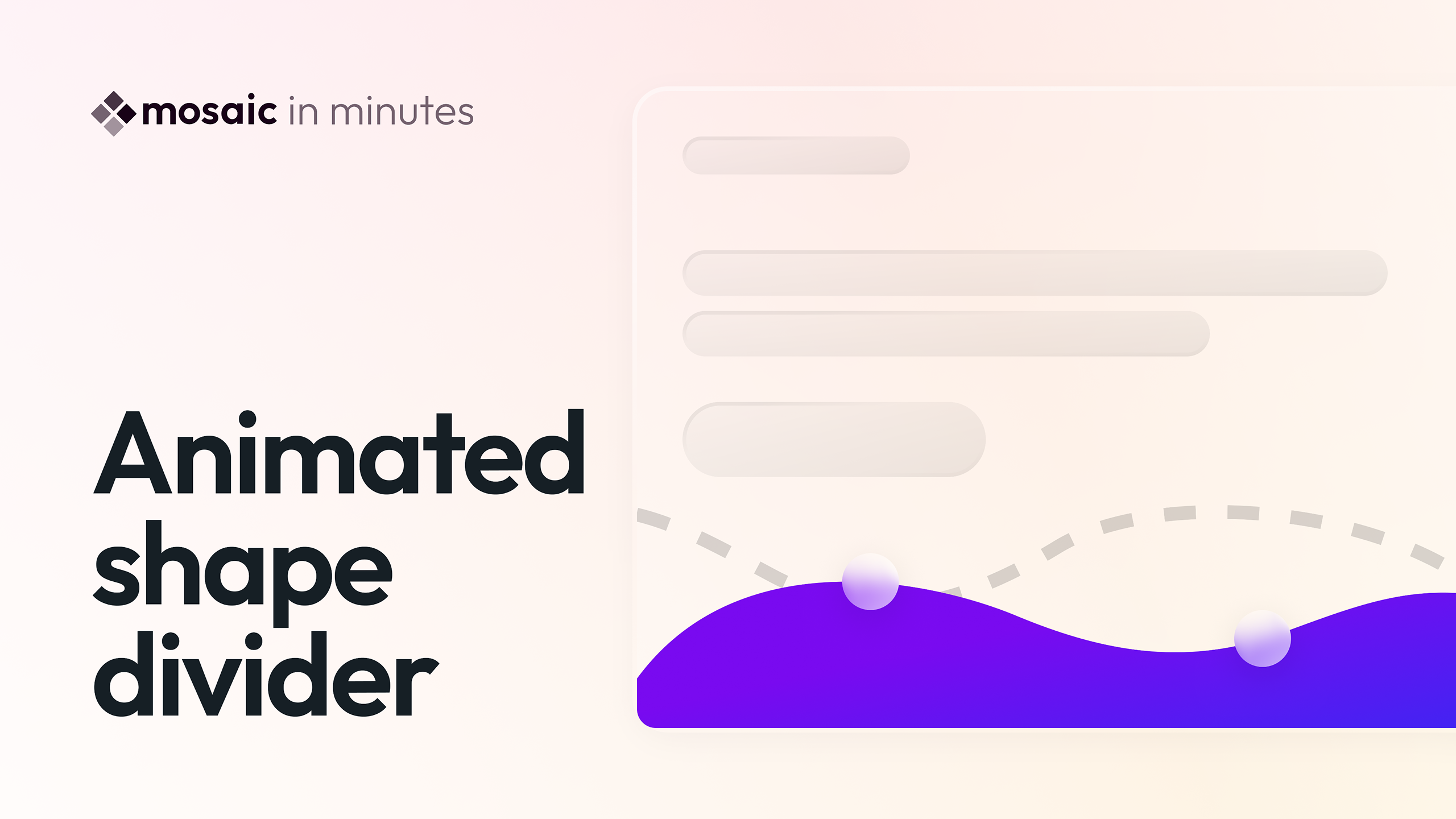
Mosaic in Minutes video thumbnail, Animated shape divider: a purple wave divider rising up from the bottom of a section as the page loads
Dividers that grow on load

Real takes from real users

Designers, developers, and site builders on building their animations inside Mosaic instead of in one more plugin they had to buy, learn, and keep updated.

The interaction system is one of my favorite parts. Being able to visually control animations with a timeline makes it very intuitive to create complex effects.

Ethan Walker

Front-end developer

The Mosaic interface is organized and logical. In many page builders you constantly switch between tabs searching for CSS properties and settings, but in Mosaic the parameters are exactly where I expect them to be. Its library of blocks and pages, well designed class system, components, and interaction engine allow me to build complex and beautiful pages in hours instead of days.

Adil Maldybaev

Community member

Mosaic stands out as one of the most efficient WordPress builders I’ve used. Everything feels streamlined, from the interface to the way layouts and styles are handled. It lets me work faster without sacrificing control or quality. Solid performance, thoughtful design, and a tool I now rely on for every project.

Bernard Lee

Founder & Creator, Data Analyst

The design library saves a huge amount of time when starting a project. Instead of building everything from scratch, I can start with well-designed sections and adapt them to my needs.

Daniel Hartmann

Freelance web designer

I'm now free to create almost all kinds of animation with no need for external plugins, I can check the changes on the fly with no more waiting time.

Felipe Felix

UI/UX designer

When I first tried Mosaic Builder, the first thing that shocked me was how smooth the builder is. Clicking between items, components, layouts, and elements feels incredibly fluid, everything responds instantly without any lag. The UI/UX is very well thought out. The interface is clean, organized, and free of clutter. Interactions and animations are another highlight.

Jornes Sim

Designer

Set up an animation once and reuse it across the site

Setting the same fade on every section by hand gets slow, so put the animation on a class or inside a component and it comes along to every place that class or component goes.

Mosaic editor with a While scrolling interaction triggered by the step-card class, so three step cards run the same WordPress animation, with their tweens staggered on the timeline below the canvas

A class that starts it everywhere

Make a class the trigger, and every element carrying that class runs the interaction on its own, so one setup covers a whole grid of cards at once.

The same animated steps section used as a component on two pages in Mosaic, with the instance highlighted on the About page and the component open on the Homepage

Components that bring it along

Animate a section inside a component, and every page you place it on gets the same motion.

Everything you need to animate, included

Animation is part of Mosaic itself, so it's there from the first page you build, whichever plan you pick.

Get Mosaic
Included, not an add-on

Personal, Creator and Agency all include interactions, with nothing held back for a higher plan or sold to you as an add-on.

Free for the first year

Personal and Creator are free for their first year, then $39 or $149 a year from year two, and you're free to cancel whenever you like.

Updates and support

Personal and Creator come with a year of updates and 1-on-1 support, and the Agency lifetime plan keeps both coming for as long as you use it.

14 day refund

Every paid purchase comes with a 14 day refund, no questions asked, so you can build with it first and decide whether it's the right fit.

Questions about animations

Clear answers on what interactions in Mosaic cover today, what you set up yourself and what isn't built in, so you know where you stand before you start.

How do Mosaic's animations compare with other builders?

A single tween can move several properties at once, a While scrolling animation plays backwards on the way up, and one interaction can pause, resume, or reset another. For builder-by-builder details, read Mosaic vs Elementor, Mosaic vs Bricks, and Mosaic vs Breakdance.

Your cookie preferences

We use cookies to improve your experience, analyze traffic, and personalize content. By clicking "Accept all" you agree to storing them on your device. Read our privacy policy.