

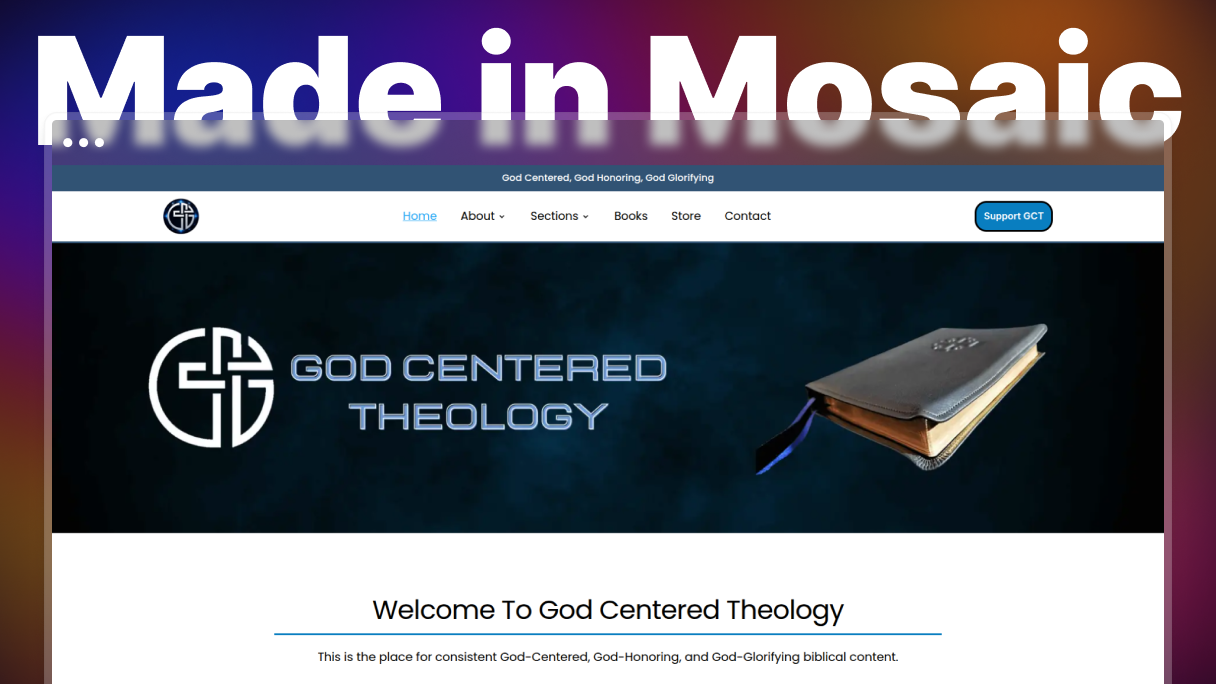
Andy Cain has run God Centered Theology since 2016, though the site started out under a different name. By the time he found Mosaic, he was using Spectra Pro for blocks and Kadence purely for a header he could not build otherwise, and he had needed extra plugins along the way for things like blockquotes and author boxes. Now the theme, the header, and the templates all live in Mosaic, with a mega menu that needs no plugin behind it and a custom archive for every category.
Ten years, three platforms
Weebly taught him the basics, CSS included. Squarespace came next, until he hit the limits that closed platforms tend to have. Then WordPress, and a run of tools with it, Elementor and Spectra Pro among them.
The problem was never one missing feature. It was that no single tool covered the job. Spectra Pro’s blocks worked well for him, and he is quick to say the team keeps improving them, but full site editing exposed the gaps. He installed Kadence for one reason only, its header builder, because a custom header was not possible with what he had.
Dynamic data was the sharpest edge. Several tools advertised it. In practice, he was building templates with nothing to look at.
“Many of the alternate builders promote dynamic data but many of them just do not work well in practice. Often, when using Spectra Pro, there would be zero preview in the editor. So, one would never know if their dynamic data would show up correctly.”
One system instead of several
He cannot remember where Mosaic first crossed his path and suspects a Facebook ad. What sold him was the shape of it rather than any one feature: the theme builder and dynamic data included rather than sold on top.
“Far too many places give you blocks but then you have to pay extra for dynamic data, or pay more for the Theme Builder.”
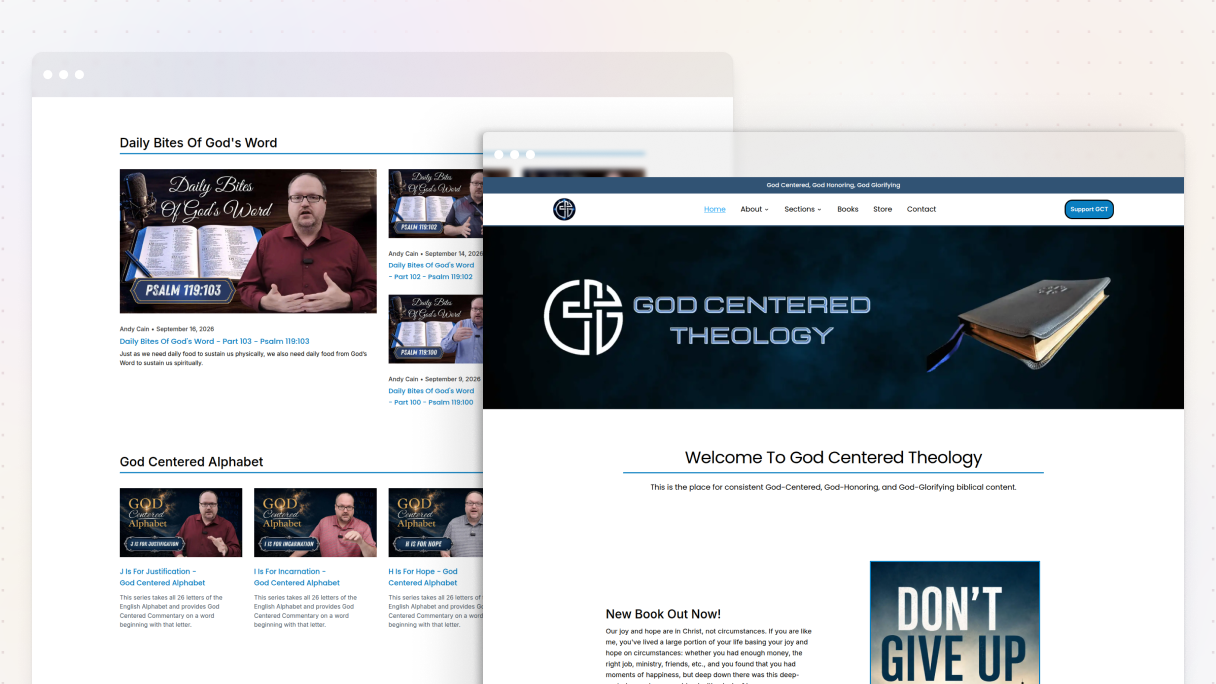
The home page shows how he works. He wanted something closer to a Substack front page, where each section is laid out differently so the page does not flatten out. He built one section, duplicated it, and changed the Loop, starting from the premade Loop templates and adjusting the grid and breakpoints rather than building each from scratch.
Built something with Mosaic? Add it to the showcase →
A mega menu with nothing behind it
He named two things he is proudest of, and the mega menu is the first. He had tried building one before with Blocksy Pro and found it out of reach. In Mosaic, it is built inside the dropdown’s wrapper, which he found easier to follow. Then he looked at how Mosaic’s own site handles it.
“I noticed that on Mosaic’s website, their drop down mega menu had each section as a clickable item. I then went in and learned how to wrap the image and text beside it in a DIV in order to make the entire section clickable. This was a game changer!”
The author boxes went the same way. What used to need a plugin is now dynamic data pulling each author’s details into the post.
A custom archive for every category
The second is the archives. God Centered Theology runs six content sections, from short videos to long-form articles. Each has its own archive template rather than whatever a theme hands down.
“With Mosaic and their dynamic data abilities, I am able to create custom archives for each section and category. This combined with ACF Custom Fields and Custom Taxonomies, I can create a Custom experience for each visitor.”
Each section also gets its own tags, built as an ACF custom taxonomy, so a reader following a topic stays inside that section instead of drifting into everything else.
What takes less time now
Most of the saving is small and repeated. Style variables one click from the property that needs them. A finished mega menu item duplicated rather than rebuilt. Navigation built directly in the header instead of pulled in from WordPress, which he resisted at first and now prefers. The home link is set to the dynamic home URL, so it survives a change of home page. Every other item is a duplicate with the text and the page link swapped.
Someone has noticed already. Another site owner, Andy is helping, picked out the mega menu, and how it holds up on mobile.
“I would tell them to jump all over it! […] Being able to adjust the Gutenberg Styles for Post content is an amazing game changer and honestly is worth the price of a lifetime license.”
Ready to start? Try Mosaic for free →


