

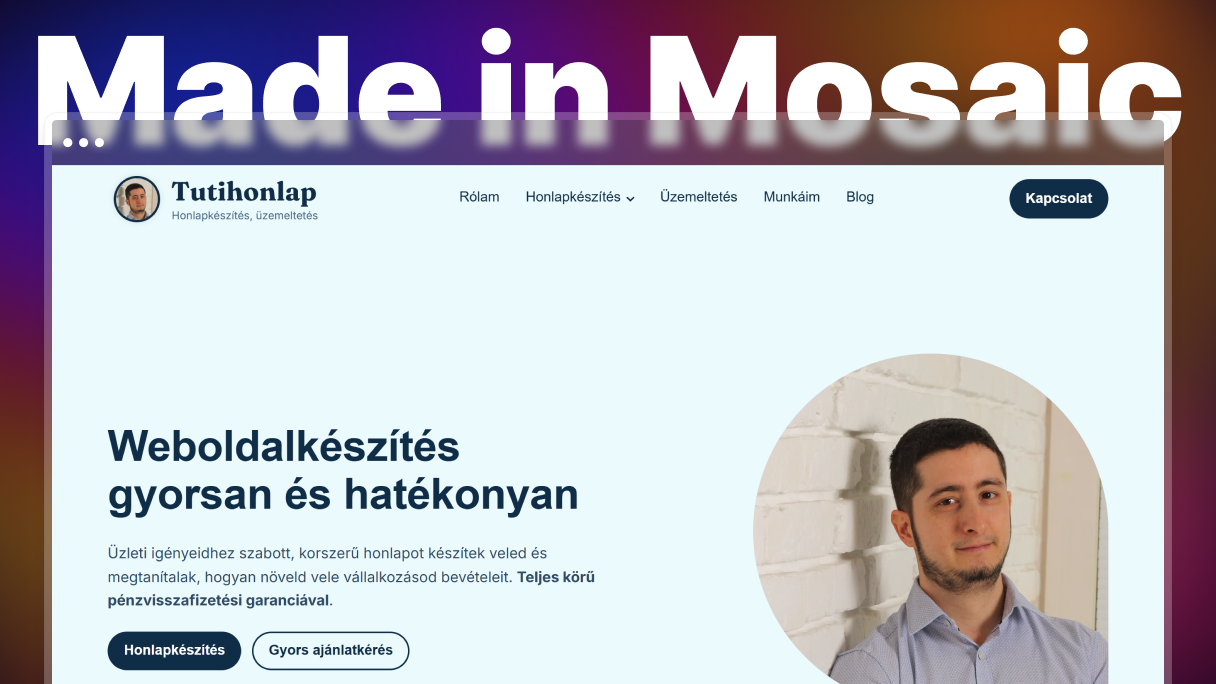
Barnabás Kiss builds, develops, and looks after WordPress sites for small businesses through his own business, Tutihonlap. His own site now runs entirely on Mosaic, and so do his newest client projects. Pop-ups, newsletter sign-ups, and contact forms that used to mean one more plugin are built in the same editor as the rest of the page. His rule these days is simple, he uses Mosaic whenever he can.
Four tools, each with a ceiling
Before Mosaic, Barnabás picked his tool by the job. Most sites ran on StudioPress themes, some on Rockbase, a few on Divi, and webshops on Flatsome. Each one covered part of his work, and each one stopped somewhere.
Rockbase was the one he liked best, until its developers discontinued it. Divi never clicked for him. Flatsome worked well for stores but limited what he could do with the design. And StudioPress, the tool he had relied on for years, was starting to fall behind what his clients were asking for.
“The StudioPress templates have limitations, and by 2026 they no longer quite meet customer needs.”
Fast from the first click
He came across Mosaic in a YouTube video, as far as he remembers. What stayed with him was how it felt to use.
“It was incredibly fast and a pleasure to use right from the very first moment.”
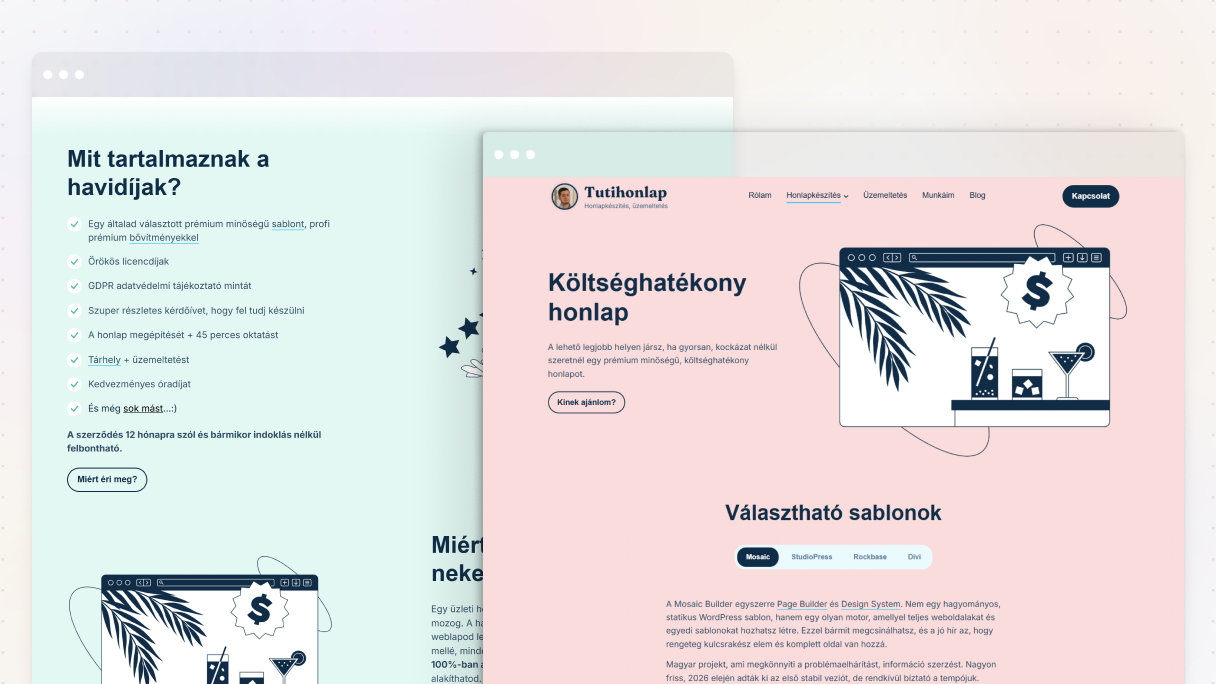
He built tutihonlap.hu entirely in Mosaic: a page for each of his service packages, client reviews, a blog, and a quick-quote form, with each service page in its own color on a shared layout. Things that used to need an extra plugin in his previous setup are now part of the build itself.
“Yes, there are a lot of them: pop-ups, newsletter sign-ups, contact forms. Those are the ones that come to mind right away.”
Built something with Mosaic? Add it to the showcase →
Client work followed. His first Mosaic client site is for an industrial machine service company, with a second one on the way.
The gain is on the builder’s side
When we asked Barnabás what he can do now that he couldn’t before, he listed the details that make a site feel finished, and the system behind them.
“Well-designed menus, subtle, unobtrusive effects, pop-ups—the class system is incredibly efficient, not to mention the color palette. The editor interface is incredibly fast.”
He’s candid that most of the difference shows up in his own workday rather than on the client’s side of the screen.
“With Mosaic, you can do practically anything—easily, quickly, and simply. I feel like it’s more of a big help to me, as a developer; clients don’t really see the value in it.”
A setup he can rely on
Looking after his own site day to day, he says Mosaic has proven very reliable, the same steady footing StudioPress once gave him.
He also counts the people around the product as part of the package: the pace of development, the support, and the documentation. Since his clients will be updating their own sites, that last one matters to him.
“The documentation is excellent, so I’m sure they’ll be able to make basic changes—such as updating text and replacing images—without any trouble.”
What’s next
He’s now working out how to bring Mosaic into his one-day website service, where he and a client build the whole site together in 12 hours and he teaches them to run it.
“I think Mosaic is one of—if not the best—things to happen to WordPress recently. If you need a system that works well, is fast, secure, and infinitely scalable, then Mosaic is the best choice. A big plus is the support I mentioned earlier—including the docs, tutorials, developers, and community.”
Ready to start? Try Mosaic for free →


