

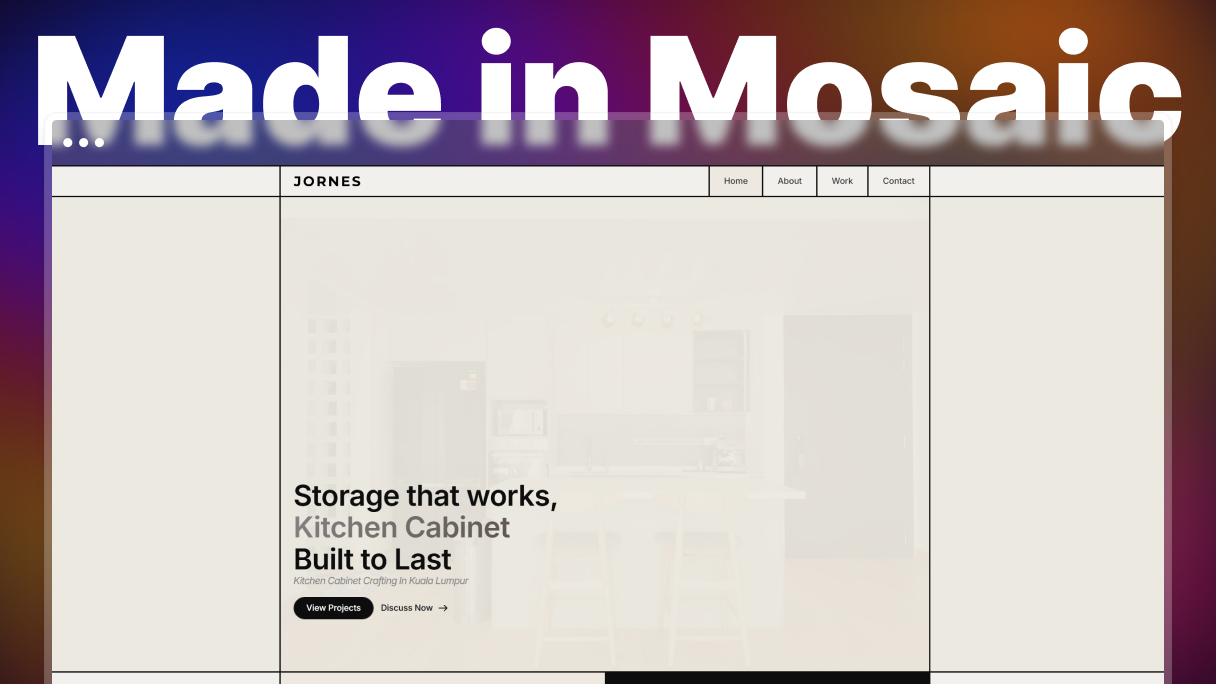
By day, Jornes designs residential and commercial interiors, specializing in custom cabinetry and built-in storage solutions. In his spare time, he builds websites for small businesses and personal brands seeking a clean, functional online presence. When it came time to rebuild his own portfolio, he chose Mosaic-and discovered a web builder that finally matched the way he works.
The before
Jornes had been building with Bricks Builder for years. Technically, Bricks does a lot, and Jornes had gotten deep enough into it that he built his own iconbox element from scratch when Bricks’ native version didn’t give him the control he needed. But the workarounds kept multiplying.
Animations meant a third-party plugin. Advanced interactions meant more add-ons. Pseudo-elements behaved inconsistently between the editor and the front end. And nearly every design decision that pushed past the defaults meant writing custom CSS.
“The editor didn’t always match the front end, especially when working with pseudo-elements, and some features like advanced animations required third-party plugins, which made the workflow feel more fragmented.”
The switch
Jornes first came across Mosaic on its own website, and his reaction was disbelief. The animations were polished enough that he couldn’t accept that the product was still in beta. He tried it himself anyway, and the editor confirmed what the website had suggested: smooth, coherent, no gap between what he was building and what appeared on screen.
“When I first visited the Mosaic website, I couldn’t believe it was still in beta because of how polished the animations were. After trying it myself, I was impressed by how smooth the editor felt (especially switching between master and template), how capable the dynamic data already was, and having animations built in natively. That was the moment I knew I wanted to build my own site with Mosaic.”
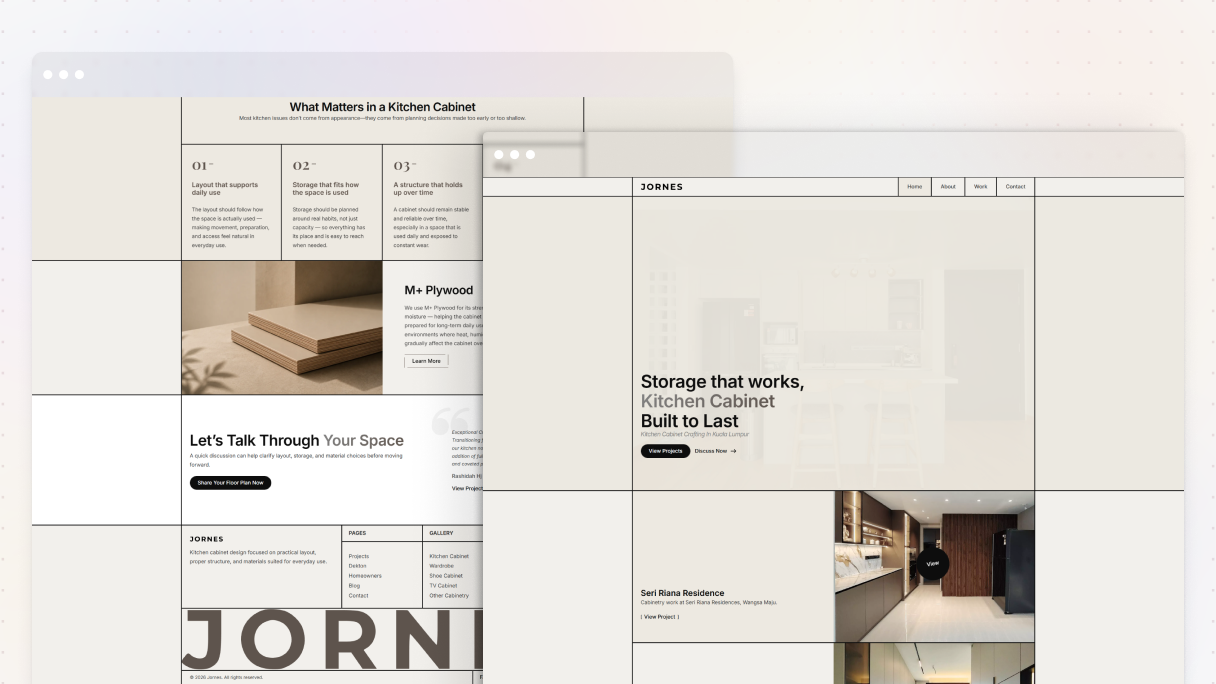
So he used it to rebuild jornes.com from the ground up.
The project
The portfolio became the test for everything: native interactions built directly in the editor with no plugins, layouts shaped with Mosaic’s blank theme wireframes as a starting point, and design decisions that didn’t require CSS to rescue them. Because it was his own site and not a client’s, he could push the tool and find exactly what it could do.
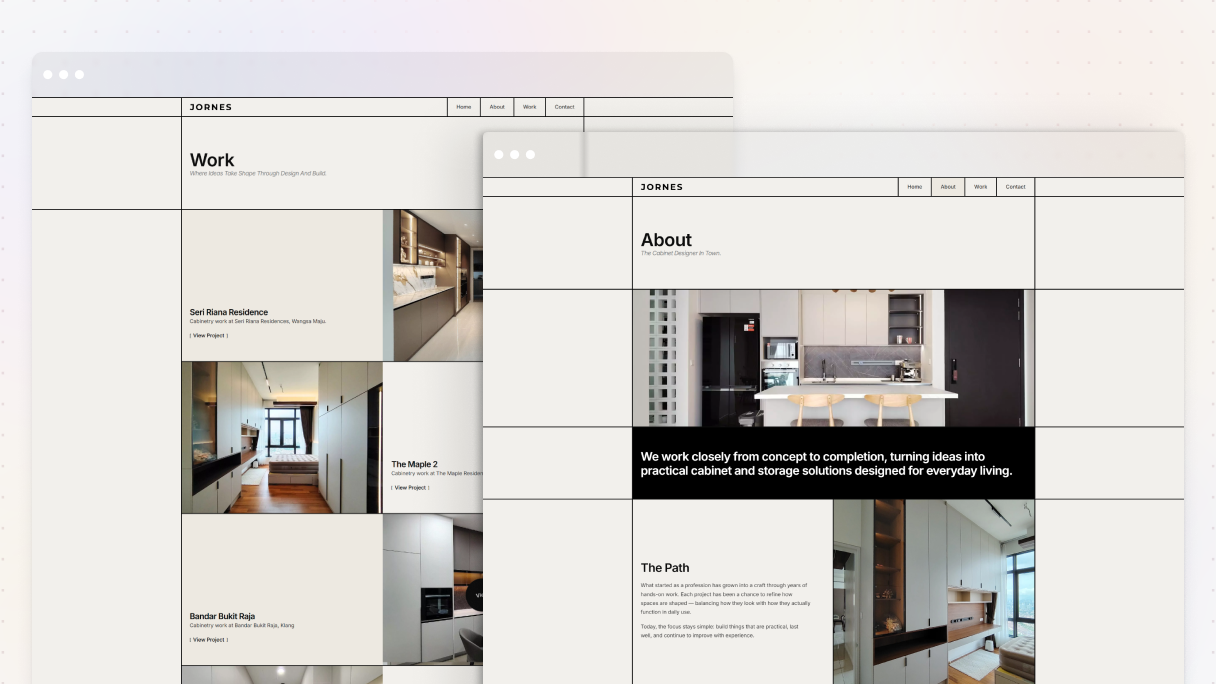
Built something with Mosaic? Add it to the showcase →
The result
The difference from Bricks is direct. Where he was reaching for plugins and writing CSS, he’s now working in the editor. Where the tools used to pull his attention toward technical problems, Mosaic keeps it on the design.
“I can build interactive, polished websites much faster than before. Mosaic’s smooth and flexible editor lets me create layouts, interactions, and animations directly in the builder with very little custom CSS. Instead of relying on third-party plugins or workarounds, I can focus on refining the design.”
He hasn’t launched a client project with Mosaic yet, but rebuilding his own portfolio gave him the confidence he was looking for. A second site is already in progress: a one-pager for a family business.
“Mosaic makes building websites feel creative again. It stays out of your way, so you can focus on designing instead of solving technical limitations.”
Ready to start? Try Mosaic for free →


