

Any source
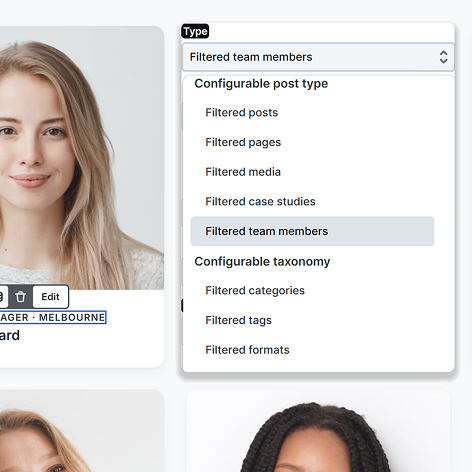
Posts, pages, media, categories, tags, menu items and each Meta Box custom model too.

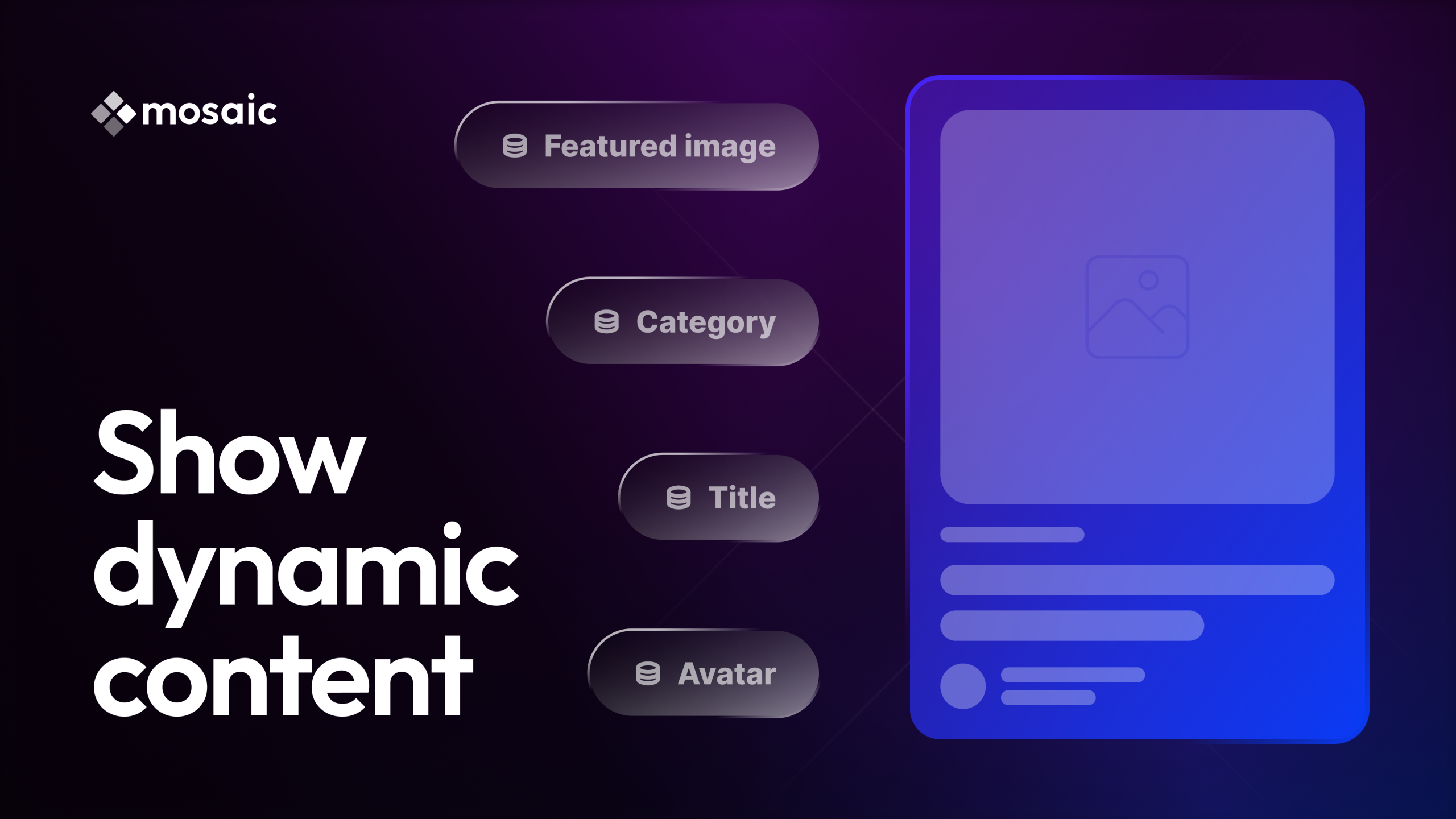
Blog grids, team pages, and event listings from one WordPress query loop. You design a single card once, and every post or custom field fills it in on its own.
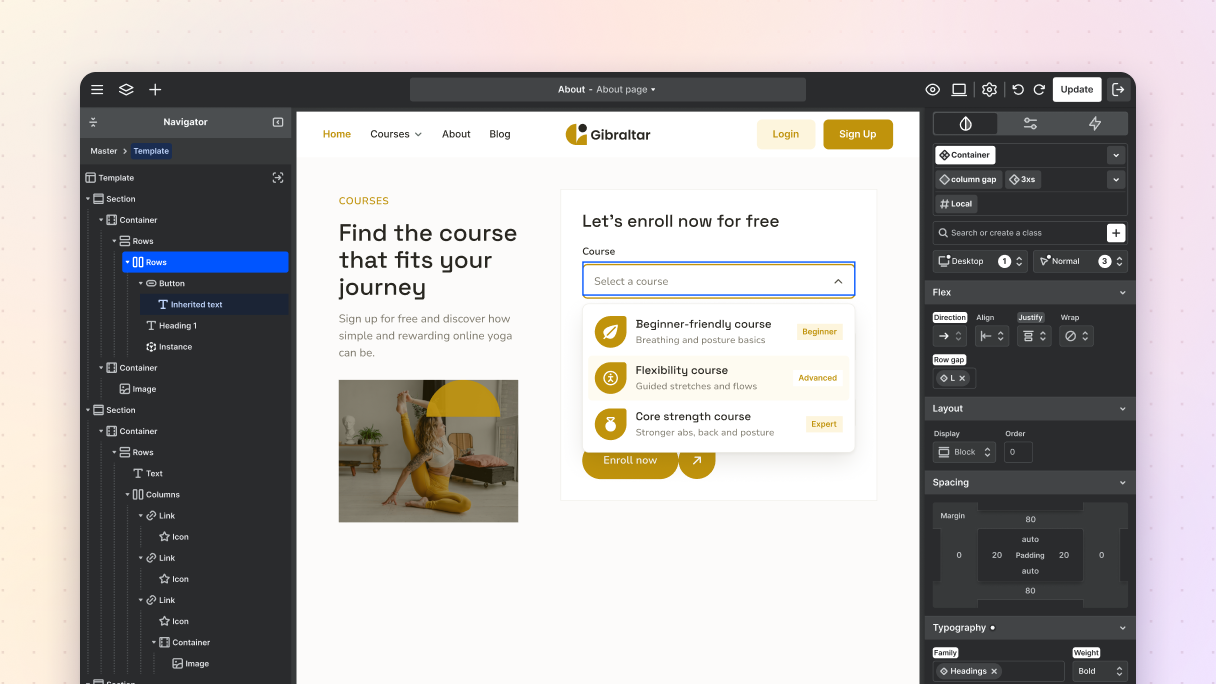
Set up a Loop, connect its variables to posts and categories, filter it and lay it out as a grid, then reuse the same loop in an archive template and a single job page.
Blank, Monolith, and Gibraltar ship post grids and blog archives in their block libraries, from simple card rows to search bars and pagination. Here are twelve.
Each card below is a real Loop on this page, running over our own blog, its categories and showcase sites, plus a few sample events and team members.
One loop shows the latest blog post, and a second one with an offset of one lists the next two.
Order by your event date field, so the soonest date leads and dates sort as dates, not as text.
One filter rule leaves the article you are reading out of the related posts listed below it.

Each row of an ACF Repeater becomes a card, so name, role, and photo fill in on their own.

By Jornes · Staff pick

By Sofia · Staff pick

By Sergio · Staff pick
Tick Staff pick on a showcase site, and a filter on that field puts it here, with no filter plugin.
A taxonomy loop lists our blog categories instead of posts, each with its own post count.
A loop works with the content your WordPress site already holds, so every card is built from your posts and fields, with no placeholders and no code.
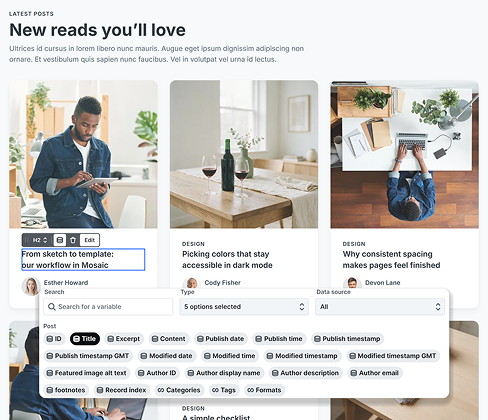
Style the first item once, and every post in the loop takes the same layout, each with its own title, image, and fields.
Pick a title, image or excerpt with the dynamic data icon
Trim excerpts and format dates with built-in functions
Show each post’s author and categories on its card
Post types from ACF, SCF, Meta Box, or your own code become loop sources, and their fields become variables.
Read fields from options pages, users and menus too
Use ACF free or PRO, Secure Custom Fields or Meta Box
Skip the shortcodes and the PHP snippets entirely
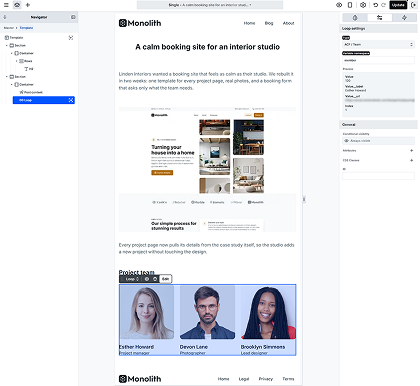
Relationship, Gallery, Group, and Flexible Content fields turn into loops of their own, each with its own variables.
List the posts a Relationship field points to
Render each Flexible Content layout its own way
Show the posts connected with MB Relationships
Insert a loop and your real post data appears on the canvas, so you style the grid with real titles, images, and lengths.
Load a real post or archive into a template from the context bar
Set the grid columns for each breakpoint in the Style tab
Save the finished loop as a component and reuse it
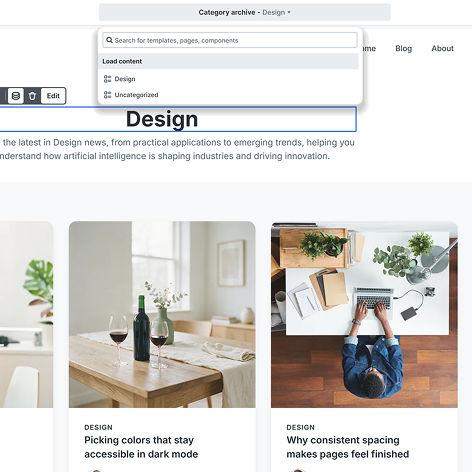
A few settings decide which records reach your card, from the source you start with to the conditions, the number of records per page, and the empty state.
Posts, pages, media, categories, tags, menu items and each Meta Box custom model too.
Join conditions with AND inside a group and OR between groups, on most fields your posts carry.
Fill the No result element with your own text or images for the times a loop has nothing to show.
Decide how many records each page of the loop shows, from a short row of three to a full archive.
The same loop logic runs inside the elements visitors browse and open, so one designed slide, tab, or row repeats for every record you choose to show.
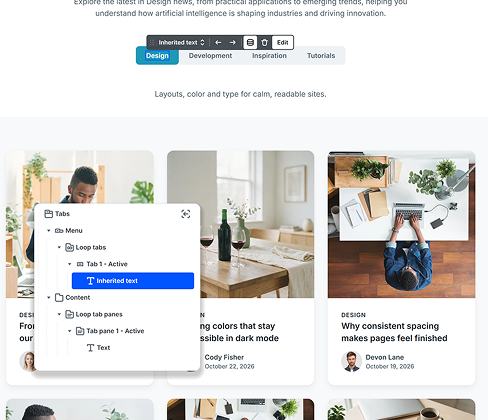
Posts or testimonials become slides, all built from one template slide.
A tab for every post or category, generated from one template tab.
An FAQ post type turns into accordion items that open and close.
A list of links or terms that grows on its own as you add more.
A loop is only as good as the card inside it. These are the elements you will reach for on that card and around it, each with its own guide to the settings it offers.
What you may want to know before you build your first loop, from plans and other field plugins to live filters, nested loops, archive pages, and WooCommerce.
Personal, Creator, and Agency all include it, each with all Pro features, and the pricing table lists the custom loop builder and custom post type support on every plan.
We use cookies to improve your experience, analyze traffic, and personalize content. By clicking "Accept all" you agree to storing them on your device. Read our privacy policy.