
Current
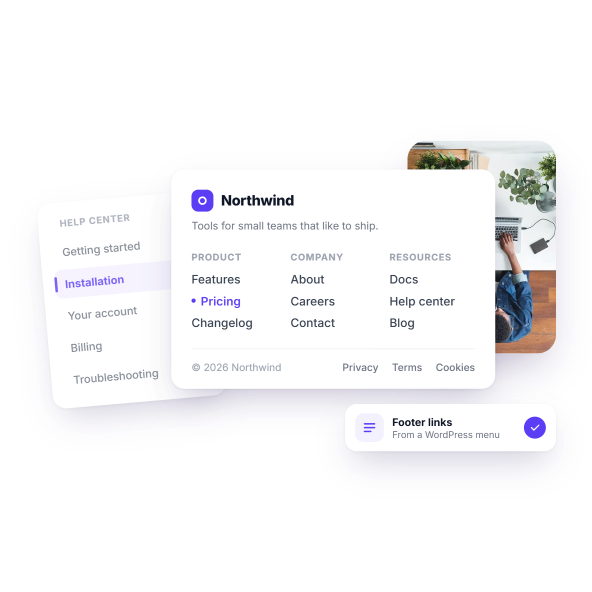
The current page's link gets its own style, down to the whole box around it.

Footer columns, legal links, help center sidebars, and the links inside off-canvas menus, all from one element you fill with your own links or a WordPress menu, then style visually to suit the spot it sits in.
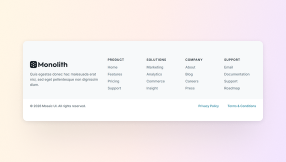
Blank, Monolith, and Gibraltar ship footer blocks with their menus already built in. Each card shows the footer's number, so you can find the same one in your theme's blocks.
Six places where your links live outside the header, each built with the Menu element. Click the demo at the top of each card and try it the way a visitor on your site would.
Product, Company, and Help side by side, with one Menu for each column of links.
Terms, privacy, and cookie pages in one quiet row, with a dot between each link.
Extra pages are tucked under a single toggle, so the whole footer stays on just one line.
Guides down the side of a help page, with the article you're reading picked out.
A panel that slides in from the edge of the screen with your menu, then slides away.
Anchor links at the top of a long page so your readers skip straight to the part they need.
A footer, a sidebar, and a slide-in panel each ask something different of your links, and each one is set up visually in the editor, without writing any code.
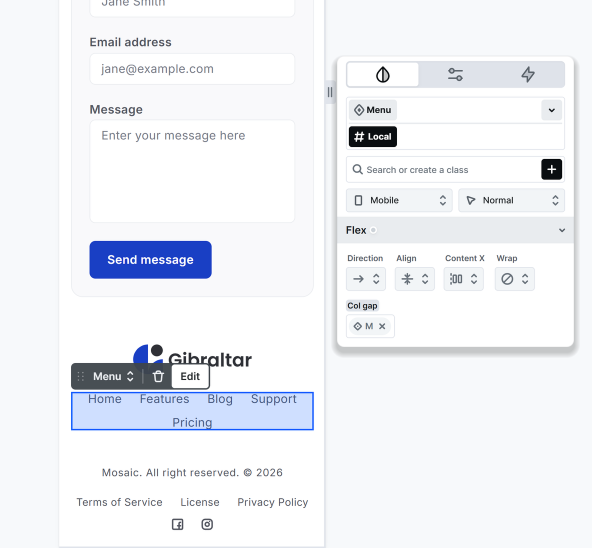
A row, tidy columns, or a stacked list, with a different layout on every screen size, all set visually in the Style tab.
Legal links side by side, or a footer split into columns
A row on desktop that stacks neatly on phones
A menu that shows on phones only, hidden on bigger screens
A sidebar menu that stays in view as readers scroll
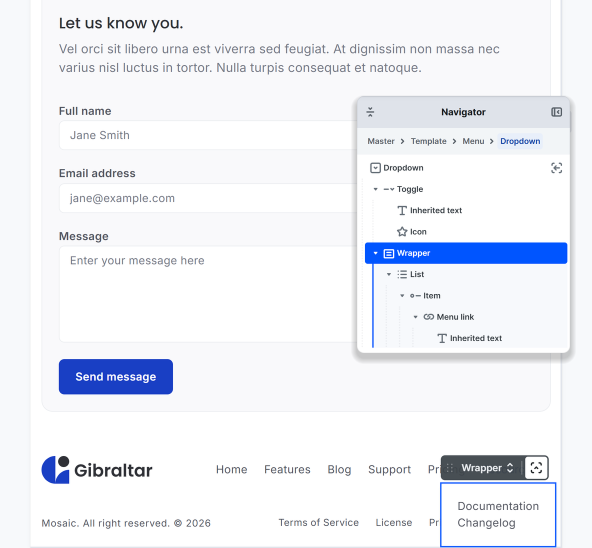
Dropdowns work outside the header too, so a footer or a sidebar can keep a short list of pages behind one toggle.
Opens on a click or as the pointer moves over it
Stays inside the window, even near the edge of the screen
Or pick Dropdown wide to spread long lists into full width columns
Opens and closes with the animation you pick
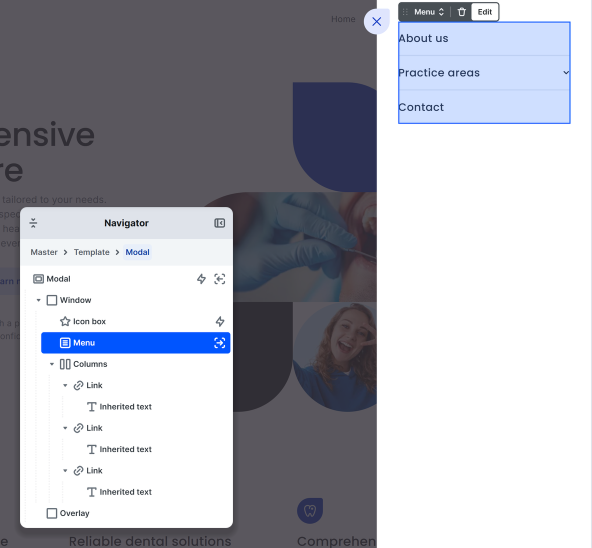
Build a full-screen menu in the editor with a click interaction, no code needed, and fill it with whatever your visitors need.
One button that opens the menu and closes it again
Hidden from screen readers until a visitor opens it
Room for links, icons, images or a short note inside
Or open your menu in a Popover beside its button
States and conditions change how each link looks and whether it shows at all, based on the page a visitor is on and the details of their visit to your site.
The current page's link gets its own style, down to the whole box around it.
A dropdown's toggle lights up when the page you're on sits inside that dropdown.
Style a toggle while its dropdown is open, for example to flip its arrow.
Give a link a condition, so it shows only to some visitors, like signed in users.
The WP menu element pulls in a menu you already keep in WordPress, while your own links are placed on the canvas. Both fill the same Menu, so pick per menu.
In WordPress under Appearance > Menus, outside the Mosaic editor
On the canvas, wherever the Menu sits, like the footer every page shares
Keep the links in WordPress if that's where you manage menus today
You style the items once, and every entry in the WordPress menu follows
Each Menu link has its own style, or shares a class with the rest
Long menus are quicker as a WP menu, short ones easier by hand
First-level submenus, each shown in a Dropdown under its parent
Dropdowns you place by hand, each holding whichever links you choose
Keep footer and sidebar menus to one level, so they're quick to scan
Fixed links before or after a chosen item, plus a separator between items
Icons, notes or any layout inside a link, since each is a container
Place links by hand when an entry needs more than its own name
A page shows up in the Menu once it's added to that menu in WordPress
Each new page needs its own link, found by typing the page's name
Pick the WP menu if pages come and go often on the site
Put the Menu in your Master, the shared layout your pages are built on, and every one of those pages shows the same footer links. One change reaches them all.
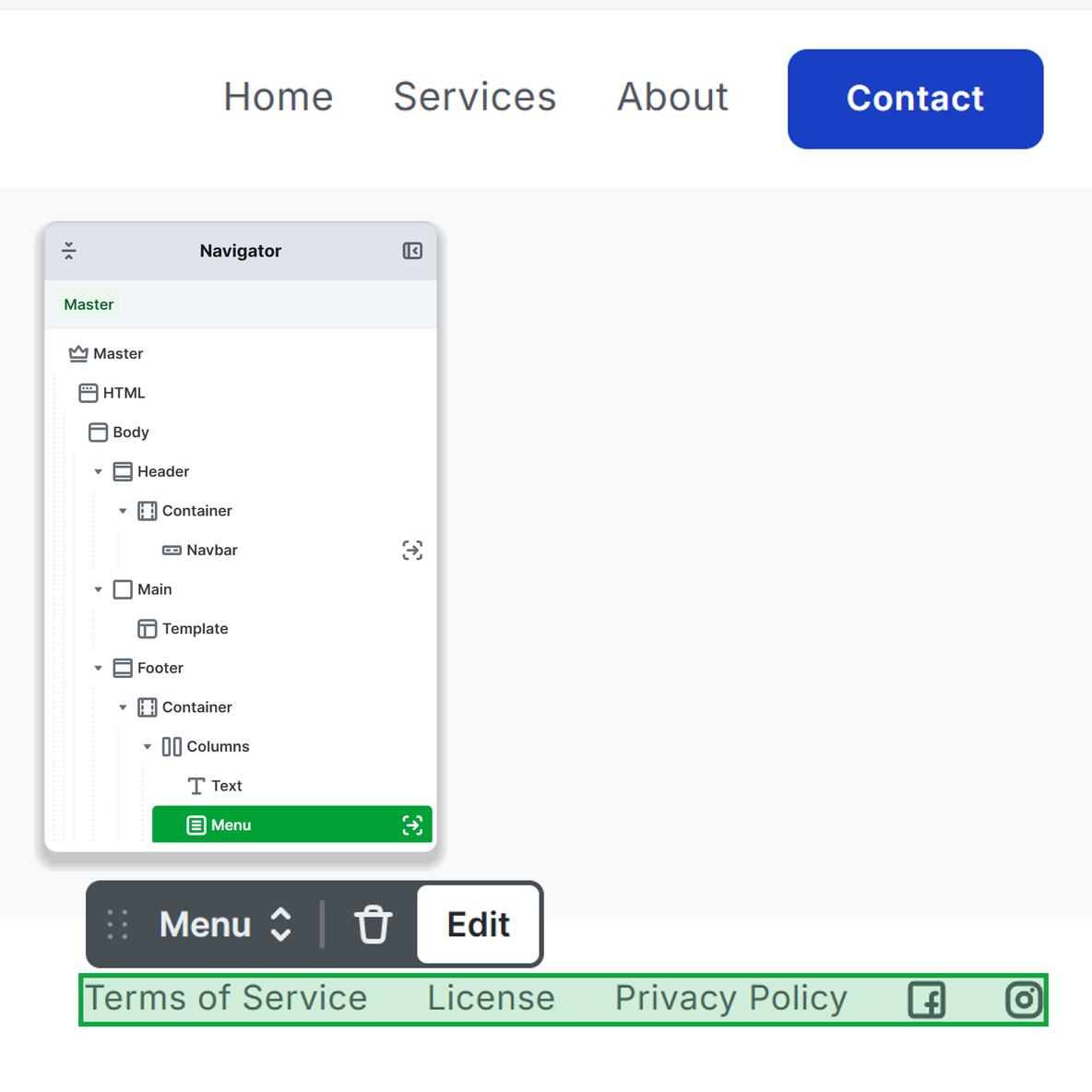
Give every footer menu the same class, a reusable set of styles you edit once in the Style tab for all.
Menus pulled in from WordPress render as a proper list, the HTML structure accessibility tools expect.
Save a menu as a component, a reusable piece that updates by itself in every Master and page using it.
Double-click any link on the canvas to rename it in place, then set where it points to right from its toolbar.
A menu rarely sits on a page alone. These are the elements you'll reach for around it, each with its own guide to the settings it offers and how to use them.
The details people ask about before they move their footer and sidebar menus over, from submenus and new tabs to screen readers and which plan they need.
Yes, on all three plans, Personal, Creator, and Agency. Every plan includes all Pro features, so the Menu and its Dropdowns are never a paid add-on.
We use cookies to improve your experience, analyze traffic, and personalize content. By clicking "Accept all" you agree to storing them on your device. Read our privacy policy.