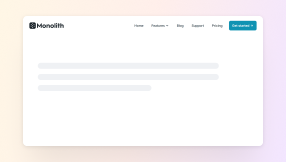

Stays in the window
Near the edge, a dropdown shifts back into full view.

Build your WordPress navigation menu as one element, with your logo, links, dropdowns and mega menus, plus a mobile menu you design on the same canvas.
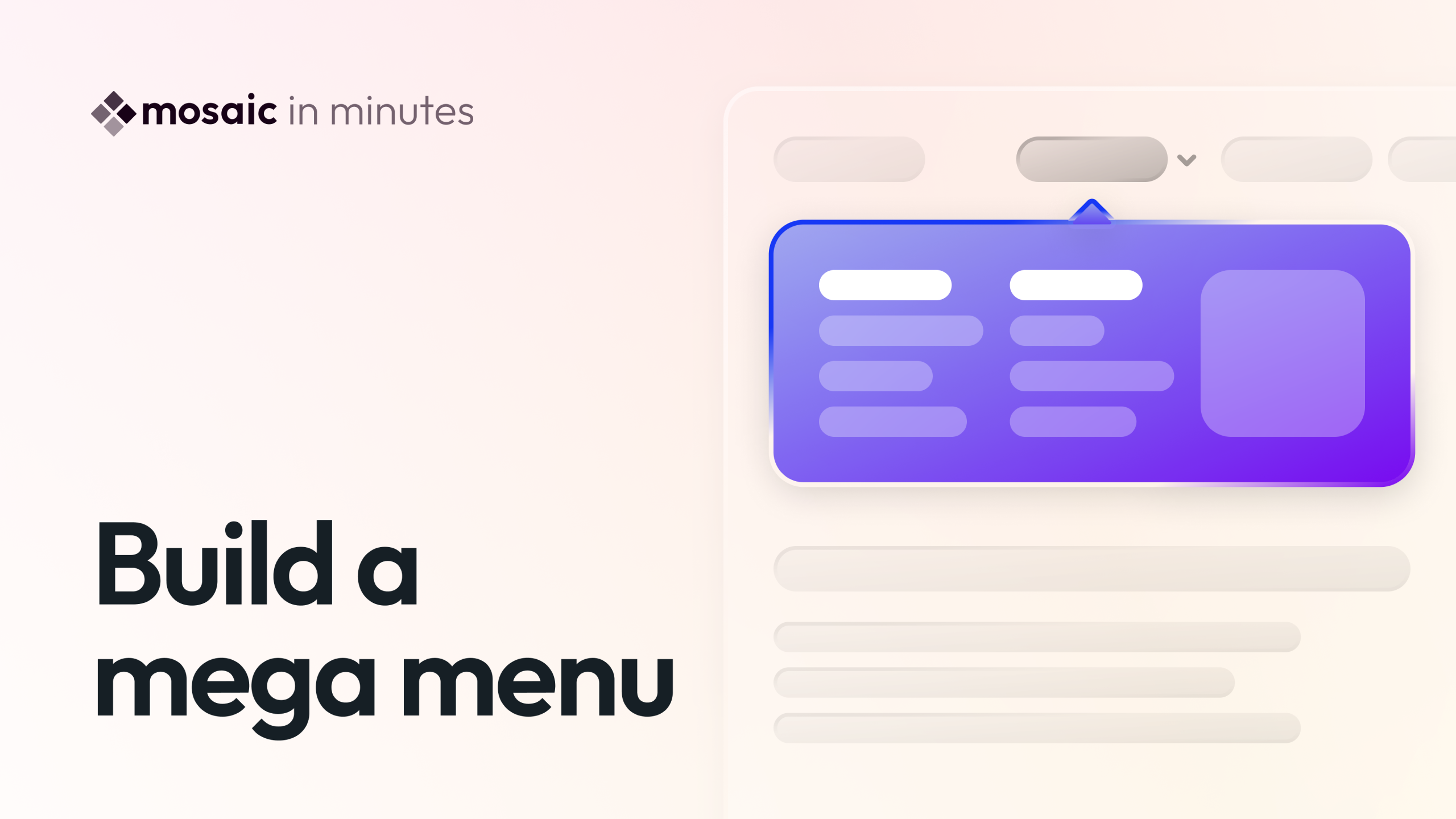
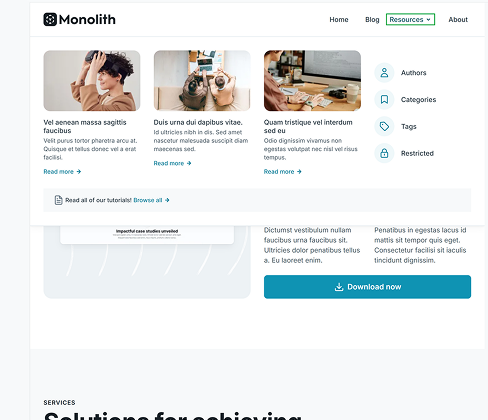
Give one menu item a full mega menu with icons, an image, and a soft hover reveal, right inside your navbar. No extra plugin needed, and it adapts to a small phone screen too.
Each theme's Library has Header blocks built on the Navbar. The number on each card is the header's block number in that theme, so it's easy to find.
Six kinds of sites, each with the navbar that suits it best.
Click or hover over the small navbar on each card to try it.
Docs, guides, and videos in one wide panel, so visitors see everything you offer at a glance.
Services are sorted into groups, with each level set to open on hover as the pointer moves in.
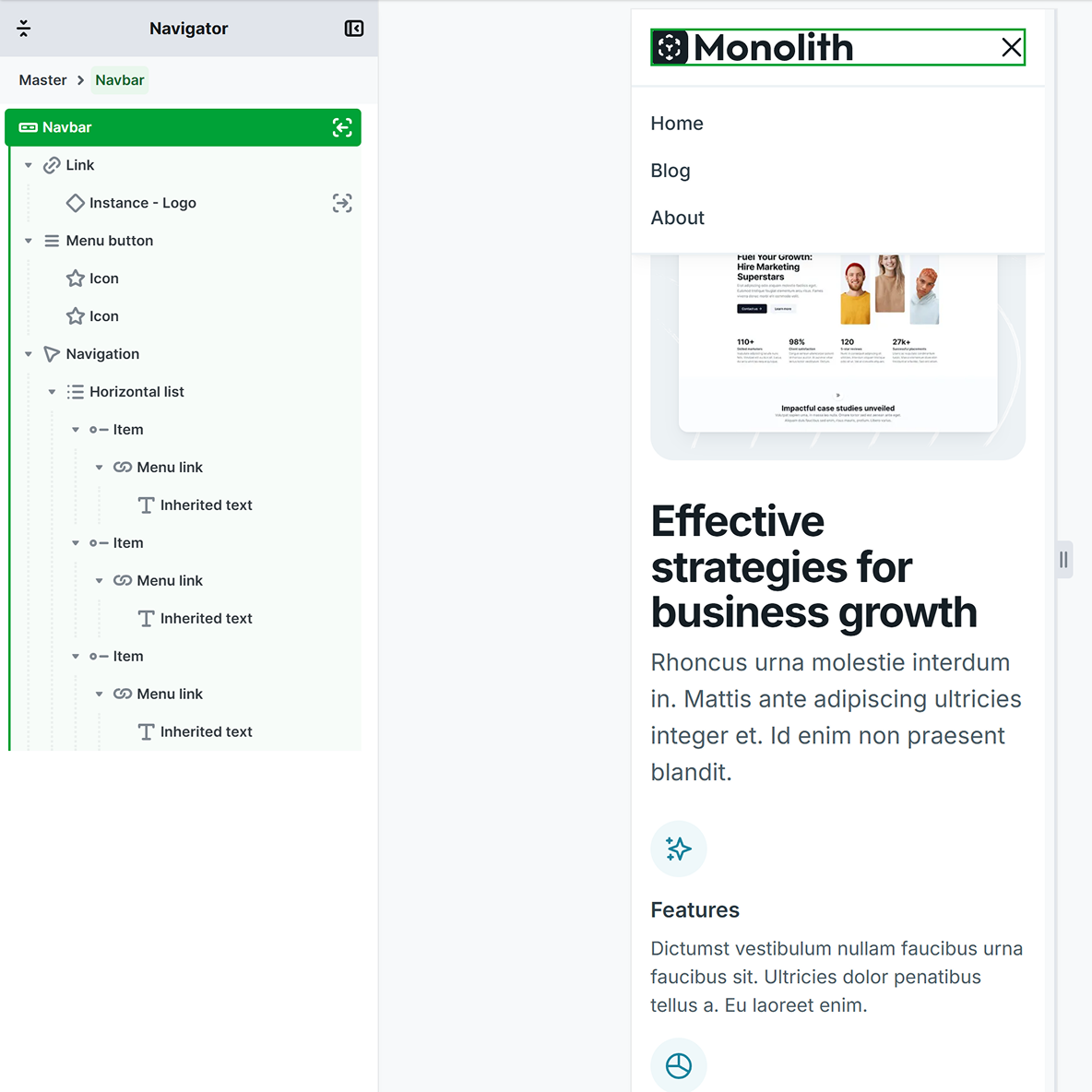
On a phone, the links fold into a menu button, and each submenu opens inside the menu.
The links come from Appearance > Menus, so clients edit them and the design stays put.
The Navbar holds everything a header menu needs, from your logo and links to the dropdowns and the menu button on phones, and you style all of it with your own classes.
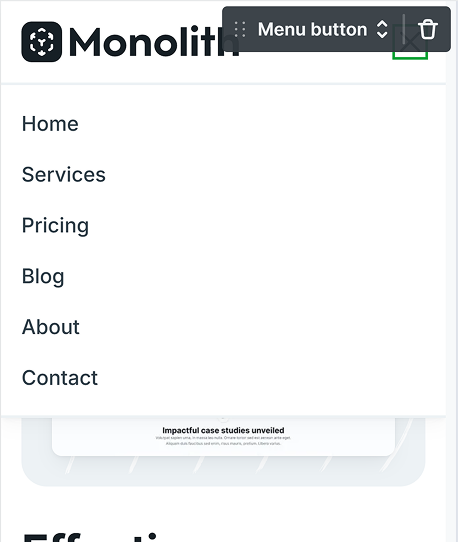
Below the breakpoint you pick, the links fold into the menu button, and you style the opened menu right on the canvas.
Pick the screen size where the menu button takes over
Preview the menu open or closed from the toolbar
Give the opened menu its own look with its own state
Each dropdown is a toggle and a wrapper you fill with links, icons, or images, styled with your classes.
Open each one with a hover or with a click
Line a simple dropdown up left, center or right under its item
Start from a ready-made mega menu in your theme
People only notice these when they go wrong, like two menus open at once or a page that slides away behind the menu. Some are built in, the rest take a few clicks.
Near the edge, a dropdown shifts back into full view.
Hover the next dropdown and the open one closes.
Turn on Disable body scroll and the page stays still.
Let the menu items fade in as a dropdown opens up.
The Navbar can show a menu from Appearance > Menus, or links you place on the canvas yourself. Both take your styles, so pick by who will edit the menu later on.
In the dashboard under Appearance > Menus, like any WordPress menu
On the canvas inside the Navbar, where you add and drag each link
Clients can update the WP menu without ever opening the Mosaic editor
Style one item and its dropdown once, and every menu item follows it
Every link and dropdown is its own element, so each can look different
A long menu stays consistent, a short one can carry a standout link
One level of submenus under each top-level item, set in WordPress
Dropdowns inside dropdowns, for menus that need to go further down
Need a third level? Build that one part of the menu on the canvas instead
Fixed items placed before or after a matching item, and separators
Anything else you can add to the canvas, from buttons to a search form
Add your own fixed link or a separator without touching the WP menu
What the Navbar writes to the page matters to screen readers and search engines alike. These parts are in place the moment you drop it in, with nothing to switch on.
The menu carries the navigation role, so assistive tech can find it.
Each dropdown toggle tells screen readers whether it is open or closed.
The mobile menu button is read out as Open menu, not a blank icon.
WordPress menus are written as a real list, the way menus should be.
A header is rarely just a row of links. These are the elements that join a navbar in your header or open from it, each with its own page in the Mosaic docs.
The questions people ask before they rebuild a header their visitors rely on every day. For the rest, the Navbar docs explain each of its settings in turn.
Nothing extra: Personal, Creator, and Agency all include it. During the early bird period, which runs until the end of 2026, Personal and Creator are free for the first year, and Agency costs less as a lifetime license.
We use cookies to improve your experience, analyze traffic, and personalize content. By clicking "Accept all" you agree to storing them on your device. Read our privacy policy.