

Since launch, Mosaic Builder has picked up its own forms, Meta Box data, and a class system with readable names. It also gained a native Modal element. New comparison pages, tutorials, and user stories make it easier to evaluate. Ten releases went out between March and the end of September. Mosaic is more open than it used to be, and it shows.
Not long ago, Mosaic was a closed box. Data stayed wherever Mosaic put it, and the system underneath still had a few rough edges. If you wanted to compare it, learn it, or see others’ work, there wasn’t much to go on.
That’s not true anymore.
Most of what changed came from you: feature requests, edge cases we hadn’t run into ourselves, real sites that hit a wall we hadn’t noticed. Here’s what’s different now, from the launch in March to the end of September.
What connects now
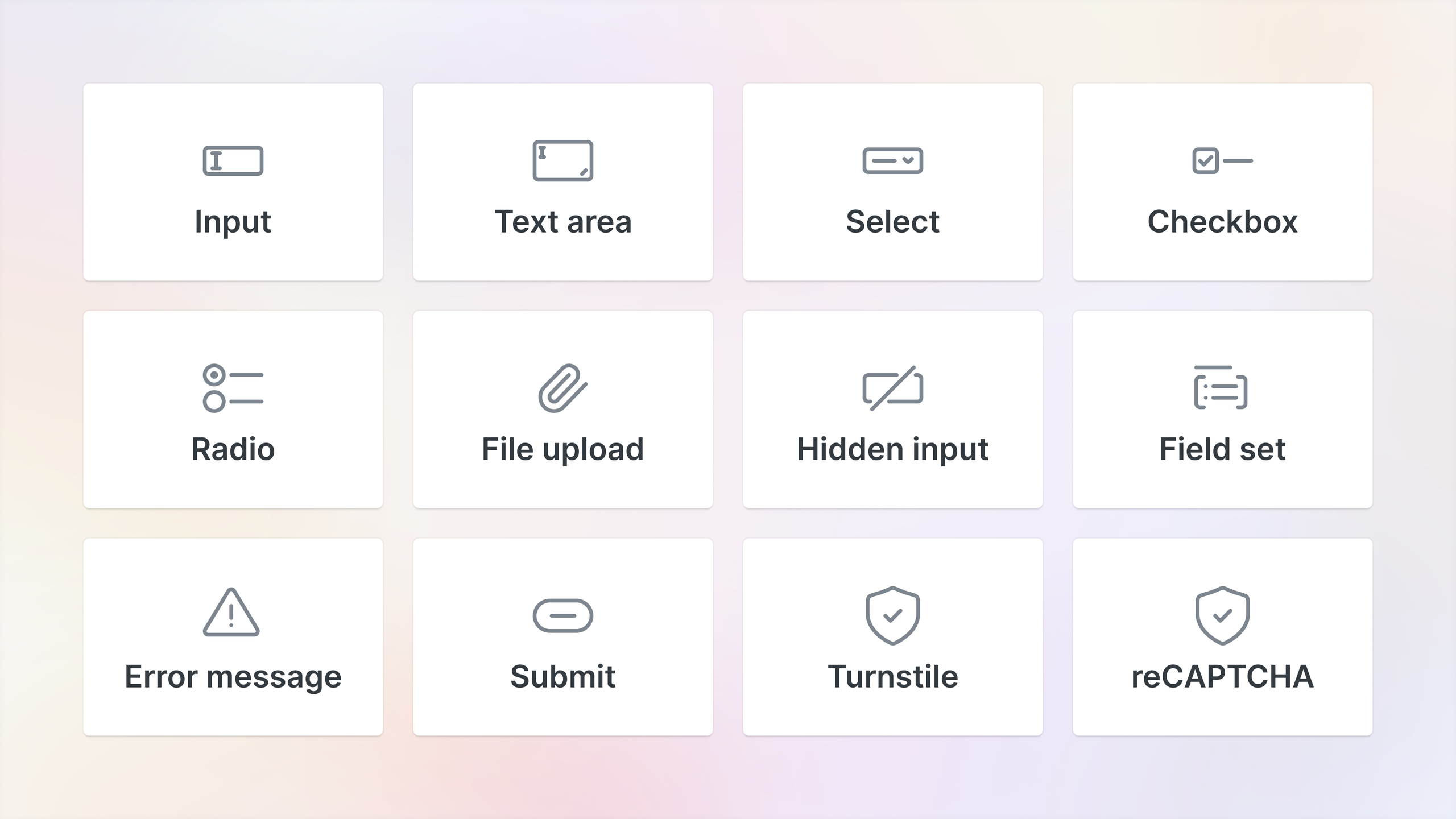
For as long as Mosaic didn’t have its own form element, adding a contact form meant reaching for another plugin. That changed first, with the visual form element in July. Then you could send submissions straight to a webhook, Mailchimp, or MailerLite.
Now a Mosaic form connects to the tools you already run your business on, instead of exporting a CSV. That’s one less plugin to keep updated on every client site you look after. Ready-made translation files followed, so a form can speak to a visitor in their own language.
Then we opened up your data. If your products, listings or staff bios live in Meta Box custom fields, Mosaic now reads them directly, relationships included. Pull them into a loop, a template, anywhere you’d use dynamic data, the same way you already do with ACF. In September, that reach grew again: ACF and SCF fields on media attachments now work inside the attachment loop. So there’s nothing to duplicate and nothing to keep in sync by hand.
Maps came along too. A Google Maps element landed in August. If you’d rather not use Google, an OpenStreetMap element followed in September.
What got steadier, and what got added
Building in Mosaic used to mean living with class names you didn’t choose. They worked, but inspecting the markup afterward rarely told you what you were looking at.
So in September we rebuilt the class system. Classes now get readable names, validated and unique, on the frontend and in the editor. The sidebar was rebuilt so you can create, search and switch classes in one place. Style variables got readable CSS custom property names too.
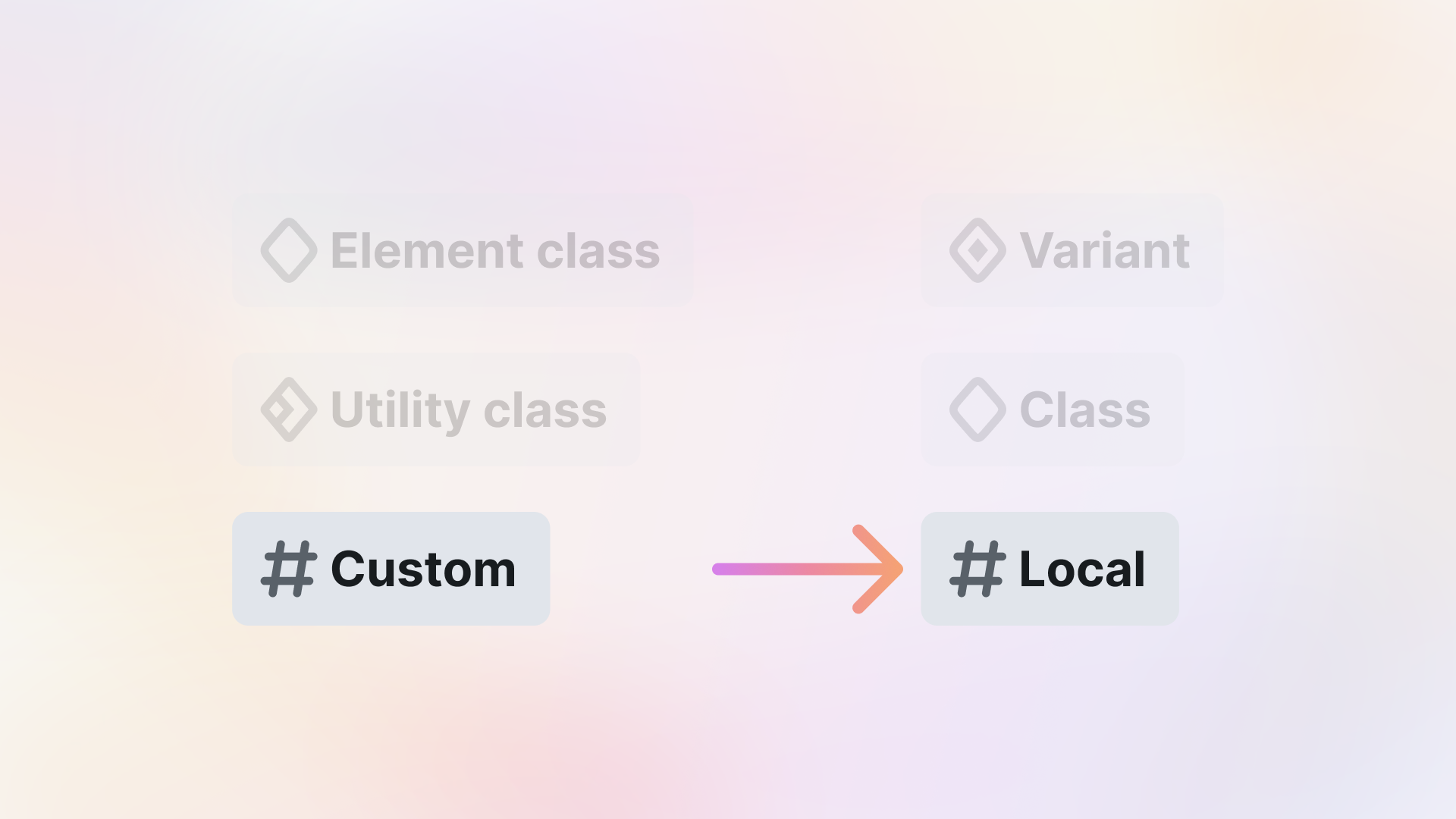
The structure is easier to follow as well: each element’s built-in style is a Variant, your reusable styles are Classes, and one-off tweaks are Local styles. If you’ve already built with the old system, an automatic upgrade turns your class labels into real class names. The old labels stay until the first release of 2027.
The markup got leaner at the same time, worth knowing if you’re a developer who checks what a builder outputs. Component instances no longer add an extra wrapper div on the frontend. Generated class names now only appear on elements that need them.
A native Modal element
Late in September came a native Modal element. Build confirmations, sign-in prompts, cookie notices, or age gates, with an overlay, focus trapping, and stacking handled for you. It opens on a click, on page load, on exit intent, or at a set scroll depth. A new frequency setting limits how often it shows, so returning visitors don’t see the same popup every time.
A few smaller additions round it out. A new context bar above the canvas puts navigation, search, and content loading in one place. A Link can now be a badge. And the Mosaic interface itself is now available in 22 languages.
Ten releases since launch
None of this happened in one big leap. Ten releases went out between the March launch and the end of September, five of them in Q3 alone. Some carried headline features. Others fixed what real use turned up, like a theme export that could crash or Mac keyboard shortcuts that misbehaved.
Small stuff, mostly, the kind you’d only notice if it broke. That’s what steadier actually looks like from the inside. The full list lives in the changelog.
The Library grew alongside it. Since August, you can preview an item before inserting it. The finished block from every tutorial is waiting there too, ready to drop into a page. Fewer projects start from an empty canvas now.
Easier to compare, easier to learn
If you’re weighing Mosaic against what you use now, there’s a specific answer waiting. The comparisons hub now covers eight builders.
Some of those switches have their own story too. Four people have written up how they moved to Mosaic so far, two designers, the owner of a small web studio, and someone running his own site.
One of them now builds Mosaic sites with AI coding agents, because the structure is regular enough for a script. In his words: “That is a design system, not a page builder.” You can read all of their stories on Made in Mosaic.
The showcase now carries 17 real sites, from a pinball museum in Idaho to a Thai massage studio. There’s room for more if you want to submit your own.
We didn’t just ship features, we taught them too. The tutorials hub grew to 21 step-by-step guides. They run from page structure and mega menus to scroll timelines and the MailerLite, Mailchimp, and Meta Box integrations. A new video goes out on the YouTube channel every week, and the audience there has more than doubled since launch. Every major release gets paired with something that shows you how to actually use it, not just an announcement that it exists.
The docs kept pace with all of it. Every feature above got written up there as it shipped.
A community that speaks for itself
The Facebook group is past 1,300 members, and it’s an active one, release posts get real reactions and comments each time something ships, from people who are invested, not just skimming an announcement.
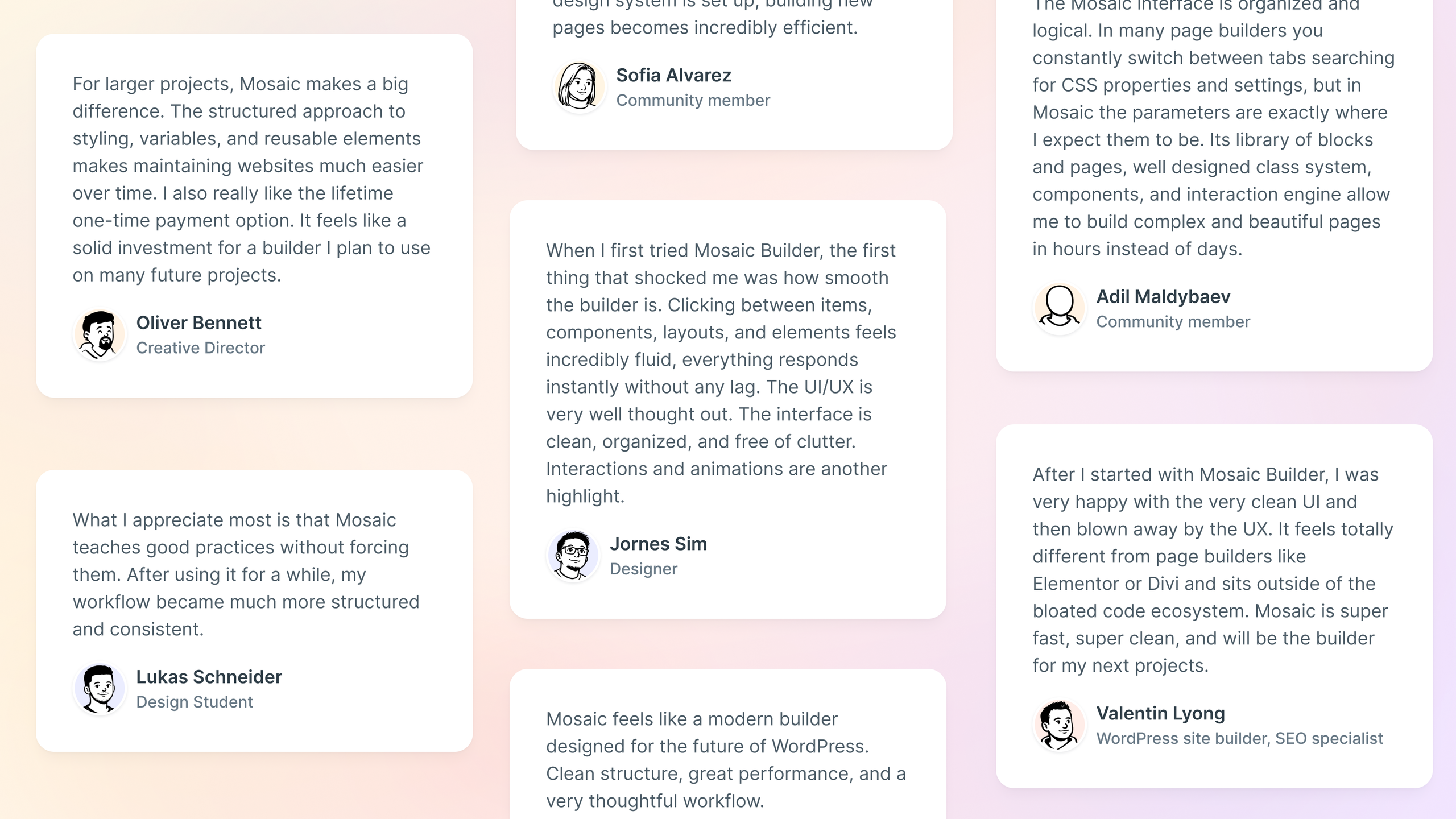
Some of the best of it is unprompted. One longtime WordPress user posted that he’d fallen out of love with the platform more than once. Weighing up where to go next, he said Mosaic was on top of his list. Nobody asked him to write it. If you want to see the group for yourself, it’s open, join us.
And it’s spreading beyond us
A handful of creators have made videos about Mosaic, and you can watch all seven on the creator videos page. Some of them clearly outperformed the creators’ own usual numbers. That only happens when a product’s actually worth talking about.
Our own numbers show the same pattern. Several thousand people now get our newsletter, every one of them signed up on their own. That isn’t huge next to the platforms we’re up against, but it’s real, and it grew the same way everything else here did, people showed up on their own.
Mosaic is also on the ballot for the WP Awards 2026, run by The WP Weekly. If any of this has been useful to you, a vote helps a small team get seen. Voting is open until November 30, and winners are announced in December.
What’s next
Two releases have already gone out since the quarter closed. October brought a Popover element for menus, info cards, and tooltips that open next to the element that triggered them, without blocking the page. Then Yoast SEO, Rank Math, SEOPress and Slim SEO started reading the content you build in Mosaic, so their keyword and readability checks now see your actual page. The same release added a Kit form action, Meta Box custom models, and right-to-left support.
From here, the work falls into a few clear directions, all of them on the public roadmap:
- AI that works with your site’s structure. Connecting AI assistants to Mosaic so they can build templates and manage classes and variables directly.
- A faster editor for big jobs. Multi-element selection, a dark mode, canvas zoom, and a more capable style panel.
- More ways in and out. More dynamic data sources, design systems you can move between themes, and quicker theme import and export.
- More building blocks. Gallery and lightbox elements, and more form actions.
We’ll keep sharing what’s happening behind the scenes as these ship, and the changelog has every release in full.
Want to see it as it lands, or tell us what’s still in your way? The Facebook group and Discord are where that conversation happens first.


