Mosaic is built to support accessibility standards, but you need to use the given features, to get the best result.
Images
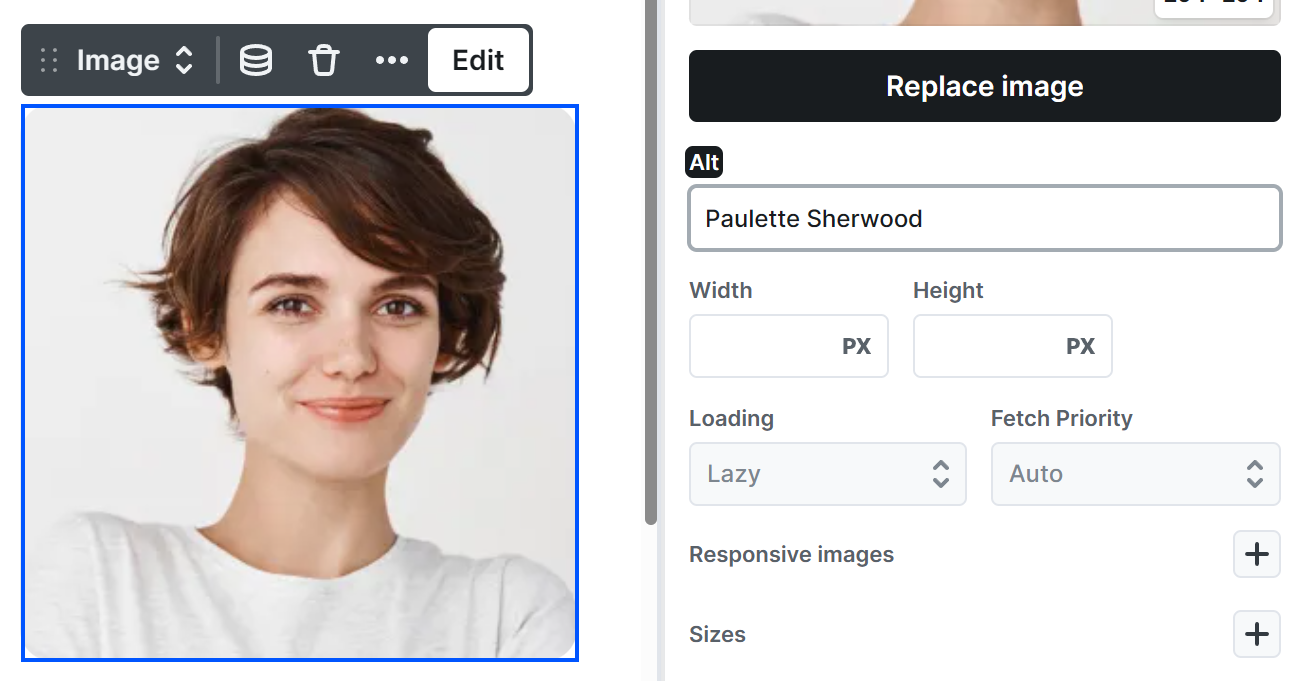
At Image elements always use their Alt field to describe the content of the image, so screen readers can interpret them.
Sliders
Within Slider elements the suggested element order is:
- Button – Arrow left
- Button – Arrow right
- Navigation
- Slides
This is because when using the Tab key, focus moves through elements one by one. In sliders, users typically want to navigate to the previous or next slide first. The bullets then provide direct access to any slide. Finally, the slide content becomes relevant once the desired slide is selected.
Accordions
Accordion elements have aria-expanded attributes on the accordions by default, which are changing between true and false state, based on whether or not the given accordion is opened.
Enter or Space opens/closes the accordions, when they get focused on using Tab button.
The Plus and Minus icons are SVG icons. Check the lower ARIA attributes for a suggestion regarding them.
Also with the lower ARIA attributes, you can specify role=”button” for the Accordion Title element.
Tabs
Tabs elements have the following attributes, to ensure accessibility:
- The active tab’s button gets aria-selected=”true” attribute, to mark when it is selected.
- The tab panels have role=”tabpanel” attribute, to let people know about their role.
- The inactive tabs are getting aria-hidden=”true” attribute, to hide them from accessibility tools, as they are invisible.
Navbar
Navbar elements use the following attributes to ensure accessibility:
- The entire navigation container has role=”navigation”, so assistive technologies can identify it as a site navigation region.
Dropdown menus
- Dropdown toggle buttons have aria-haspopup=”true” to indicate that they control a submenu.
- When a dropdown is closed, the toggle button has aria-expanded=”false”.
- When a dropdown is opened, the toggle button’s aria-expanded attribute is updated to “true” to reflect its current state.
Mobile navigation toggle
- The mobile menu toggle icon includes aria-label=”Open menu” to provide a clear, descriptive label for screen reader users.
- The mobile menu behaves like a dropdown menu, therefore the same ARIA attributes and state changes apply as described above.
ARIA attributes
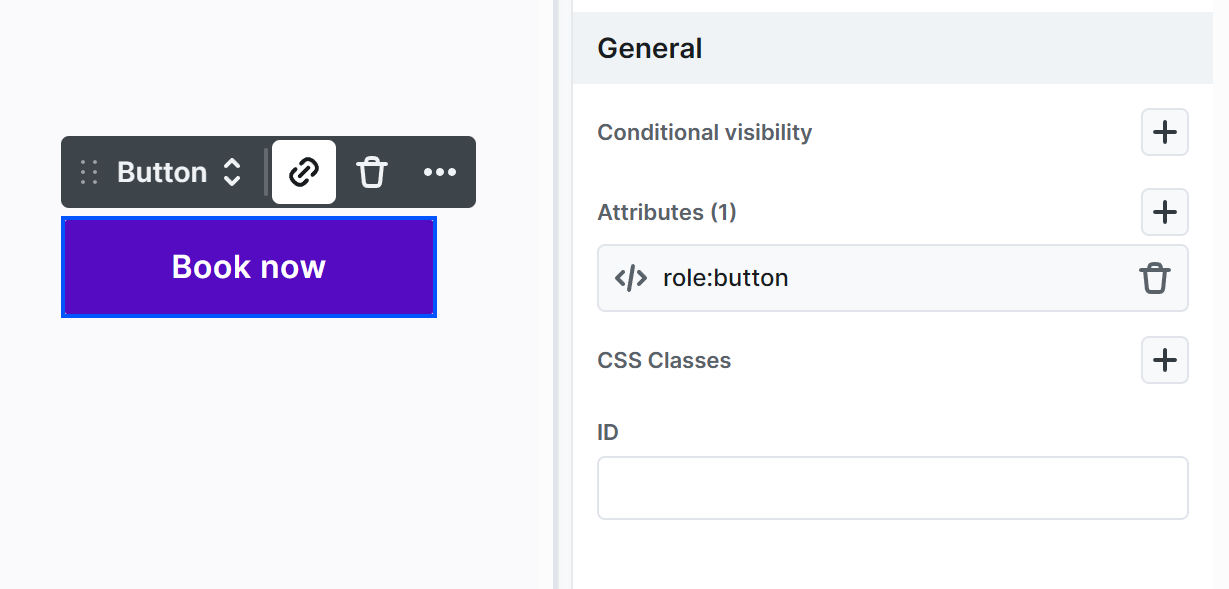
At each element, in their Settings → Attributes, you can add any ARIA attributes needed for accessibility.
Examples:
- For a Button element, add role=”button” to specify its role.
- For a Section, add role=”section” for clearer structure.
- For an SVG icon, add aria-hidden=”true” if you don’t want screen readers to interpret it.