Mosaic outputs clean, semantic code and can absolutely be SEO friendly, but you need to use the given features, to get the best result.
Images
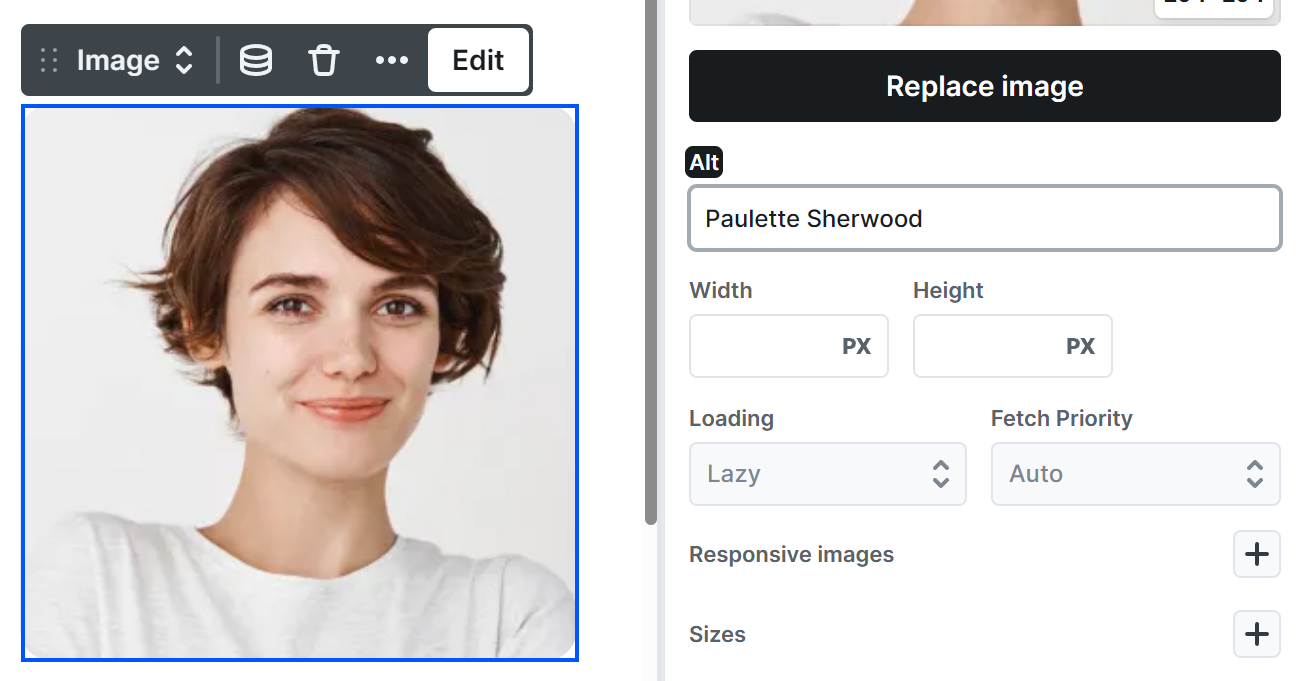
At Image elements always use their Alt field to describe the content of the image.
Headings and text
Use Heading, Text, and Paragraph elements logically to create a clear structure.
- Headings should be used as titles and subtitles.
- Text elements can be used for short standalone content.
- Paragraph elements are intended for longer descriptive text.
Meta tags
For page titles, descriptions, and other metadata, use an SEO plugin like Yoast SEO, Rank Math, SEOPress, Slim SEO, or SureRank, which work seamlessly with Mosaic.
Content analysis in SEO plugins
SEO plugins check your content for things like the focus keyphrase, word count, readability, links, and image alt text. Pages built in Mosaic keep their content in Mosaic rather than in the WordPress editor, so Mosaic hands that content to your SEO plugin. This works in Mosaic Free and Pro, with nothing to set up.
- Yoast SEO and Rank Math: open the post or page in the WordPress editor (block or classic). Their analysis now reads the content Mosaic renders for it, instead of reporting an empty page. Rank Math also counts the internal and external links in your Mosaic content.
- SEOPress: it already analyzes the rendered page. Mosaic tells it to skip the few checks that only read the WordPress editor content, so you don’t get false “thin content” warnings. This needs SEOPress 10.1 or later.
- Slim SEO: it doesn’t analyze content, but it writes the automatic meta description (also used for social sharing and structured data) from the post’s content. When the post has no text of its own in the WordPress editor, Mosaic gives Slim SEO the content of the post’s template instead, so the description matches what’s on the page. A meta description you write yourself or the post’s excerpt still comes first. The Meta desc. column in the WordPress posts list doesn’t use this yet.
- SureRank: its page checks, such as subheadings, images, links, and the keyword in the content, now read the content Mosaic renders for the post. SureRank runs these checks when the post is saved, so its panel in the WordPress editor shows the results of the last save, with a Refresh button, instead of checking as you type. After you change the post’s template in Mosaic, save the post again to update its checks. SureRank’s automatic description is still built from the WordPress editor content, so if a page has no text of its own there, write its meta description in SureRank.
Good to know:
- Only the page’s own content counts. Everything built in the post’s template is analyzed, but the Master around it (your shared header, menu, and footer) is left out, so every page doesn’t get the same keywords and links.
- The saved version is analyzed. After editing the design in Mosaic, save it, then open or reload the post’s edit screen to see the updated score. Drafts are analyzed too.
- Live updates for post content. In Yoast SEO and Rank Math, if the template shows the post’s own content with a Post content element, what you type in the WordPress editor updates the score as you type.
- A new post shows its score once it’s saved, because there’s nothing to analyze before that.
The SEO plugins’ panels stay in the WordPress editor; there’s no SEO panel inside the Mosaic editor. XML sitemaps list the featured image of each page, but not the images inside your Mosaic content yet. Yoast’s link counting and All in One SEO aren’t supported yet.
Optimization
Website speed affects search engine rankings. To achieve the best results, ensure your website is optimized, as you see in the speed optimization documentation.