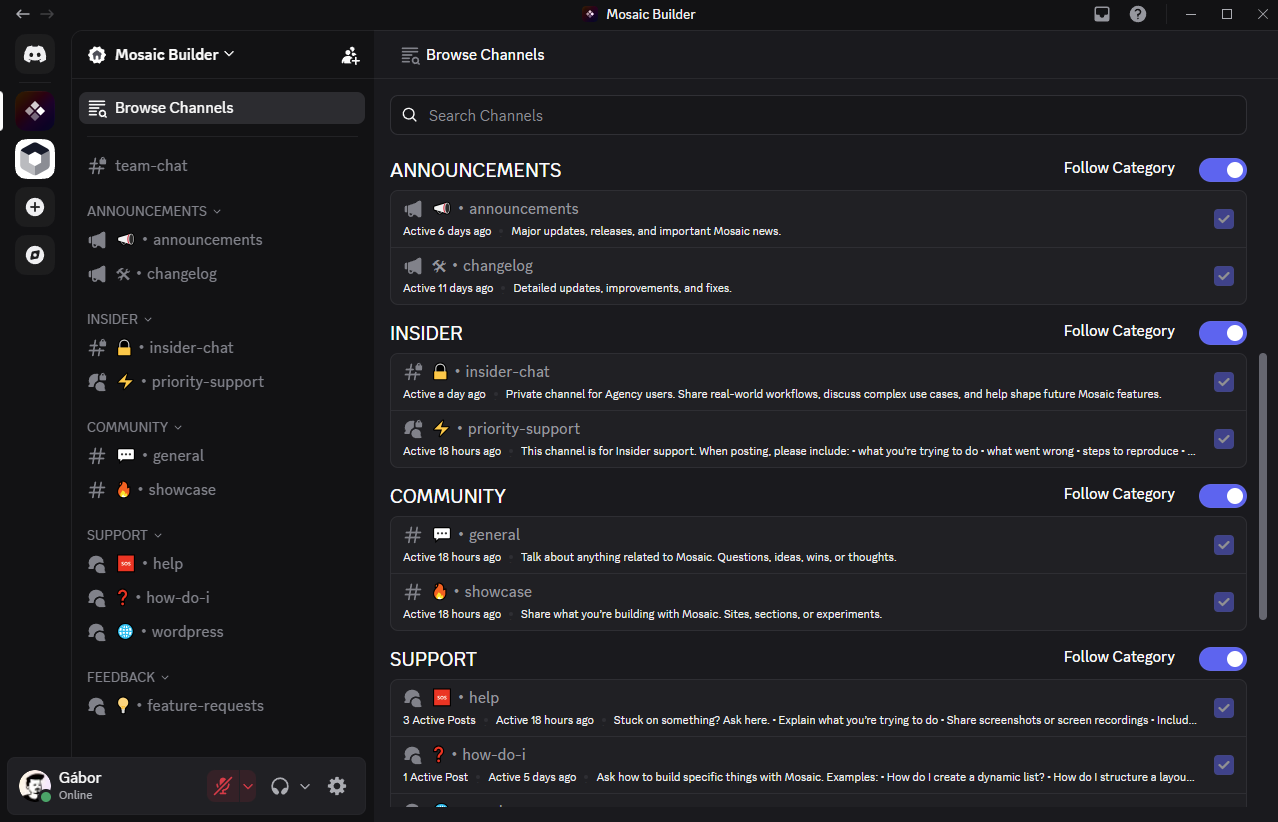
Join the Mosaic Discord community and get access to insider tips, updates, and exclusive content! Follow the steps below to quickly and easily unlock the Insider channel.
Step 1
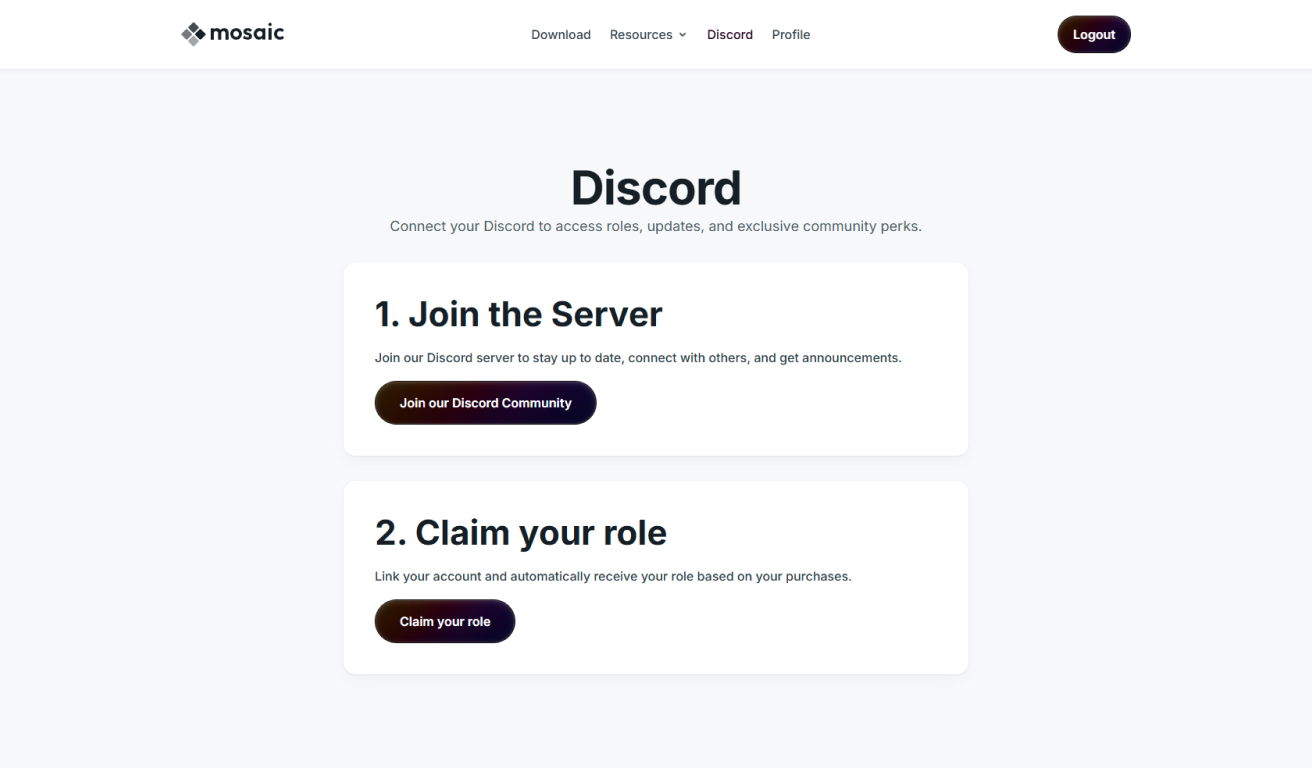
Navigate to the Discord menu on your Mosaic account page, and click Join our Discord Community.
Step 2
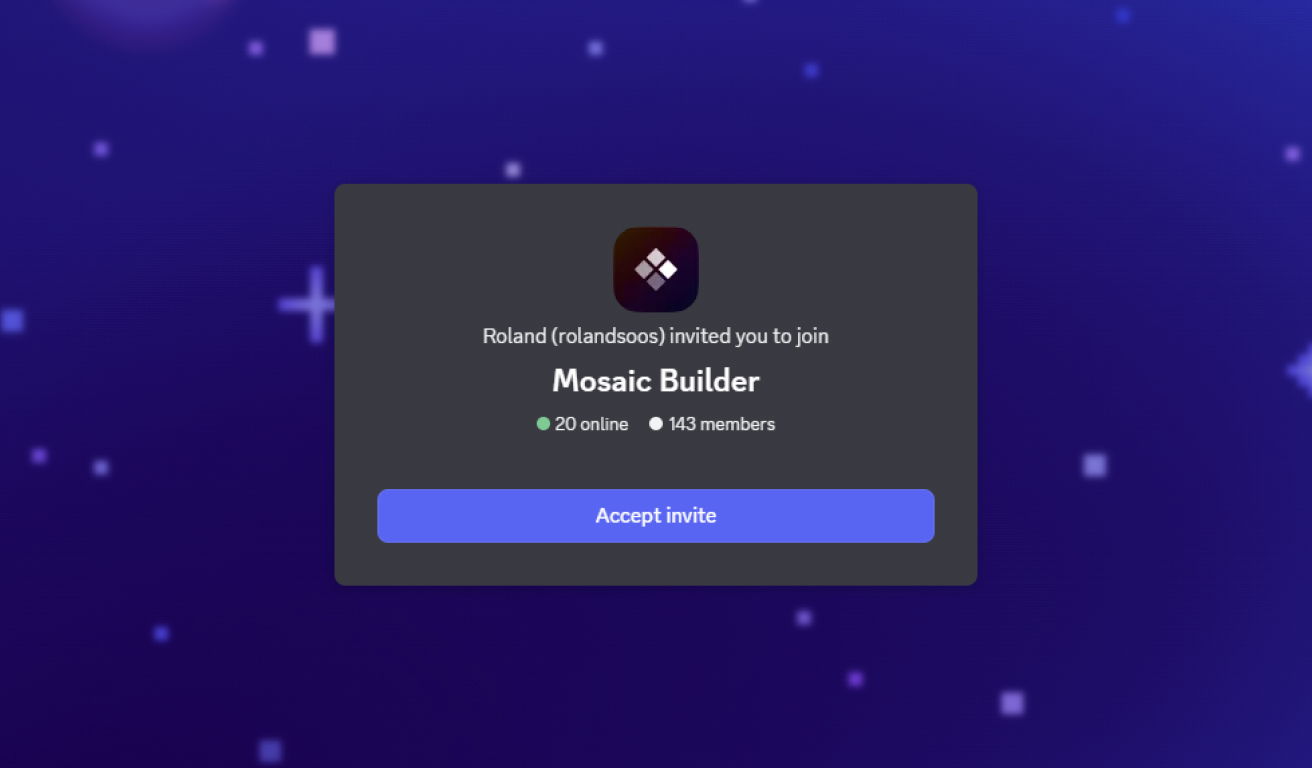
Accept the invitation on Discord.
Step 3
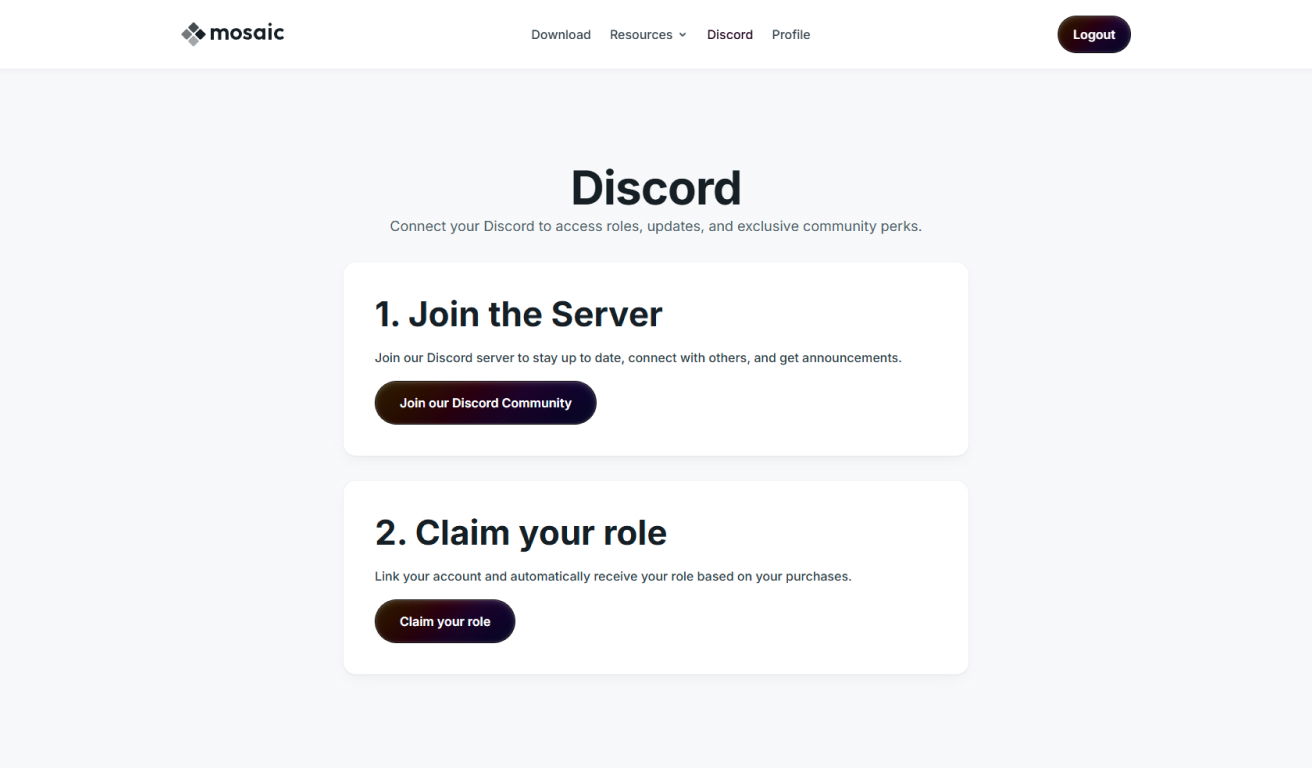
Once you’ve joined the server, return to your account page and Claim your role on our server.
Step 4
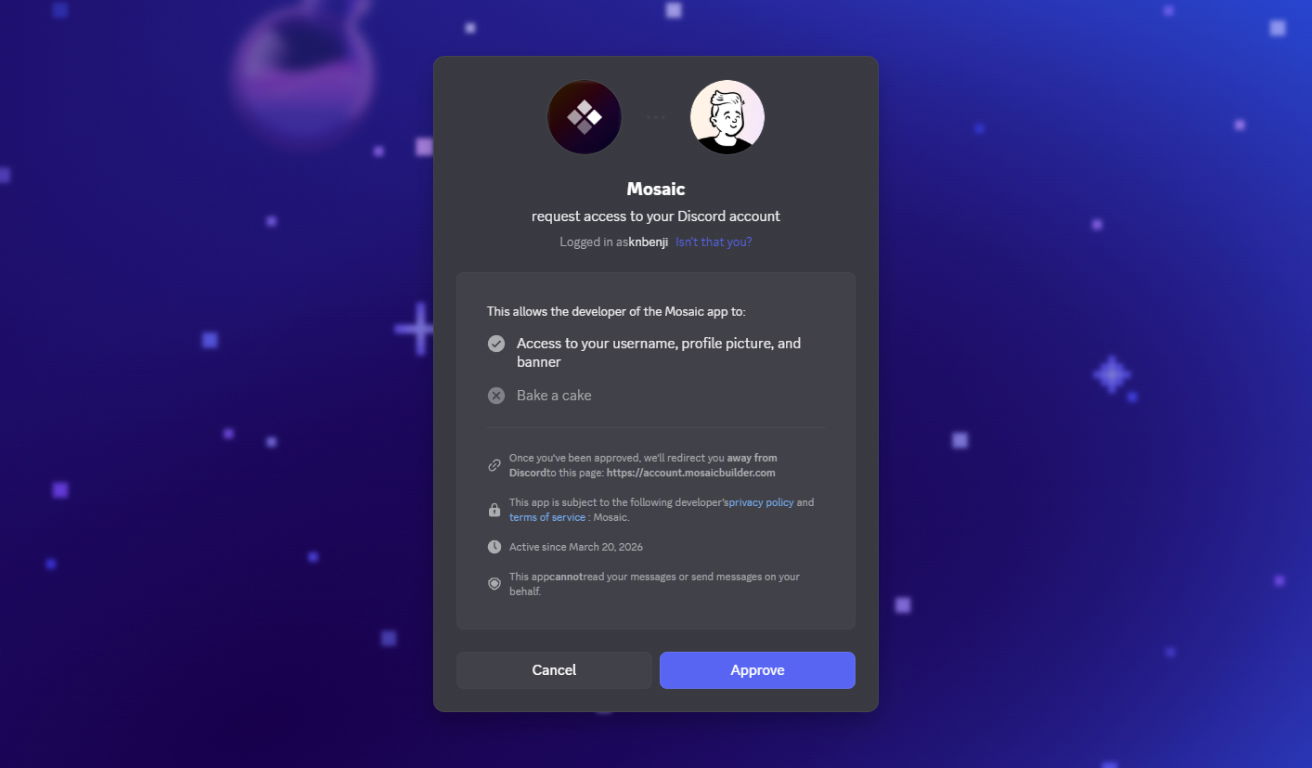
Approve the role assignment.
Step 5
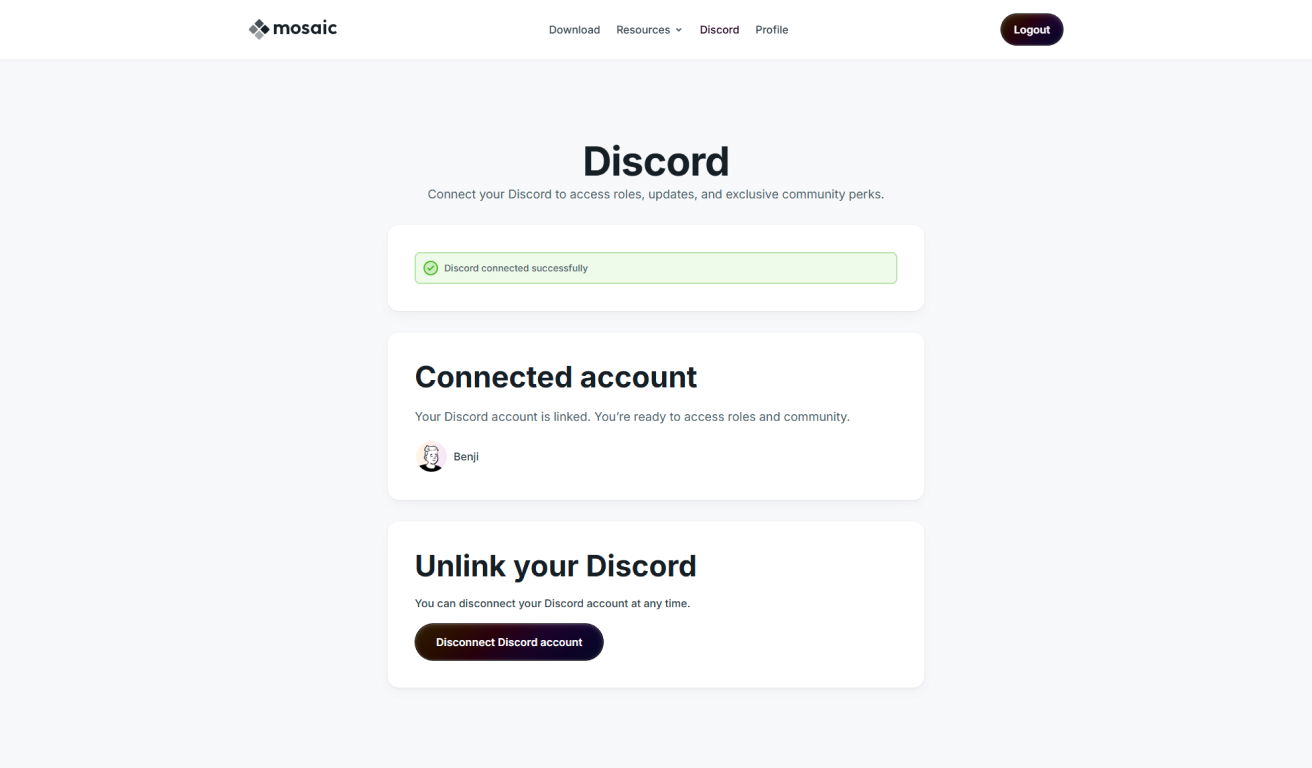
If everything was done correctly, your account page should now indicate that you have access to the Insider channel.
Step 6
In Discord make sure that in the Mosaic Builder server, at Browse Channels, you have the Follow Category turned on for the Insider channel.