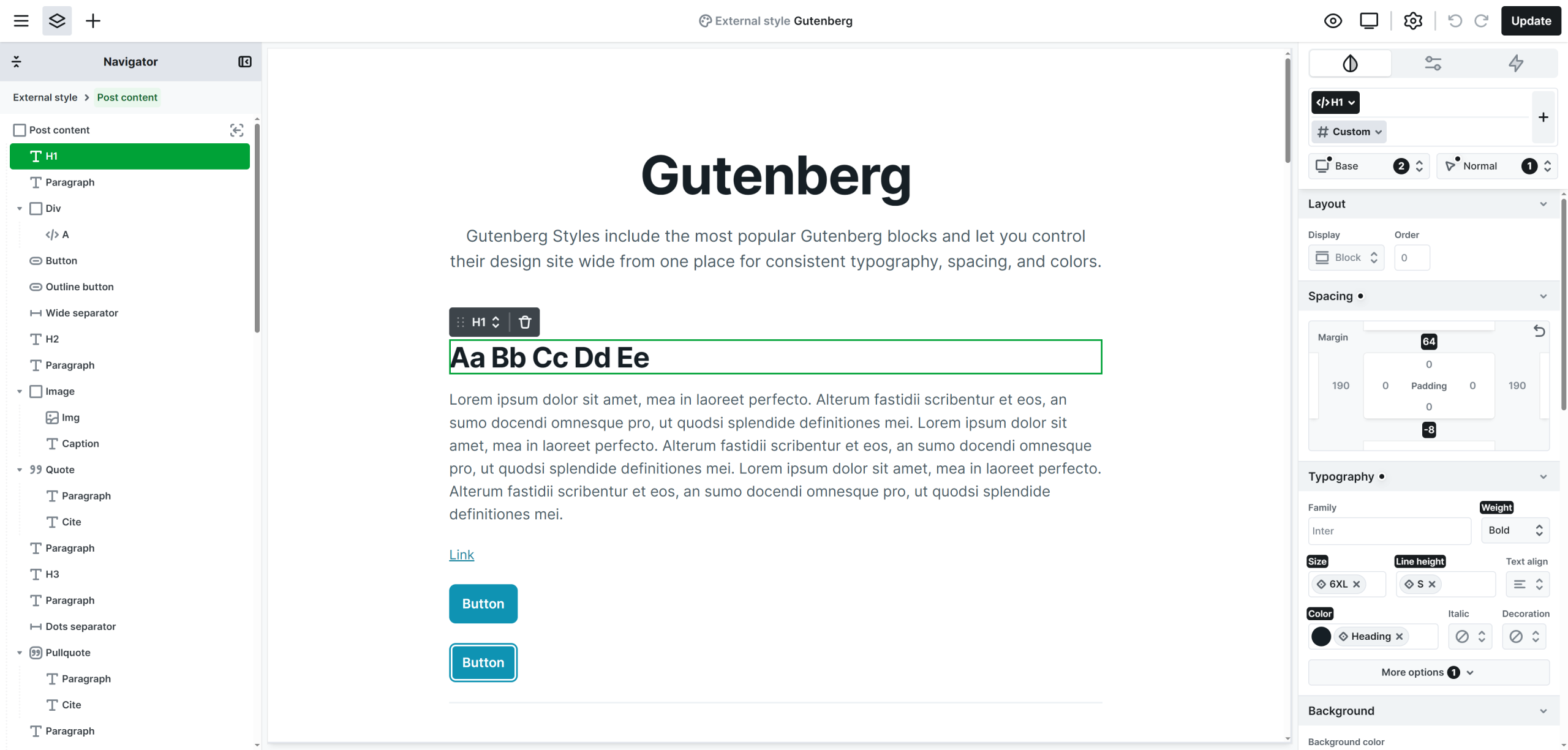
Gutenberg styles have to be used to control the appearance of WordPress content. It provides a structured environment for managing and previewing the visual styles used throughout your posts.
External style elements
Within the Gutenberg styles, you’ll find a few elements that are not available on other editor pages. These elements exist specifically to support global styling and design consistency.
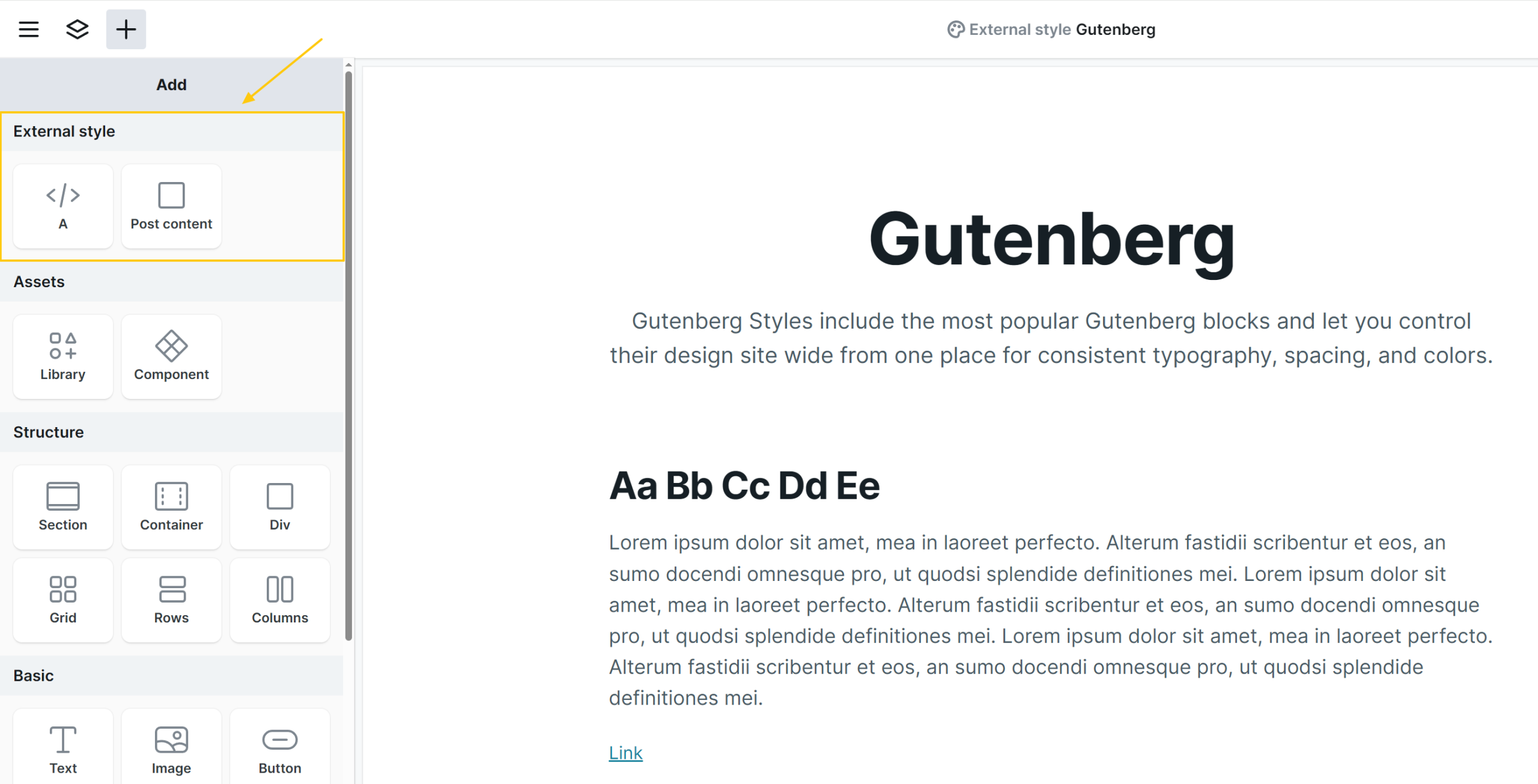
A (Link)
The A element defines the base styling for all standard <a> tags on your website, unless overridden within the Post content element by dedicated A or Button elements. It sets the default appearance for inline links. This element is especially important for links that appear inside content.
Post content
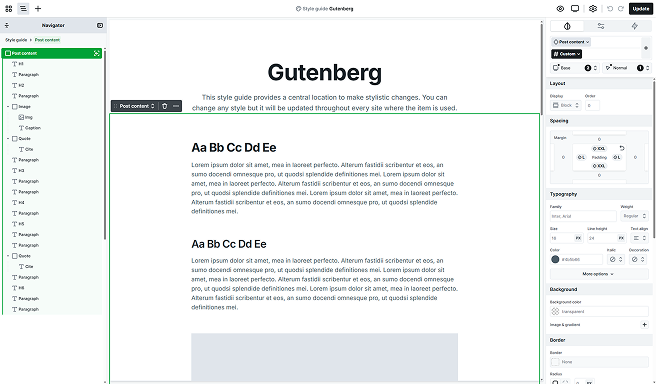
If you’re planning to use the Post content element to display post content created in Gutenberg (or the Classic WordPress editor), this is the Gutenberg styles element you’ll need to work with. It’s the only place where you can define and edit the styles applied to content rendered inside the Post content element.
Edit Post content
To customize how your Post content appears:
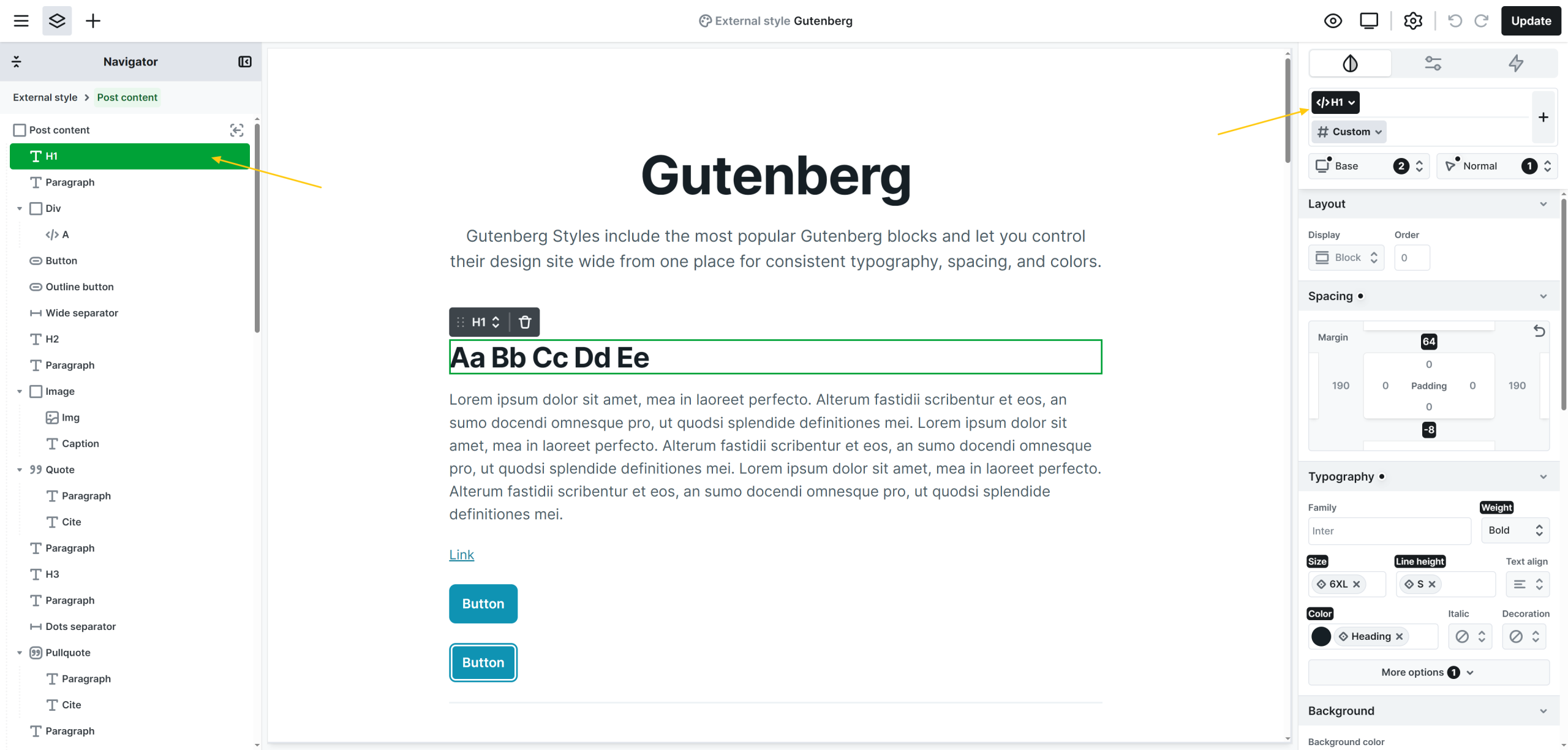
- Simply double-click the Post content element, to access the inner elements.
- Select the element you want to style within the Post content.
- Make sure its element class is selected. This typically corresponds to the element’s HTML tag, like H1, Paragraph, Button, etc….
- Apply the desired style changes using the Style tab.
Once saved, these styles will be automatically applied wherever the Post content element is used inside your editor pages.
Additional elements
The Post content element includes some additional prebuilt elements that are accessible through the Add panel.
Entry text
The Entry text element displays text pulled from your post’s Gutenberg content. Add it as a Heading (H1–H6) or a Paragraph and it will render the matching block from the post editor.
Entry quote
The Entry quote is a dedicated element designed to display quotes within your post content. It includes a Paragraph element for the quote text and a Cite element for the citation. This structure helps ensure that quotes are visually consistent and styled appropriately across your site.
Entry image
The Entry image is a prebuilt block used to showcase images within your content. It consists of an Image element followed by a Caption element for describing or crediting the image. This layout gives you better control over how images are presented in your posts.
Entry list
The Entry list element displays your post’s list block, that can be ordered, unordered, or footnotes. It holds the list items and includes three of them by default.
Entry code
The Entry code element shows a code snippets from your post. It keeps the original formatting for easy reading and copy/paste.
Entry preformatted
The Entry preformatted element displays the preformatted block exactly as typed, preserving spaces and line breaks. Use it for transcripts, ASCII layouts, or text where alignment matters.
Entry verse
The Entry verse element displays the verse block with its original line breaks and spacing. Use it for poetry, lyrics, or any text where layout matters.
Entry pullquote
The Entry pullquote is a dedicated element for highlighting standout lines within your post content. It uses the same structure as the Entry quote, a Paragraph for the quote text and a Cite for attribution, but is styled for greater visual emphasis.
Entry seperator
The Entry separator element renders the Separator block as a visual divider between sections of your post. Use it to break up long content or signal transitions.
Entry button
The Entry button element displays the Button/Buttons block from the post editor, preserving its label and link. Use Mosaic to style and to position it within your Post content.