Settings
The Redirect action sends the visitor to another page after a successful submission. It has a single setting, Redirect URL, which works just like a link field: start typing to search your site’s pages and pick one, paste in any web address, or build the address from dynamic variables.
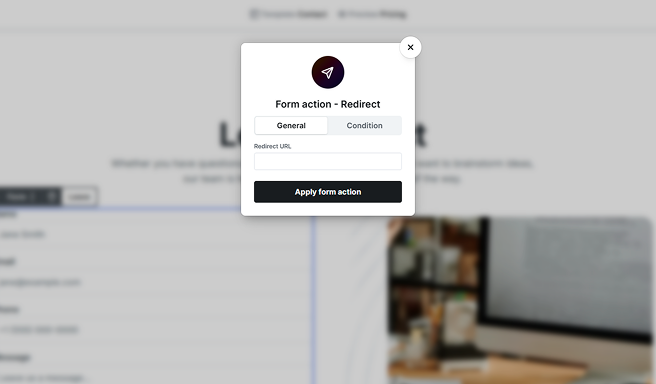
Because a redirect takes the visitor to a new page, it replaces the form’s Success screen: when a redirect applies, the visitor is sent to the URL and the success screen is not shown. If you pair the Redirect action with conditions, you can route visitors to different destinations based on their answers, for example sending each plan choice to its matching checkout page. When more than one redirect could apply, the first matching one in your action list decides where the visitor goes.