Settings
The Search action turns your form into a search form. On submit, the visitor is taken to your site’s normal search results page for that phrase, using the same results page and permalink settings as WordPress’s built-in search. The action has two settings:
- Search phrase: the text to search your site for.
- Post types: optionally limits the search to the content types you select, for example only blog posts. The list shows every post type that WordPress includes in its search. Leave it empty to search all of them, just like the default WordPress search.
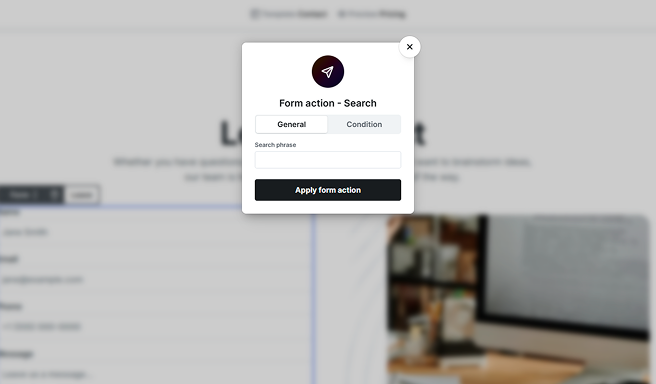
In practice you set the Search phrase to the value of a search input on your form, using a dynamic variable, so it searches for whatever the visitor typed. Like a redirect, a search takes the visitor to the results page instead of showing the success screen.
The results page is displayed by your Search result template, where a Loop element lists the matching content. The next section walks you through the whole setup.
Building a search bar
In this example, we’ll add a search bar to your site’s header that lets visitors search your content, for example your blog posts, and build the page that lists the results. It’s built entirely with Mosaic elements, a Form and a Loop, so no custom code or extra plugin is needed.
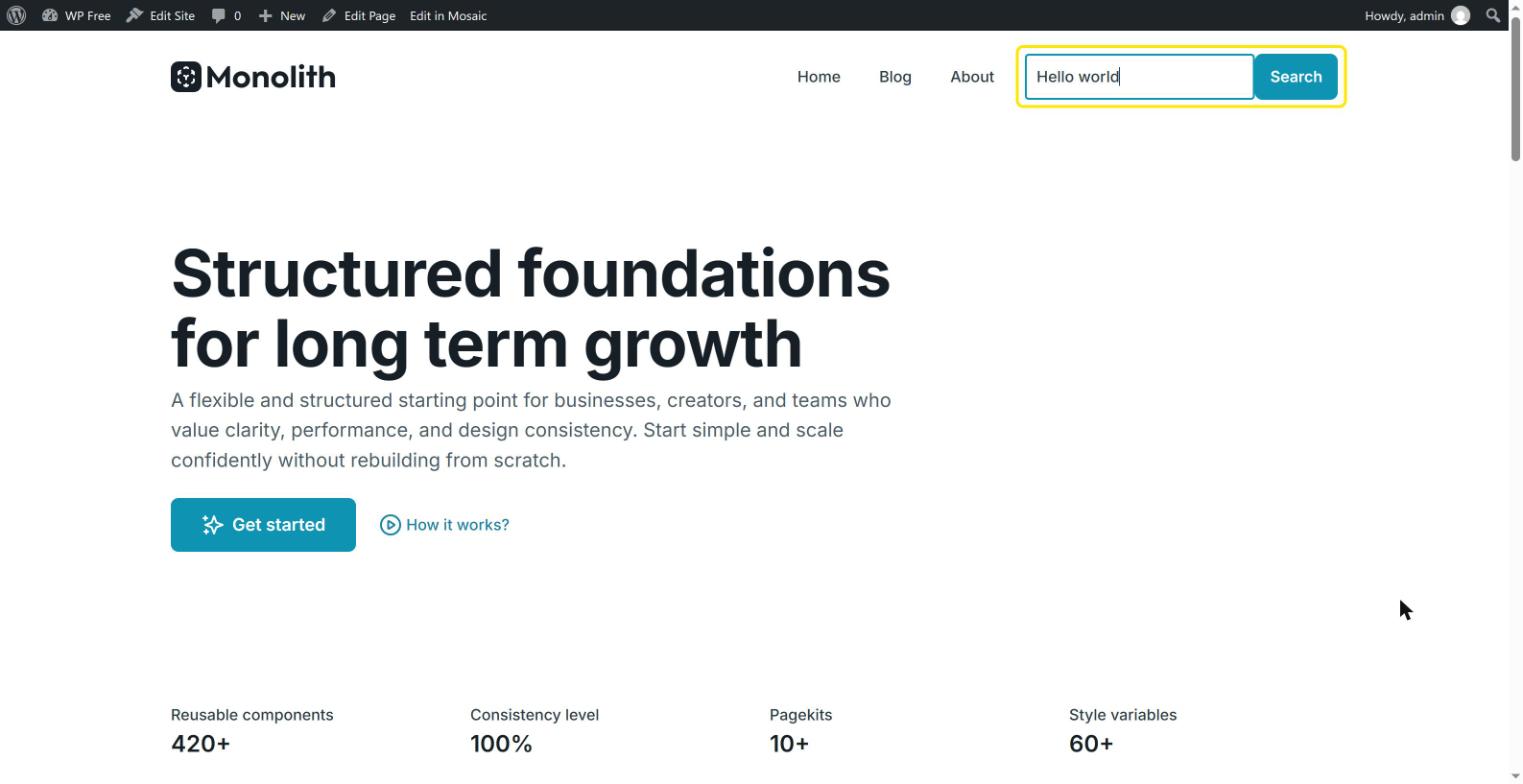
Here’s how the setup works:
- A search form in the Master collects what the visitor types. Because it lives in the Master, it appears in the header of every page that uses it.
- The Search action sends the visitor to your site’s search results page, using WordPress’s built-in search.
- A Search result template with a Loop element displays the matching posts on that page.
Step 1 – Add a search form to the header
Open your theme’s Master and add a Form element to your header, where you’d like the search bar to appear. Because the header lives in the Master, you only need to build the search bar once, and every template that uses this Master shows it automatically.
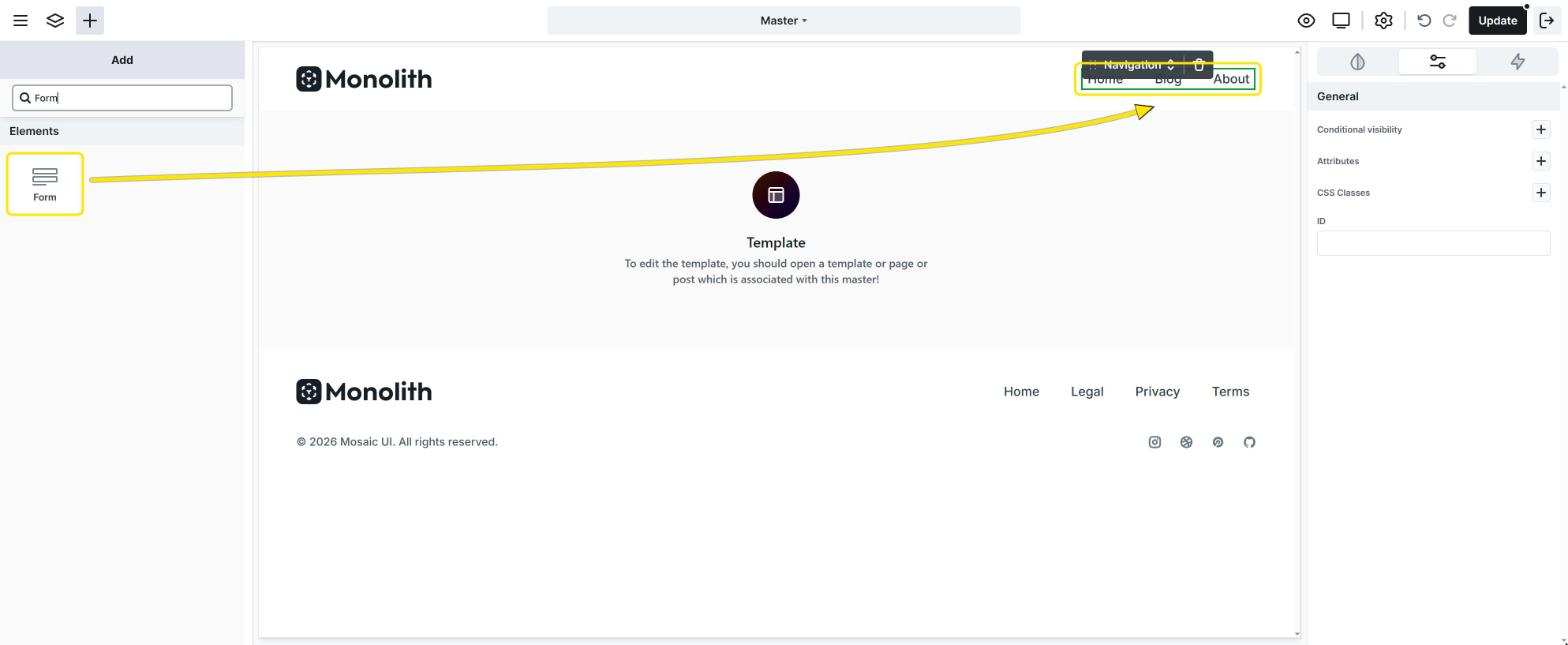
Mosaic inserts a ready-to-use contact form with an Email and a Message field. A search bar only needs one field, so:
- Delete the Email and Message fields in the Navigator.
- Add an Input to the form. In the popover that opens, enter
Searchas the Label, set the Type to Search, add a Placeholder like “Search the blog…”, and select Insert. Mosaic generates the field’s Name attribute from the label, and you’ll pick this field by its name in the next step. - Change the text of the Submit button to something like “Search”.
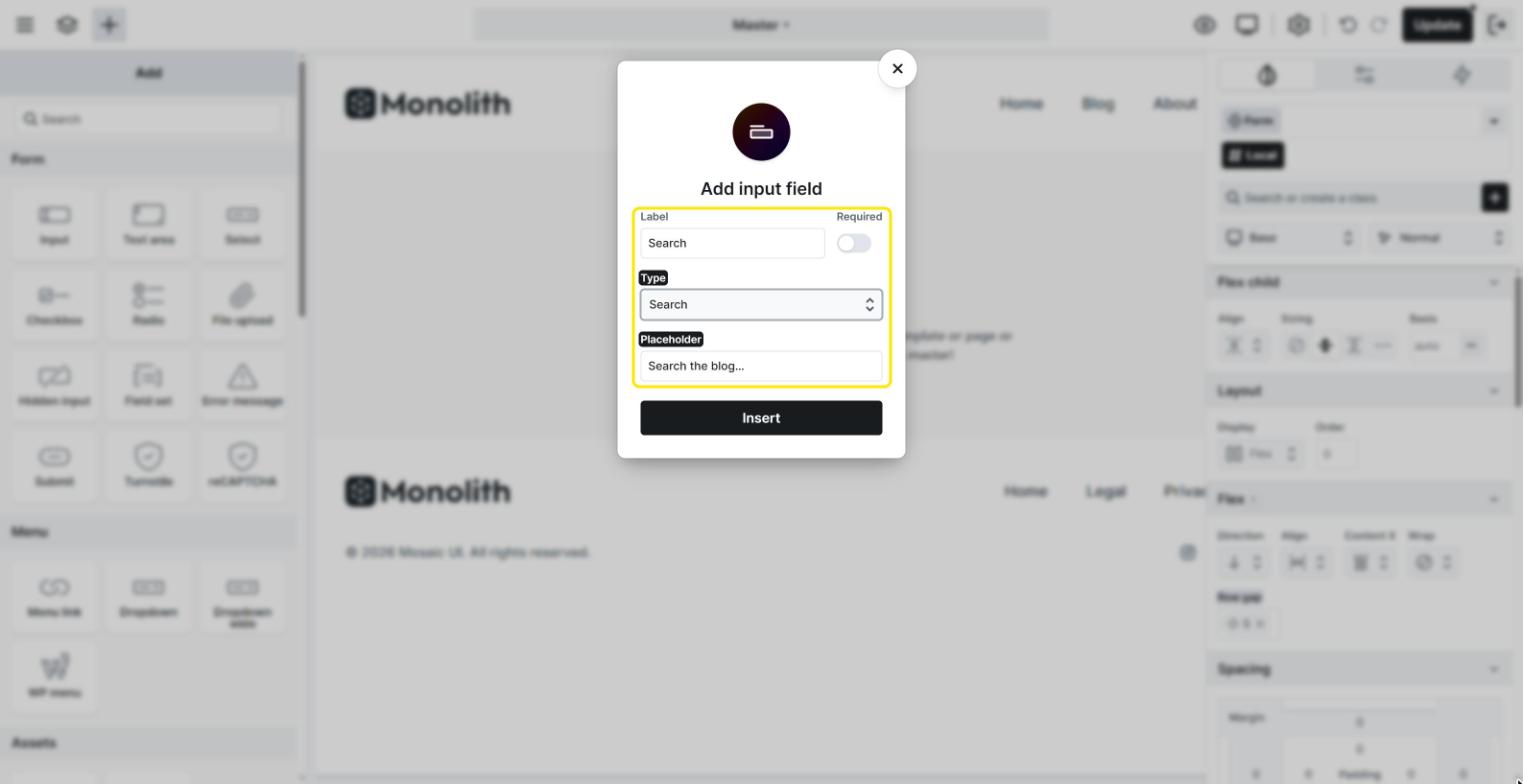
Then style the form, the input, and the button in the Style tab so they fit your header, for example by placing the input and the button side by side.
Step 2 – Add the Search action
Now tell the form what to do when the visitor submits it. Select the Form element in the Navigator, and under On submit, make sure Actions is selected (this is the default). Then add an action and choose Search.
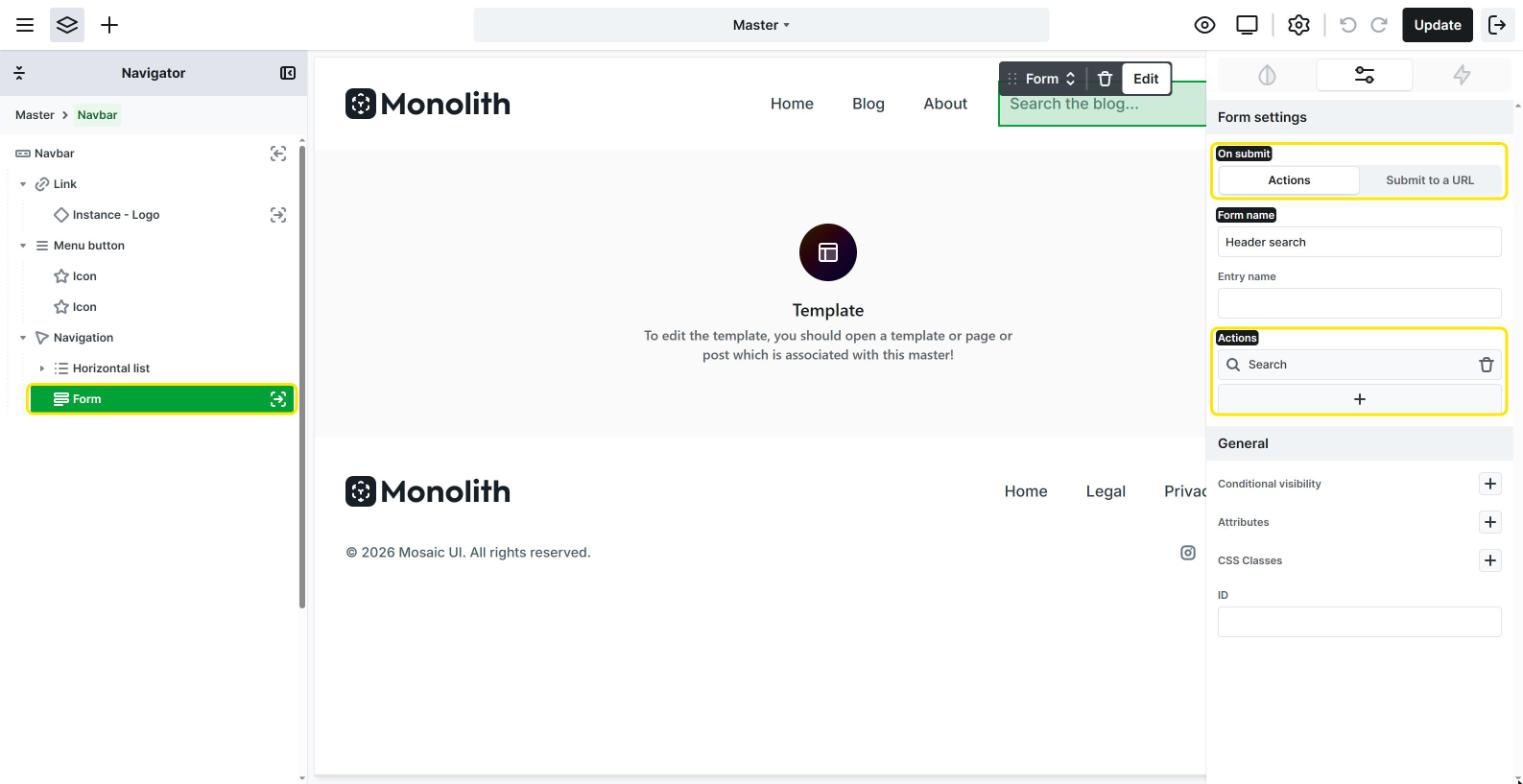
On the General tab, fill in the action’s two settings:
- Search phrase: open the variable picker on this setting and insert the value of your search field, so the form searches for whatever the visitor typed. See Using variables.
- Post types: to search only your blog posts, select Post. You can select several post types, or leave the setting empty to search all the content that WordPress includes in its search, such as posts and pages.
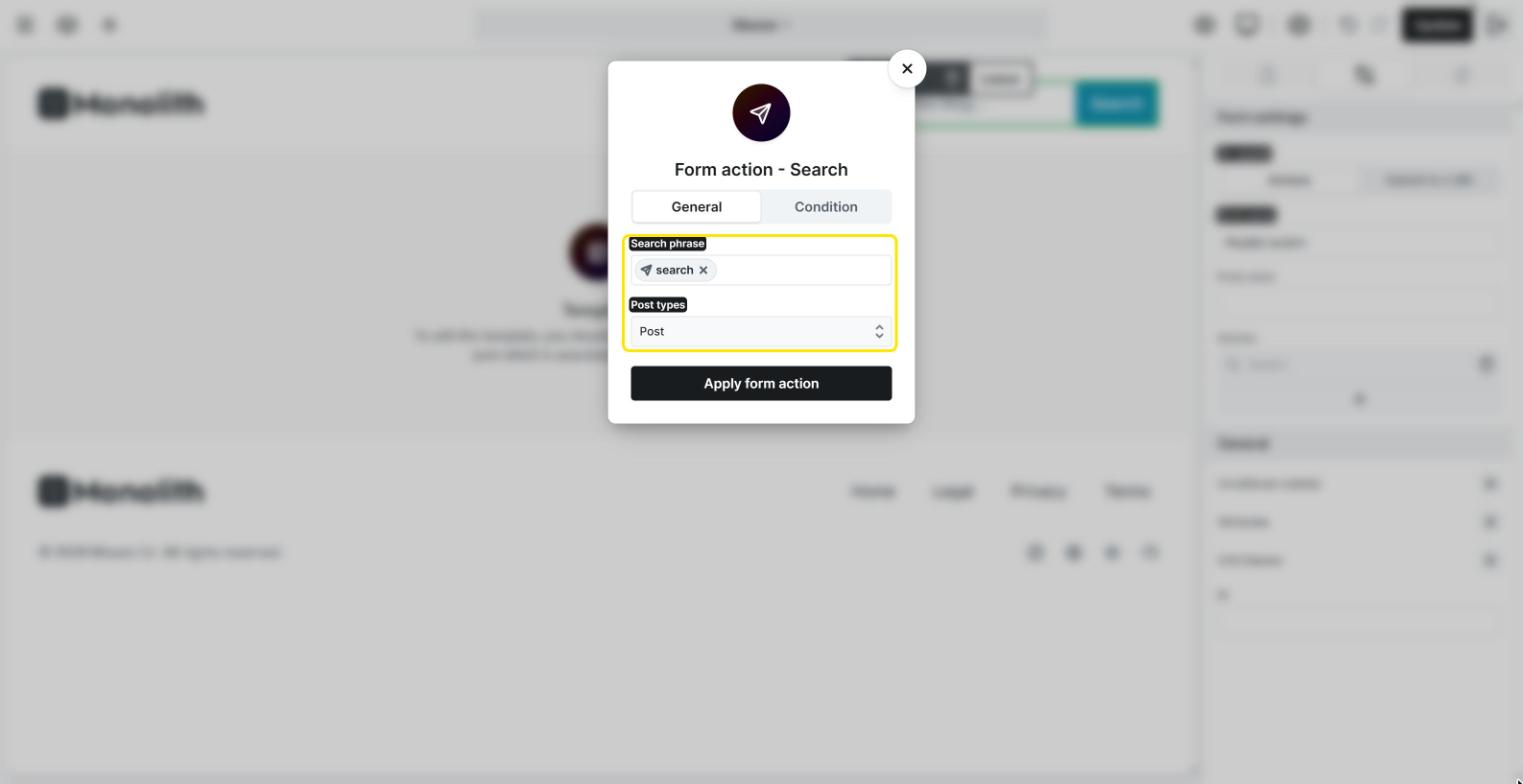
Select Apply form action to save the action. When a visitor submits the form, they’re taken to your site’s search results page for the phrase they entered.
Form actions don’t run in the editor’s Preview, so the search won’t take you anywhere while you’re editing. Test your search bar on the frontend of your website once you’ve finished all the steps.
Step 3 – Create the Search result template
The search results page is displayed by a template with the Search result type. If your theme doesn’t have one yet, create it:
- Open Templates in the Left menu and create a new template. See Managing templates.
- Set its Template type to Search result, which you’ll find in the Other group.
- Choose the Master that holds your header, so the search bar also appears on the results page and visitors can search again right away.
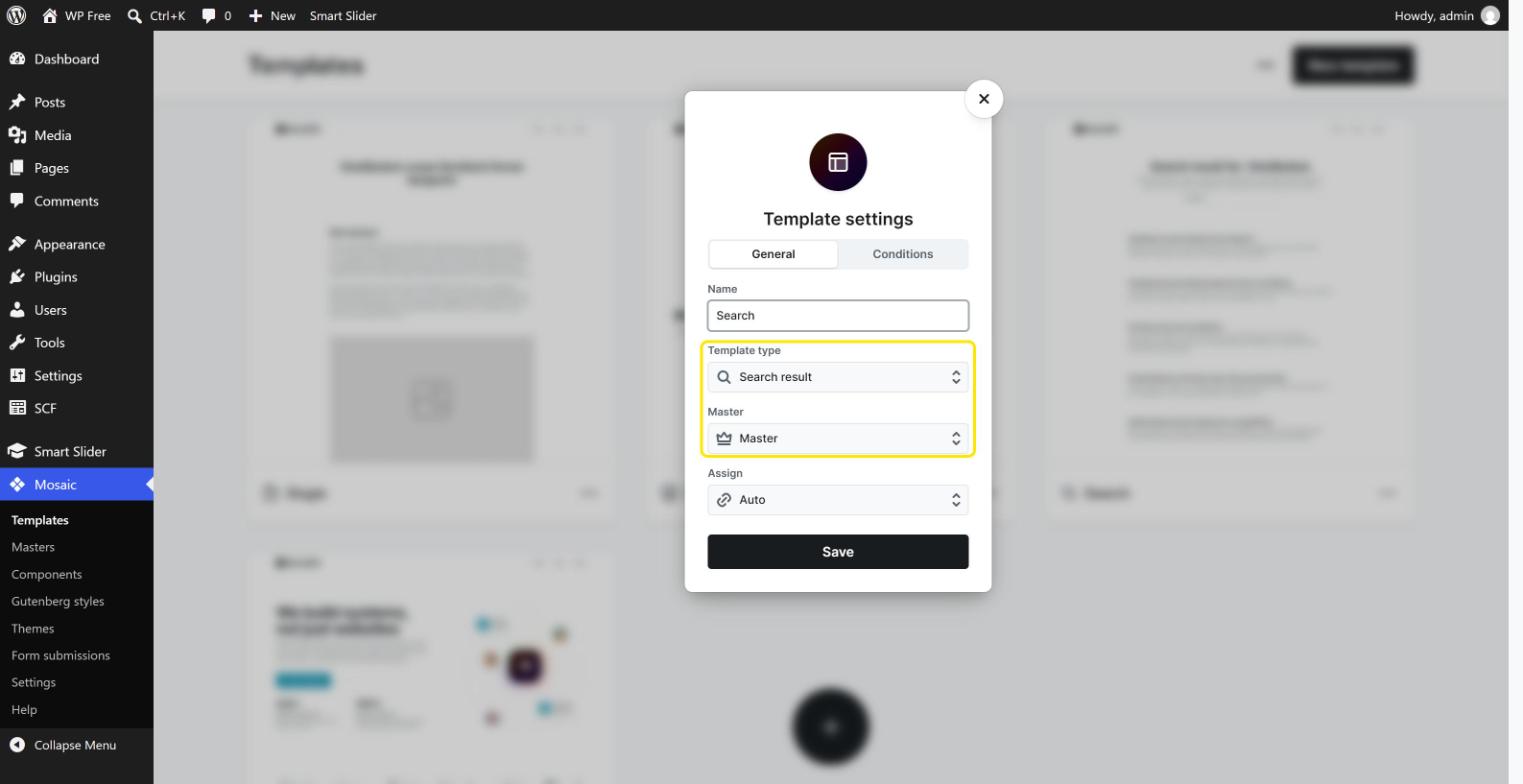
When you open the template in the editor, Mosaic previews it with a sample search term taken from one of your recent posts, so you see real results while you design the page.
Step 4 – List the results with a Loop
In the Search result template, add a Loop element where the results should appear. In the Loop type popup, select Search results. This loop type is only offered in a Search result template, and it lists exactly the posts that match the visitor’s search.
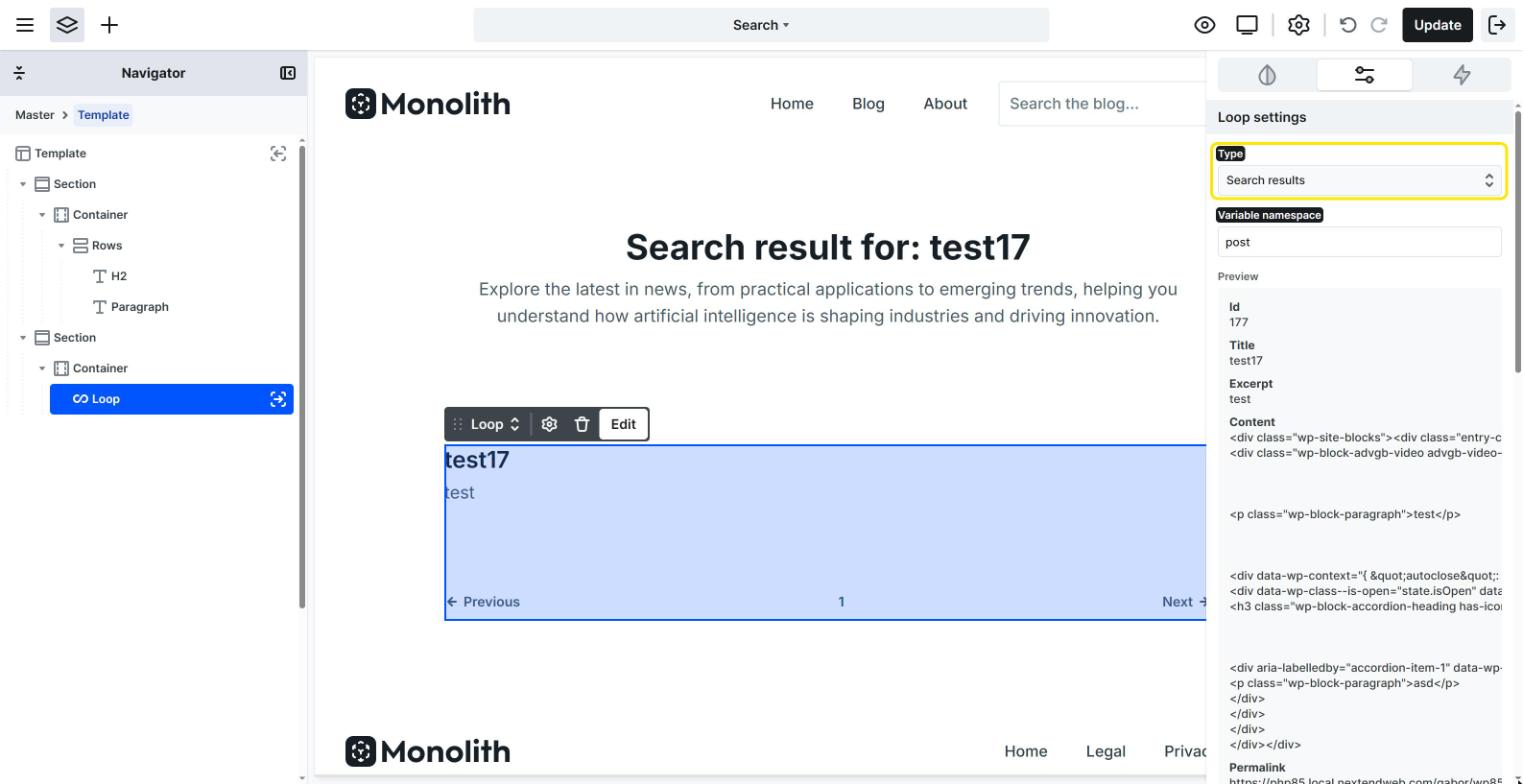
Then design how each result looks:
- Result items: build the loop’s Item once, for example with a Text element for the title and another for the excerpt. Fill these elements with the loop’s data variables, such as the post’s Title and Excerpt, so every result shows its own content with the same design.
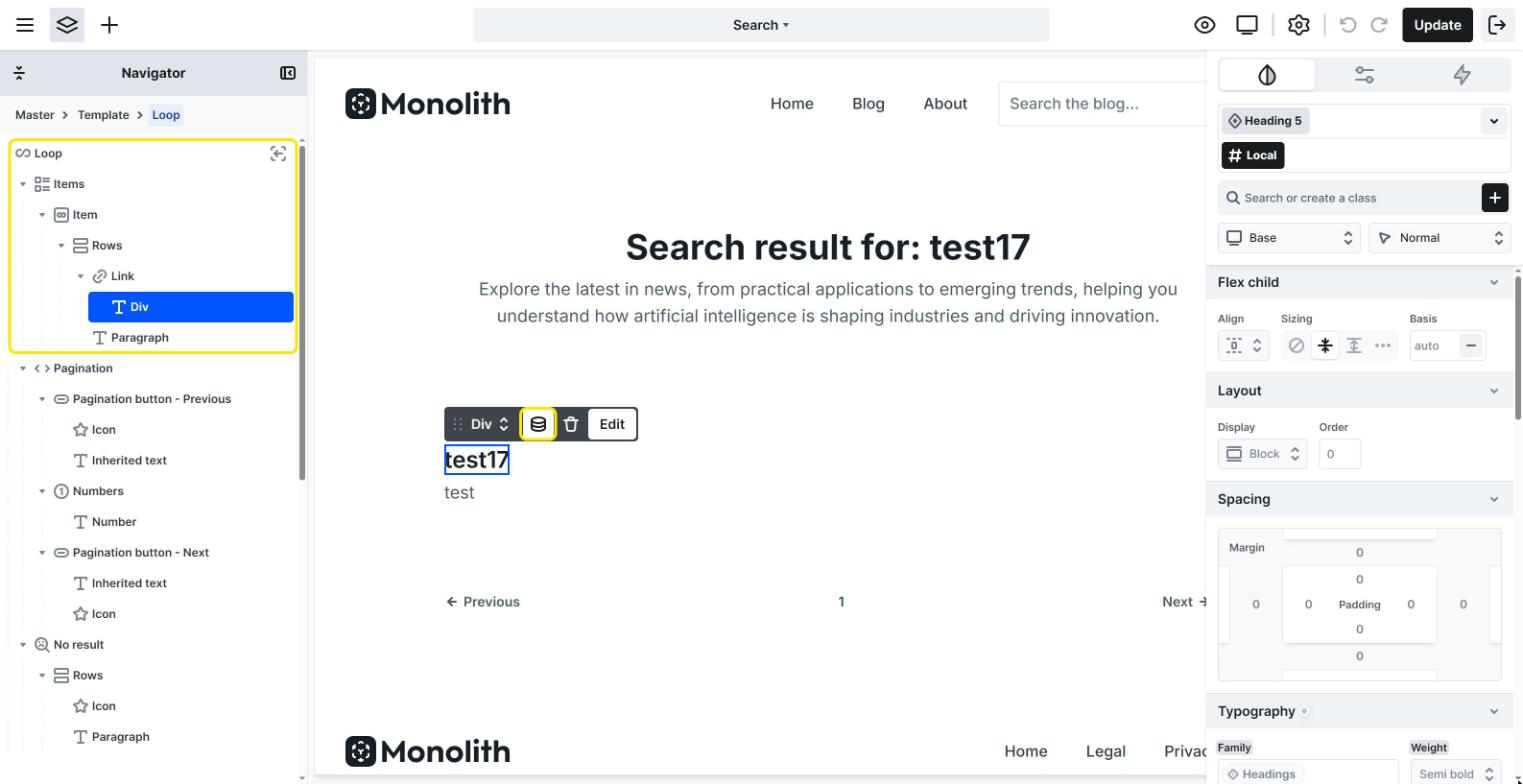
- No matches: add a short message to the No result element, like “Sorry, nothing matched your search. Try different keywords.” It’s shown when the search finds nothing.
- More results: add Pagination so visitors can browse through longer result lists. The number of results per page follows your WordPress setting at Settings → Reading → Blog pages show at most.
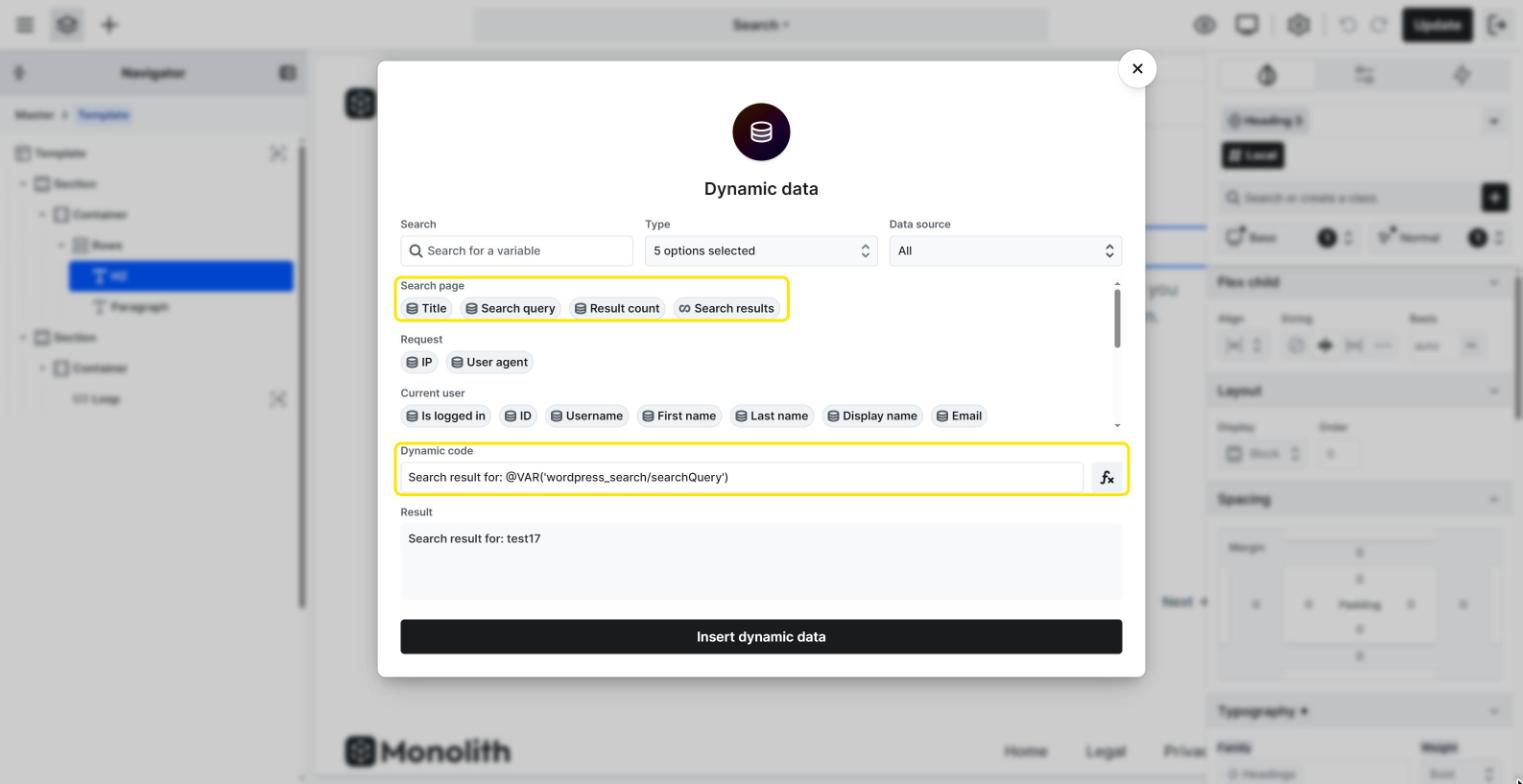
Above the loop, you can also show what the visitor searched for. The Search result template has its own data variables, which you can insert into a Text element:
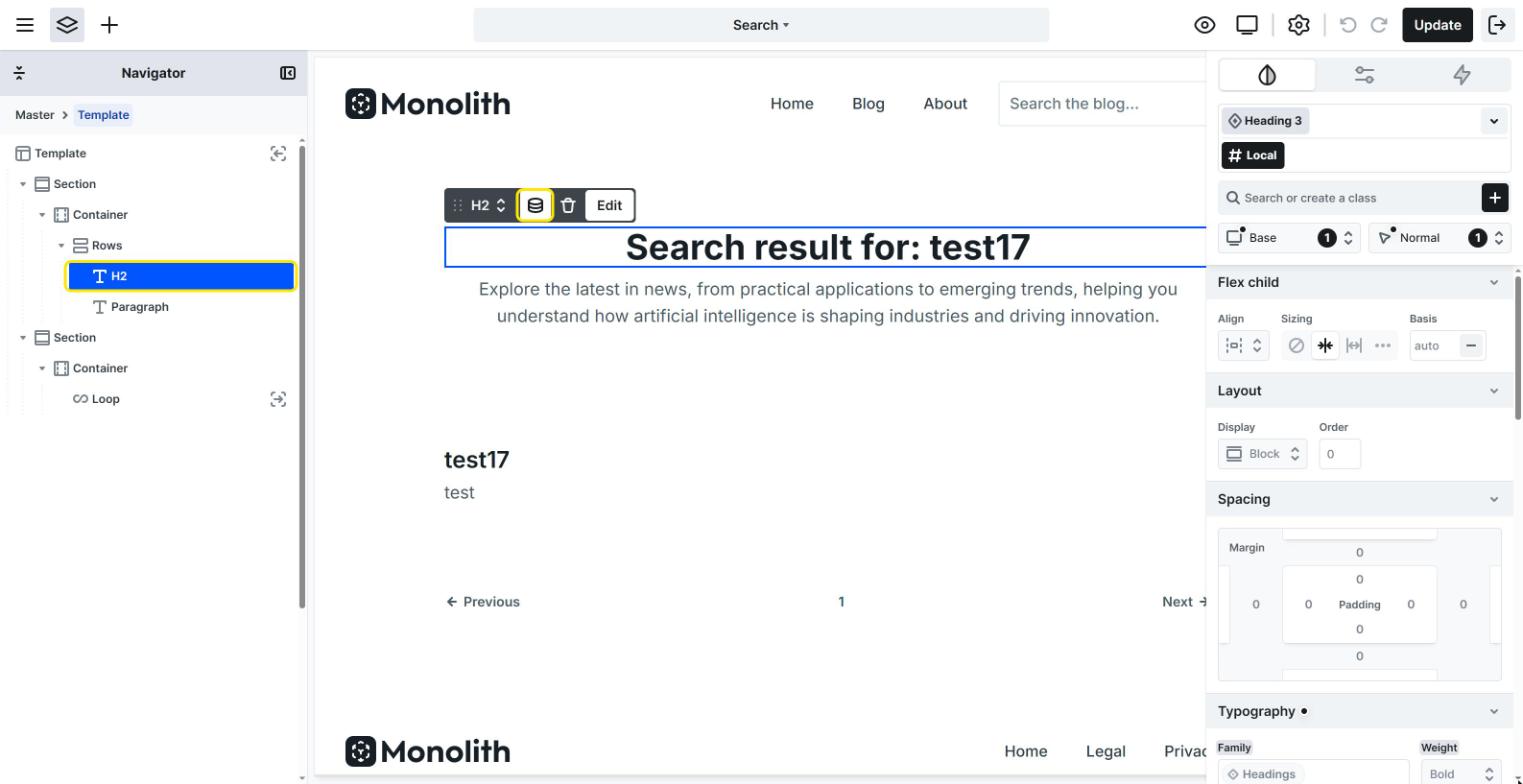
- Search query: the phrase the visitor searched for, for example in a heading like “Results for: summer recipes“.
- Result count: the number of matching posts, for example “12 results found”.
Step 5 – Test your search bar
That’s it! Save the Master and the Search result template, open your website, and search for a word from one of your posts. You’re taken to the results page, which lists the matching posts, with the search bar still in the header.
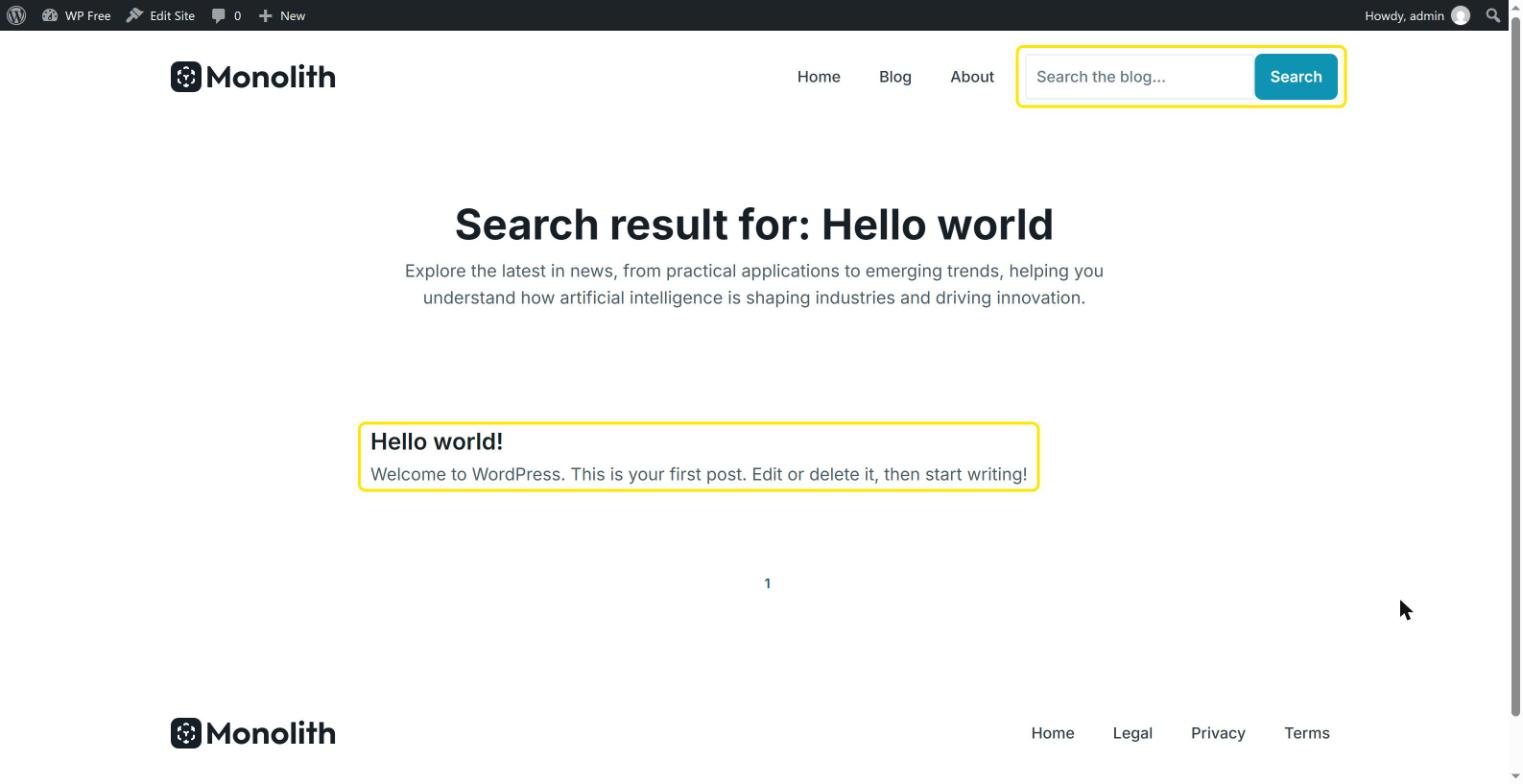
The search uses WordPress’s built-in search, which looks for the phrase in the title, content, and excerpt of your posts. Custom fields aren’t included in the default WordPress search.
FAQ
No. Archive templates, like the Categories or Tags archive, list posts by category, tag, or author. Search results are always shown by the Search result template, which is built for this: it gives you the Search results loop type and the Search query and Result count variables.
Yes. In the Search action’s Post types setting, select the content types you’d like to search. A custom post type shows up in the list if it’s included in the WordPress search.
Yes. Build the same form in that page’s template instead of the Master, for example on your blog’s main page. The results still appear in your Search result template.